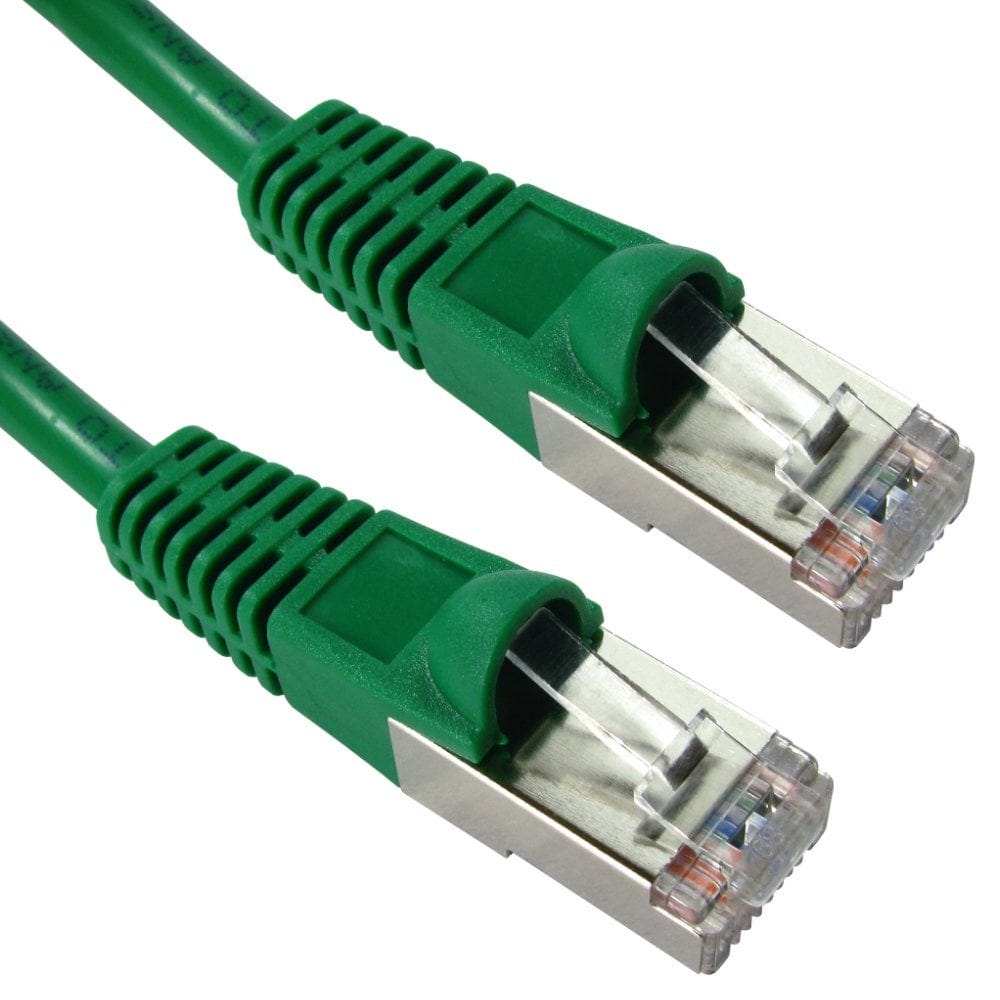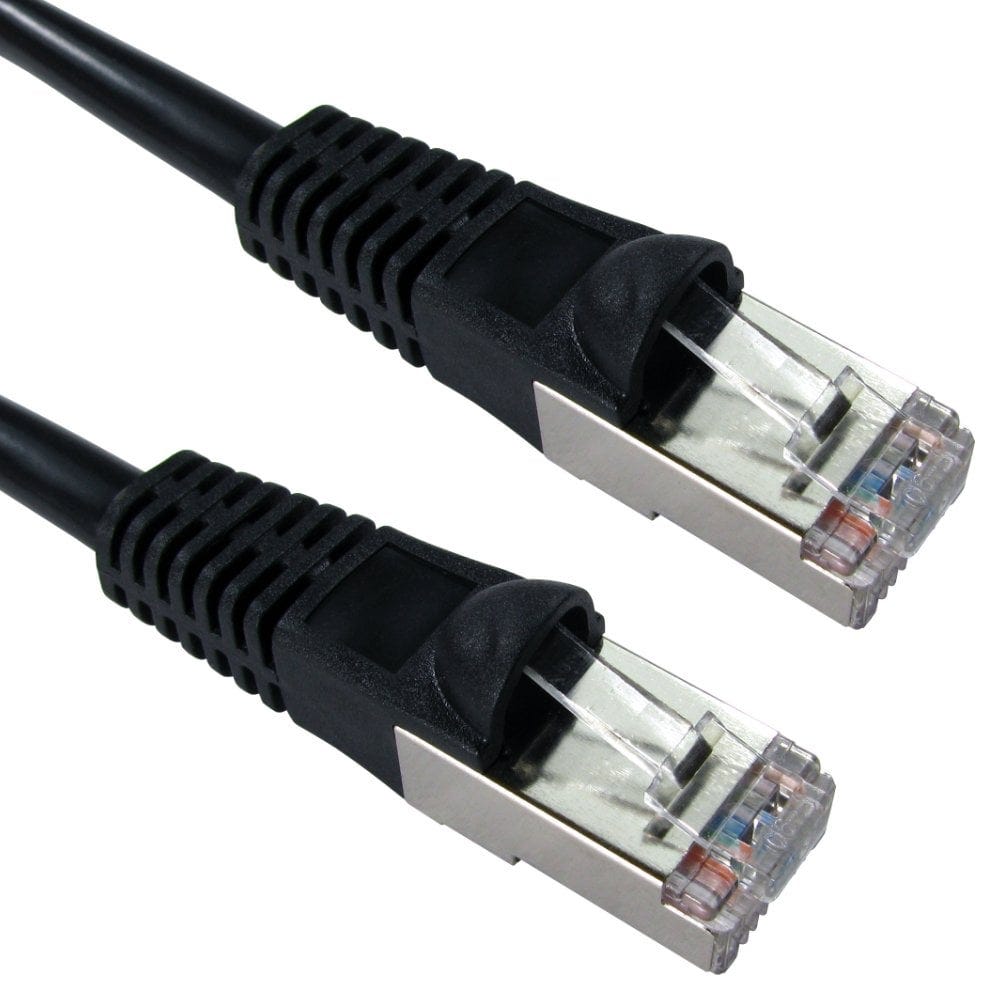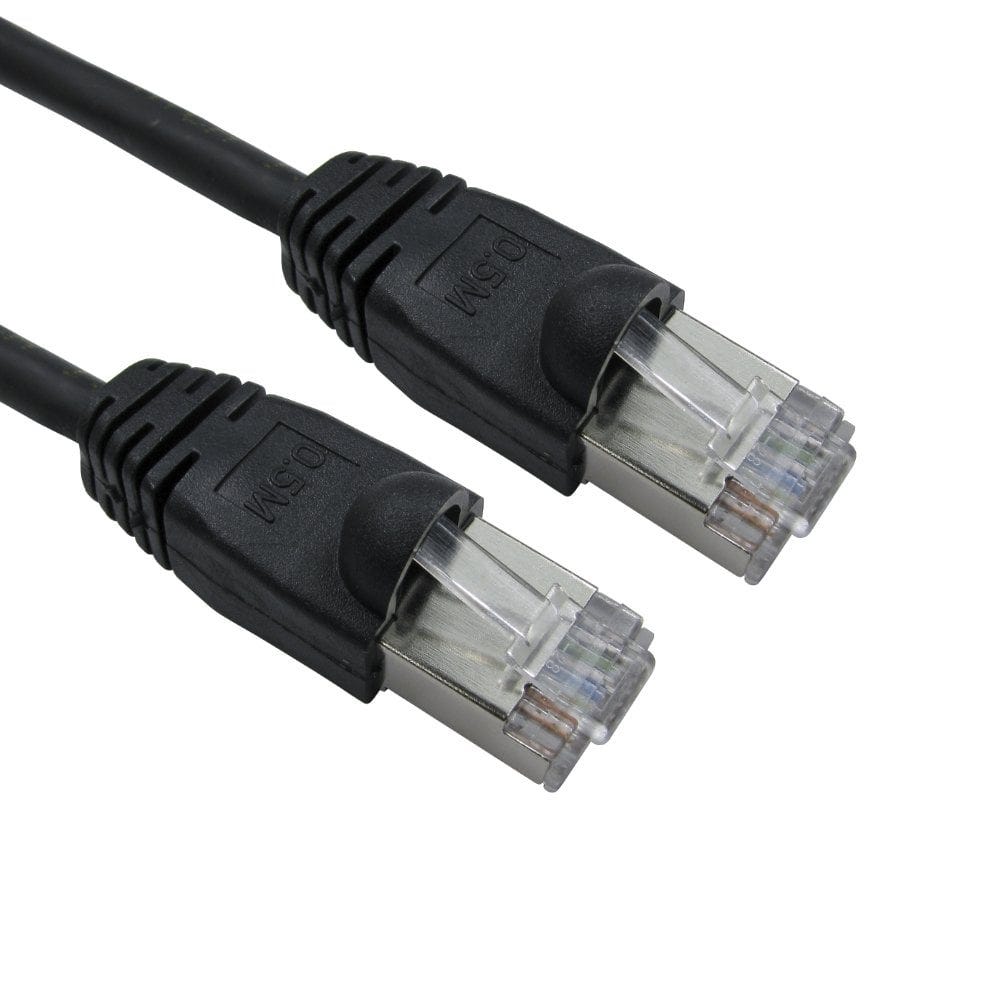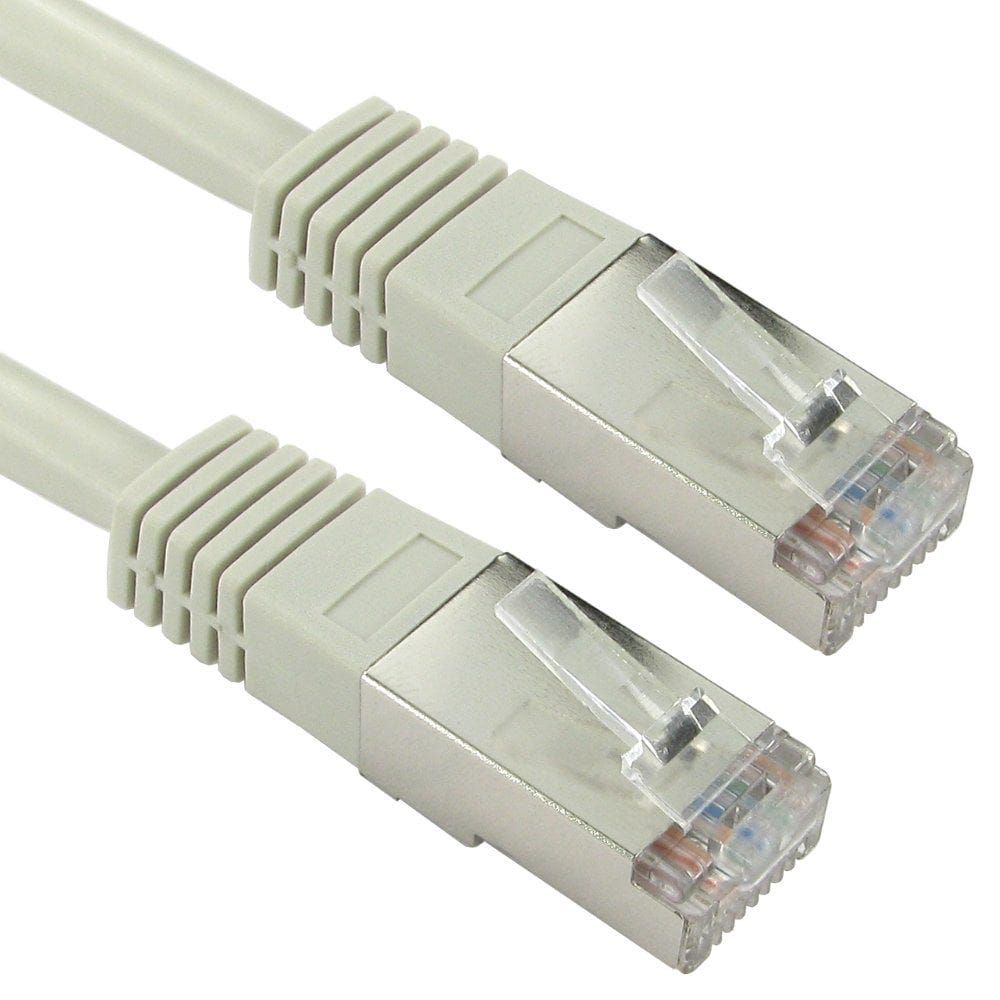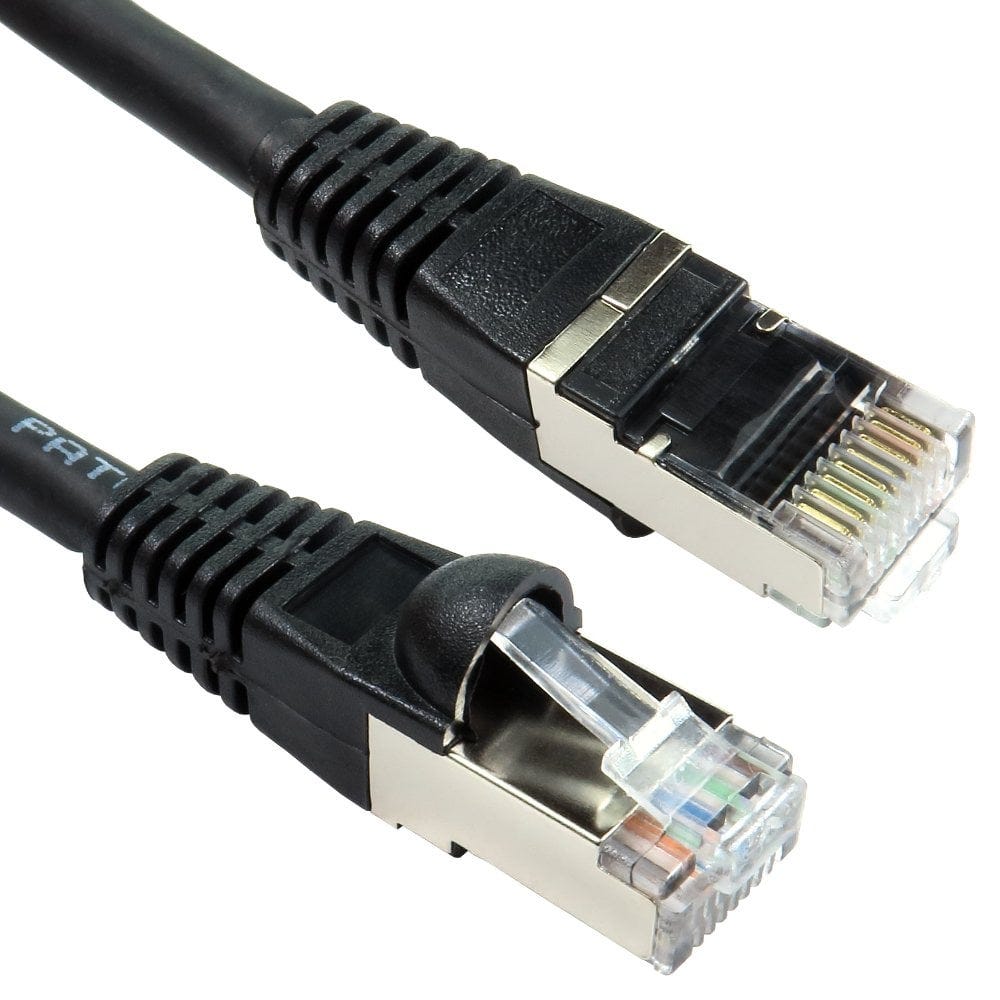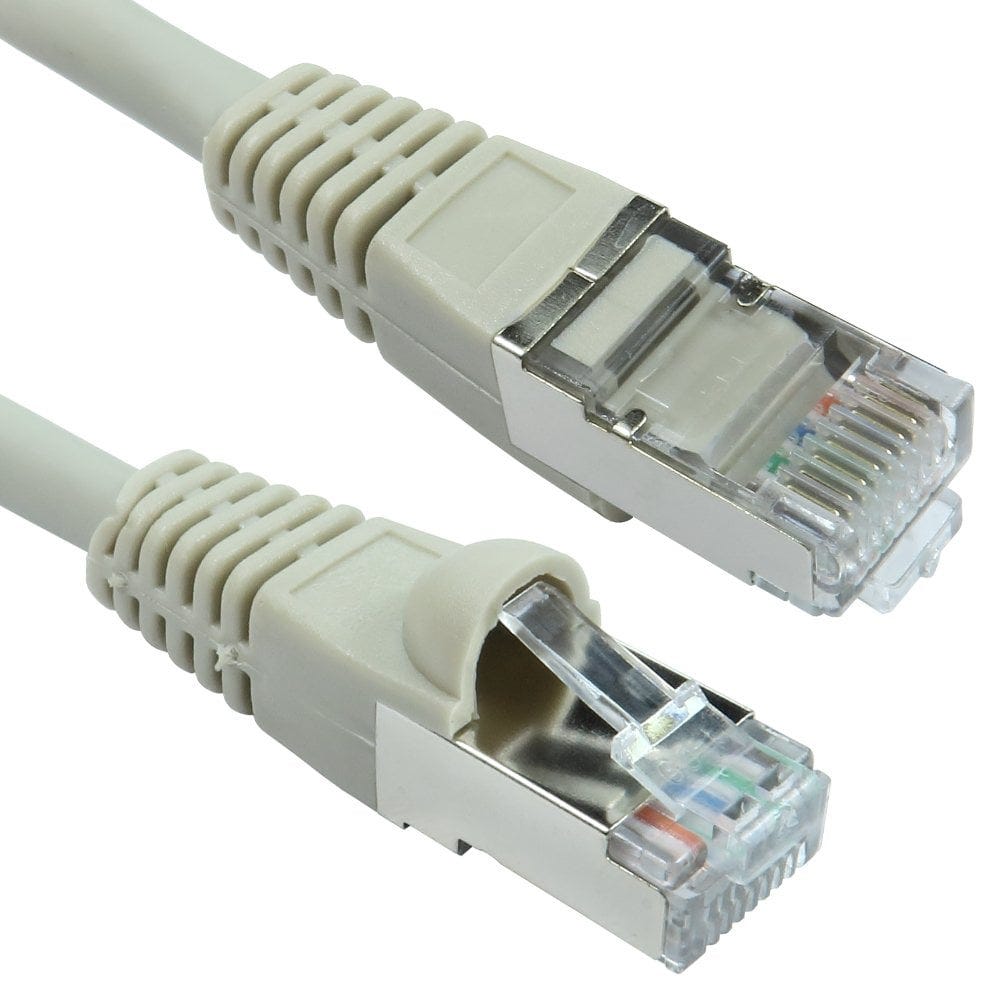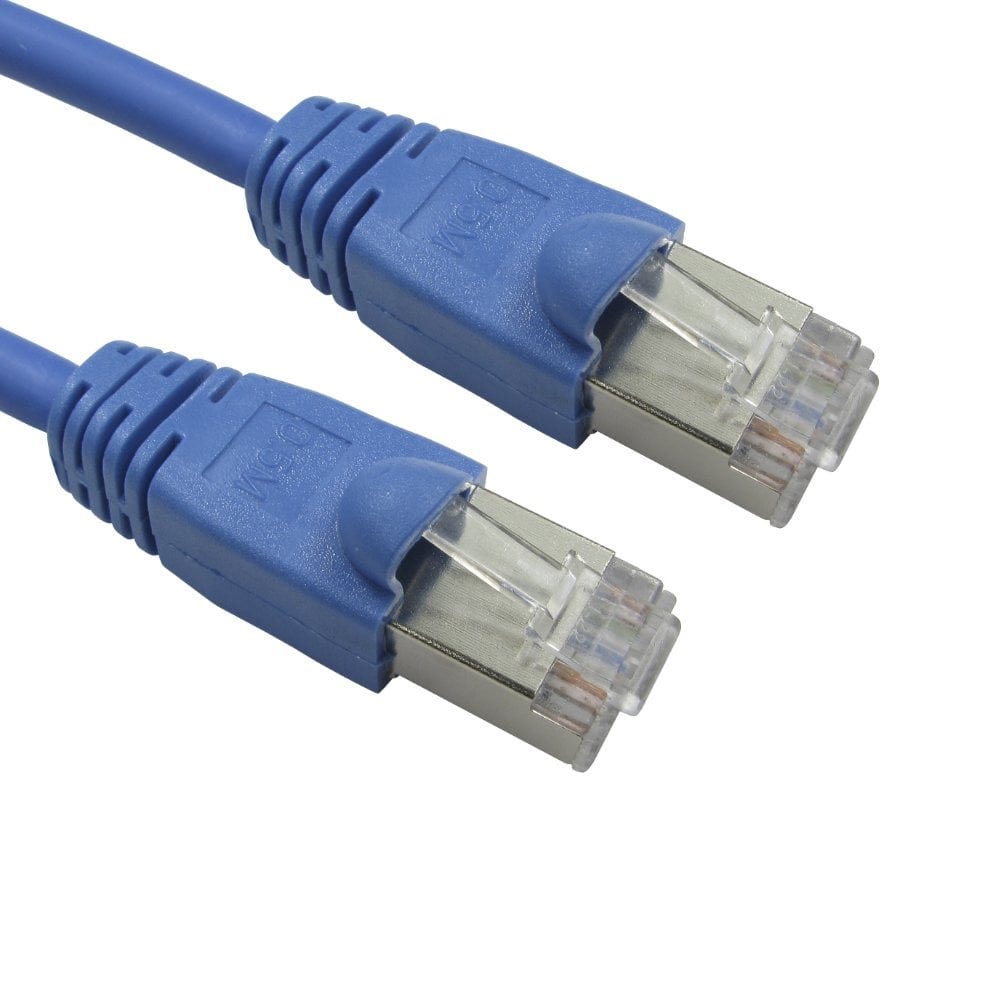
Shielded vs Unshielded Ethernet Cable
Ethernet cable descriptions are full of letters: UTP, FTP, STP, U/FTP, S/FTP. They describe the shielding, the metal foil or braid wrapped around the wires to keep electrical interference out. Shielded cable is not automatically better: it costs more, is stiffer and only works if the whole link is shielded and earthed. This guide explains what the letters mean and when shielding is worth it.
What U/UTP, F/UTP, U/FTP and S/FTP mean
Network cable has four twisted pairs of wires. The current naming has two parts either side of a slash: the first letter is the overall shield around all four pairs, and the letters after the slash say whether each pair has its own shield. U means unshielded, F means foil and S means braid.
| Name | Overall shield | Shield on each pair | Older names | Typical use |
|---|---|---|---|---|
| U/UTP | None | None | UTP | Homes and most offices |
| F/UTP | Foil | None | FTP, ScTP | Cat5e and Cat6 where some extra protection is wanted |
| U/FTP | None | Foil | STP (sometimes) | Cat6A, especially slim and data centre leads |
| F/FTP | Foil | Foil | FFTP | Cat6A installation and outdoor cable |
| S/FTP | Braid | Foil | SSTP, SFTP, PiMF | Cat6A, Cat8, noisy industrial sites |
The older names were never used consistently, so a cable sold as "STP" or "FTP" could be any of the shielded types. Look for the full two part name to know exactly what you are buying. Foil shields usually have a bare drain wire running alongside the foil, which connects the shield to the metal shell of the plug.
Do I need shielded cable?
In most homes and offices, no. The twist in each pair already cancels out most interference, and unshielded (U/UTP) cable is cheaper, thinner, more flexible and easier to terminate. Shielding is worth it when:
- the cable runs alongside mains cables, motors, lift equipment, welders or other heavy electrical equipment for long distances;
- it is in a factory, workshop, plant room or broadcast studio with a lot of electrical noise;
- you are running 10 Gigabit over Cat6A in large bundles, where shielding stops neighbouring cables interfering with each other (called alien crosstalk);
- you are using Cat8, which is always shielded;
- a specification or the equipment maker asks for it.
Keeping network cable away from mains cable, and crossing it at right angles where the two have to meet, avoids most interference problems with or without shielding.
- CAT5e shielded 26 AWG15 products, from £1.54
- CAT5e snagless shielded42 products, from £1.51
- CAT6 snagless shielded82 products, from £1.30
- CAT6A (nearly all shielded)395 products, from £1.61
- CAT8 (shielded)31 products, from £3.43
- Outdoor Cat6A F/FTP16 products, from £5.83
For everyday use, unshielded leads do the job:
Shielding only works end to end
A shield does its job by carrying interference away to earth, so it has to be connected all the way along the link:
- shielded cable;
- shielded RJ45 plugs, keystone jacks, faceplates and patch panels, which have a metal shell that clamps onto the shield;
- an earth connection, normally through a shielded patch panel bonded to an earthed cabinet or rack.
If any part is unshielded, the shield stops at that point and gives little benefit. An unearthed shield can even pick up interference rather than block it. In a fixed installation, follow the installer's earthing and bonding practice for the building.
Plugging a shielded patch lead into equipment with plastic, unshielded sockets does no harm: it simply works like an unshielded lead. That is why shielded leads are safe to use anywhere, even if the benefit only comes in a fully shielded system.
Shielded plugs, jacks and panels
Use shielded parts to match shielded cable, and check the plug suits the cable's thickness and whether it is solid or stranded:
- RJ45 plugs: Cat5e shielded crimp plugs, Cat6 shielded pass-through plugs, Cat6 and Cat6A shielded 7mm plugs and Cat6A shielded plugs for 8mm cable, which need the matching crimp tool. Tool-less shielded Cat6A field plugs need no crimper.
- Keystones and faceplates: Cat5e, Cat6 and Cat6A shielded keystone jacks, and Cat6A shielded faceplates.
- Patch panels: the 24 port Cat6A shielded patch panel, or a shielded unloaded keystone panel to fill with shielded jacks.
Quick picks
| Where | Our suggestion |
|---|---|
| Home, router to TV, console or PC | Unshielded (U/UTP) Cat5e or Cat6 |
| Office desks and new installations | Unshielded Cat6, or shielded Cat6A if the whole system is shielded |
| 10 Gigabit in cabinets and bundles | Cat6A U/FTP or S/FTP |
| Factories, workshops, plant rooms | F/UTP, F/FTP or S/FTP with shielded plugs, jacks and an earthed panel |
| Outdoors | Outdoor PE cable; ours includes shielded Cat6A F/FTP (see our CCTV cable guide) |
| Switch to server, 25 or 40 Gigabit | Cat8 S/FTP, up to 30m |
Not sure which category you need? See Which Ethernet cable do I need?, or call us on 0207 100 6326.
Popular shielded cables