Which Ethernet Cable Do I Need?
Ethernet cables come in categories: Cat5e, Cat6, Cat6A and Cat8. They all have the same RJ45 plug and all work together, but they are made for different speeds and distances. For most homes and offices the answer is simpler than it looks, and the most expensive cable is rarely the one you need. This guide compares the categories, explains what the rest of the description means, and helps you choose.
Cat5e, Cat6, Cat6A and Cat8 compared
| Category | Top speed | Distance | Rated to | Best for | Shop |
|---|---|---|---|---|---|
| Cat5e | 1 Gbps (2.5 Gbps on most runs) | 100m | 100 MHz | Broadband, TVs, consoles, PCs, printers | CAT5e cables 782 leads, from £0.55 |
| Cat6 | 1 Gbps to 100m, 10 Gbps on shorter runs | 100m (10 Gbps up to about 55m) | 250 MHz | New installs, PoE cameras and access points, home and office networks | CAT6 cables 909 leads, from £0.89 |
| Cat6A | 10 Gbps | 100m | 500 MHz | 10 Gigabit networks, NAS and servers, long or high power PoE runs | CAT6A cables 395 leads, from £1.61 |
| Cat8 | 25 or 40 Gbps | 30m | 2000 MHz | Short switch to server links in comms rooms and data centres | CAT8 cables 31 leads, from £3.43 |
Every category is backwards compatible: a Cat6A cable works perfectly well with Gigabit equipment, and a Cat5e cable plugged into a 10 Gigabit port simply links at a lower speed. A connection runs at the speed of its slowest part, so the cable, the sockets and both devices all count.
Which cable for which job?
- Router to TV, games console or PC: Cat5e or Cat6. Most UK home broadband is well below 1 Gbps, and even a 1 Gbps fibre package fits within Cat5e. For multi-gig packages above 1 Gbps you also need a router and device with 2.5G or faster ports; Cat5e handles 2.5 Gbps, and Cat6 is the safer choice above that. A faster cable will not make your internet faster on its own.
- Online gaming: any category. A wired connection beats Wi-Fi for steady ping, but Cat8 is no quicker than Cat5e for gaming.
- NAS drives, 2.5G and 5G ports: Cat5e or Cat6 for 2.5 Gbps; Cat6 or Cat6A for 5 Gbps and above.
- 10 Gigabit network cards and switches: Cat6A for runs over about 55m; Cat6 is fine for short links.
- IP cameras, access points and other PoE devices: Cat6 or Cat6A full copper. See our guide to Ethernet cable for CCTV and PoE cameras.
- New office or home installation: Cat6 as a minimum, or Cat6A if you want it to last for 10 Gigabit equipment in the future.
- Comms room and data centre: Cat6A, or Cat8 for very short, very fast switch to server links.
What about Cat7?
Cat7 is a European and international cable class that was designed for a different plug, not RJ45, and it is not recognised by the TIA standards that most network equipment is built to. Many "Cat7" cables sold online with RJ45 plugs perform no better than Cat6A. That is why we do not sell Cat7: Cat6A covers 10 Gigabit over 100m, and Cat8 covers the faster, shorter links.
Conductor thickness and slim cables
The AWG number in a cable's description is the thickness of each copper conductor; the smaller the number, the thicker the wire. 24 AWG and 23 AWG are standard for installation cable and longer leads. 26 AWG is common for patch leads and is a little thinner and more flexible.
Slim (30 AWG) and ultra slim (32 AWG) leads are much thinner, which keeps busy switches and patch panels tidy and improves airflow in a cabinet. They are made for short patching connections rather than long runs, so use standard thickness cable for anything more than a few metres, and check the product description if you need PoE.
Economy or full copper?
Our economy Cat5e and Cat6 leads are a low cost way to connect everyday home and office equipment such as broadband routers, PCs, printers, games consoles and smart TVs. For PoE devices, long runs and installations that have to meet a specification, choose a full copper cable. Pure copper conductors have low resistance, so they carry power further and run cooler.
PVC, LSZH and outdoor jackets
- PVC is the standard jacket for home use.
- LSZH (low smoke zero halogen, also written LSOH) gives off very little smoke and no halogen gases in a fire. It is often required in offices, schools, hospitals and other public buildings.
- Outdoor (PE) cable has a black polyethylene jacket that resists sunlight and water. Use it for any run outside, but not inside buildings.
You may also see U/UTP, F/UTP or S/FTP, which describe the shielding. Unshielded (U/UTP) cable is right for most homes and offices; shielded cable helps in electrically noisy places and is usual for Cat6A and Cat8.
Flat, angled, crossover and other leads
- Flat cables slip under carpets and doors and along skirting boards.
- Angled leads have a right angle plug for tight spaces behind TVs and wall mounted equipment.
- Crossover cables were once needed to link two computers directly. Modern network ports sort this out automatically, so you only need a crossover cable for some older equipment.
- Traceable leads carry light along the cable: shine a tracing light into one end and the other end glows, so you can find both ends of a lead in a busy cabinet without unplugging anything.
Choosing your cable in four steps
- Pick the category from the table above. If in doubt, Cat6 suits almost everything in a home or office.
- Measure the route and allow a little extra for corners and furniture. For 15m and over, see our long Ethernet cables; for desks and cabinets, our short Ethernet cables.
- Choose the jacket: PVC for home, LSZH for offices and public buildings, outdoor PE for outside.
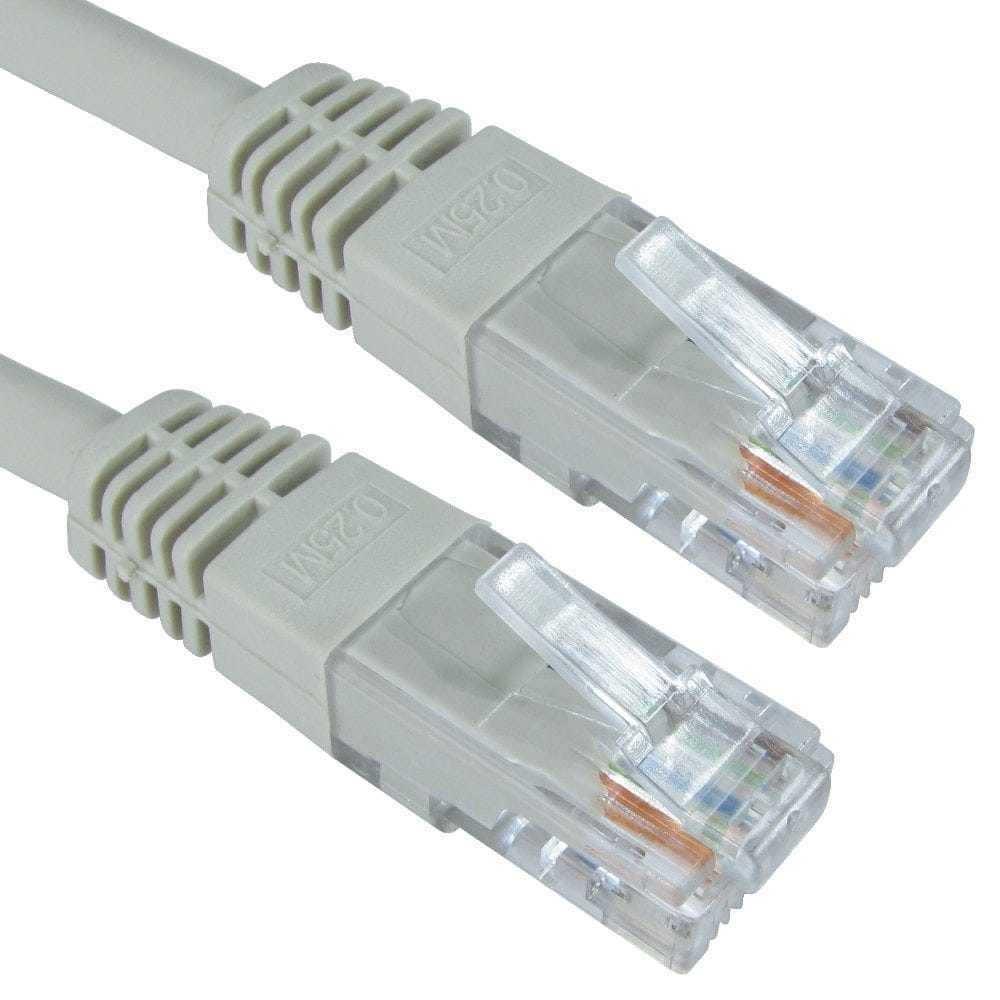
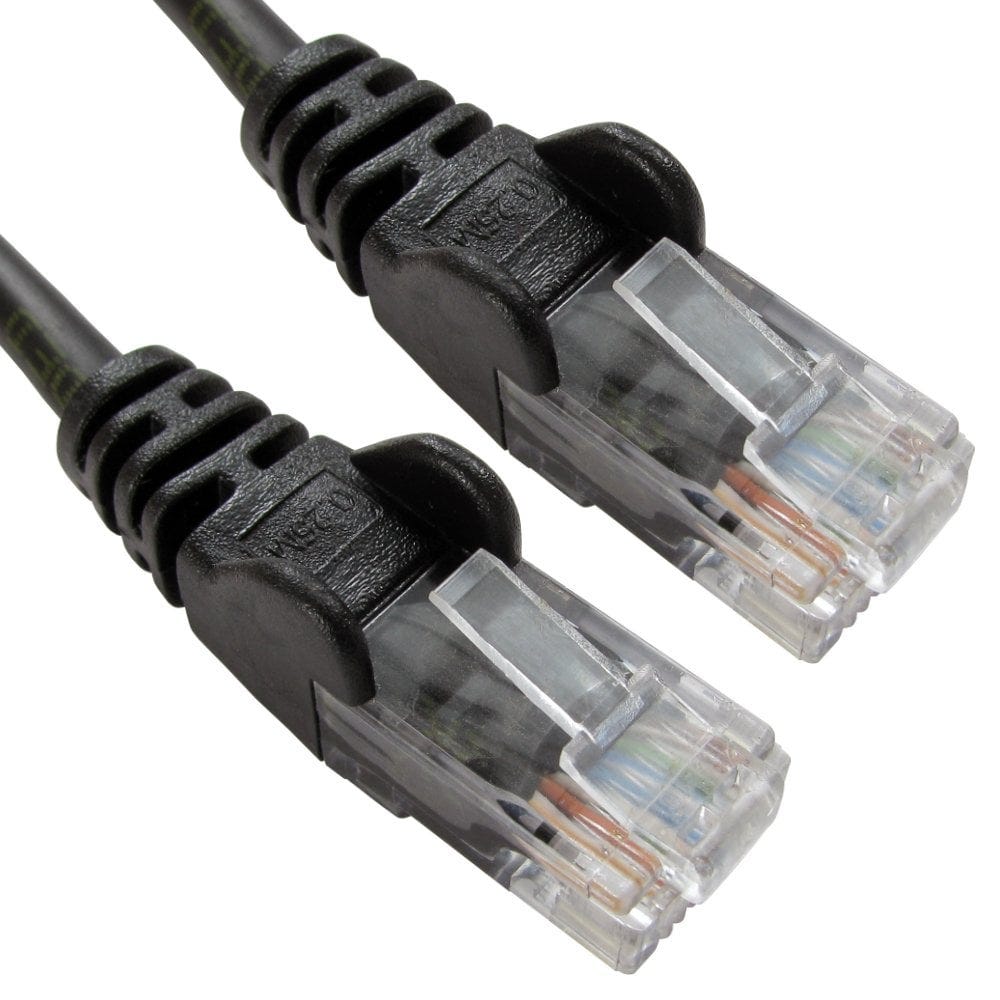
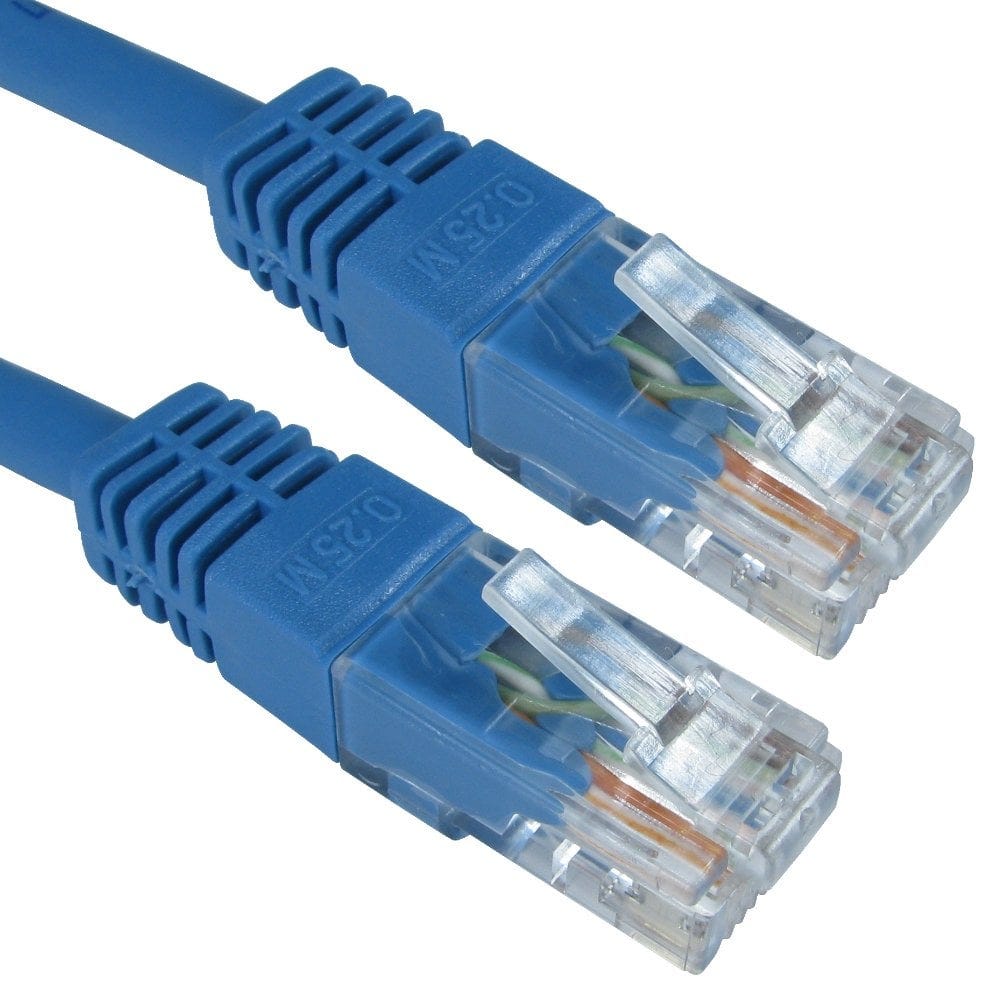
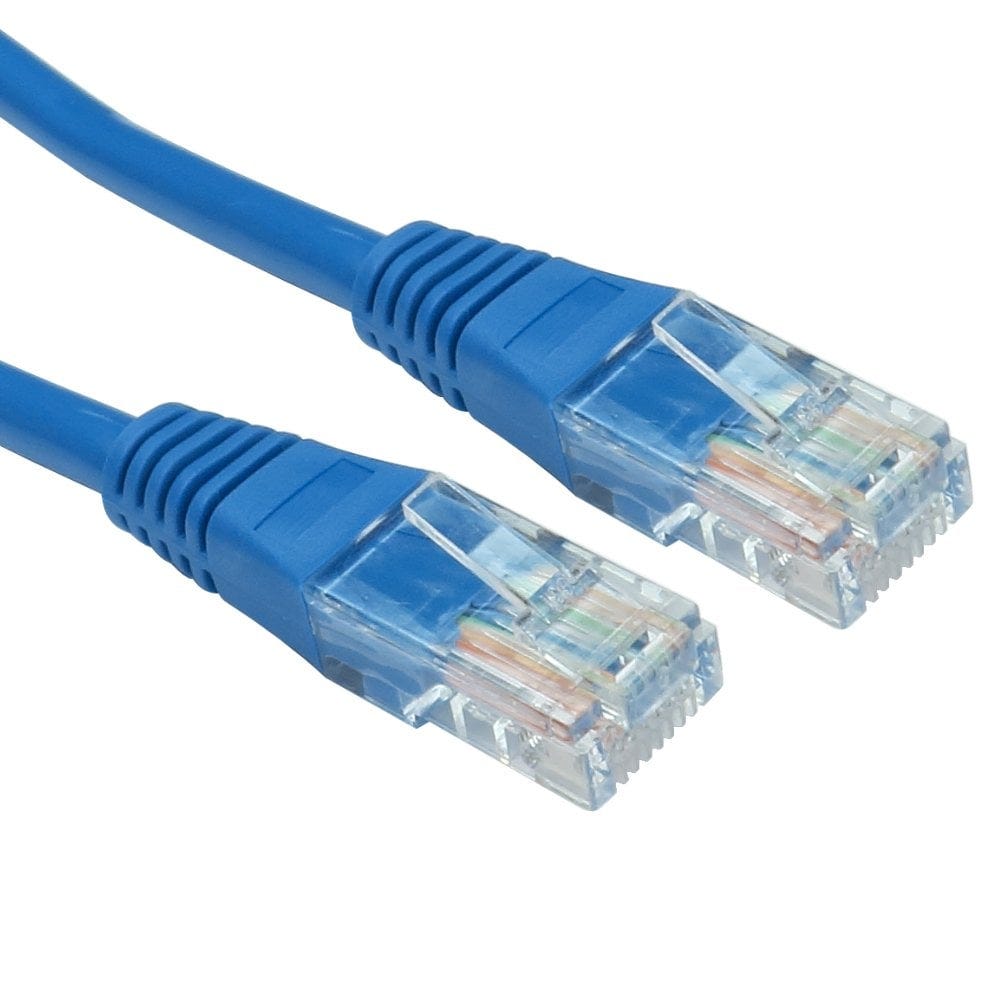
- Pick a colour. Many networks use colours to show what each lead is for.
Still not sure? Call us on 0207 100 6326 and we will help you choose.
Popular Ethernet cables