Ethernet Cable for CCTV and PoE Cameras
IP security cameras, video doorbells and NVR recorders all connect with ordinary network cable, and most take their power down the same cable using PoE (Power over Ethernet). Getting the cable right makes the difference between a system that runs for years and one with cameras that drop out or reboot. This guide explains which cable to buy, how far it can go and what you need to finish the ends.
The quick answer
| The job | What to buy |
|---|---|
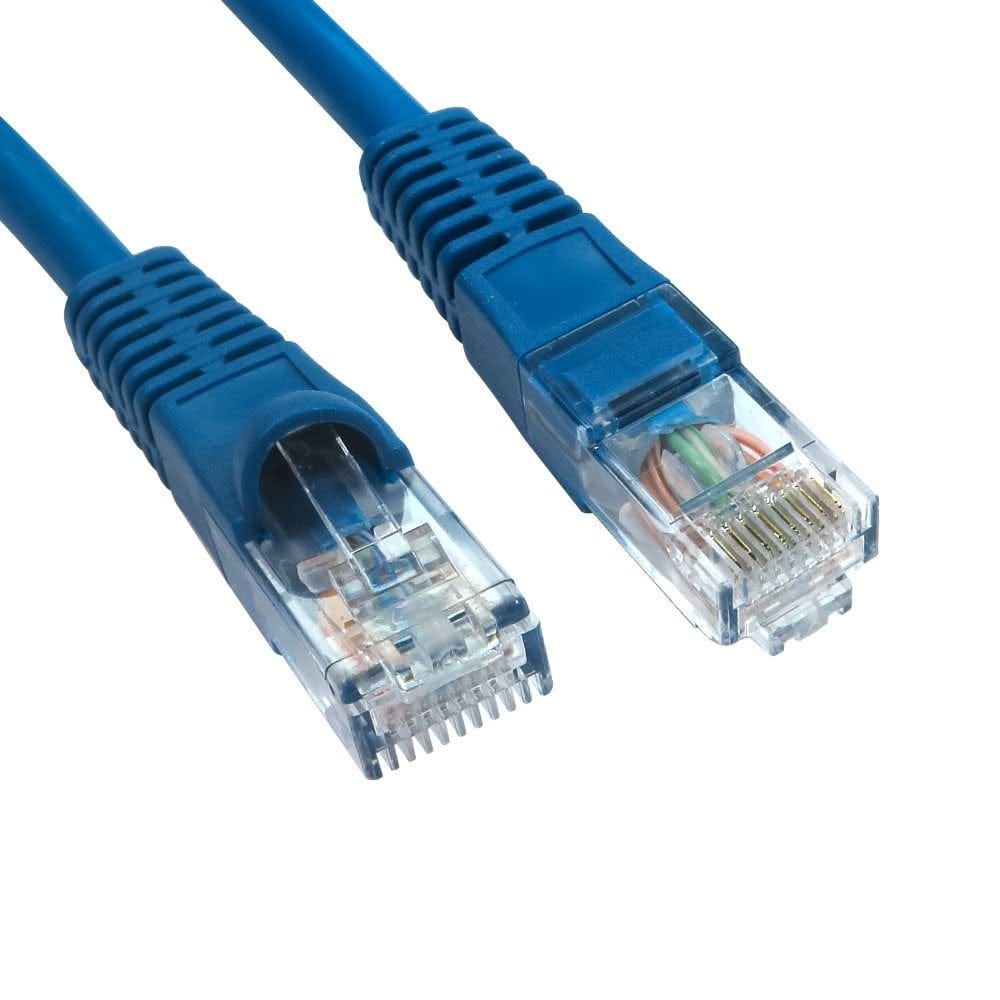
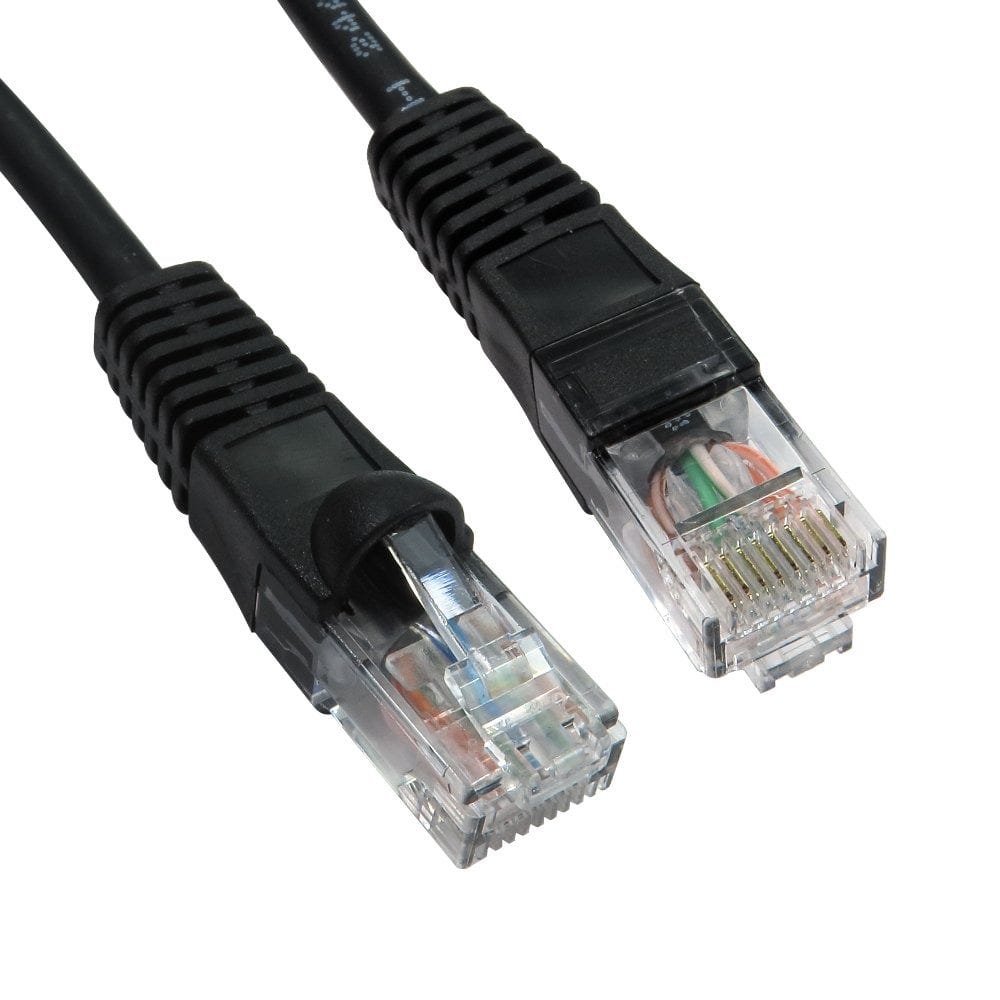
| Camera, NVR or PoE switch a few metres apart, indoors | A ready made CAT6 patch lead |
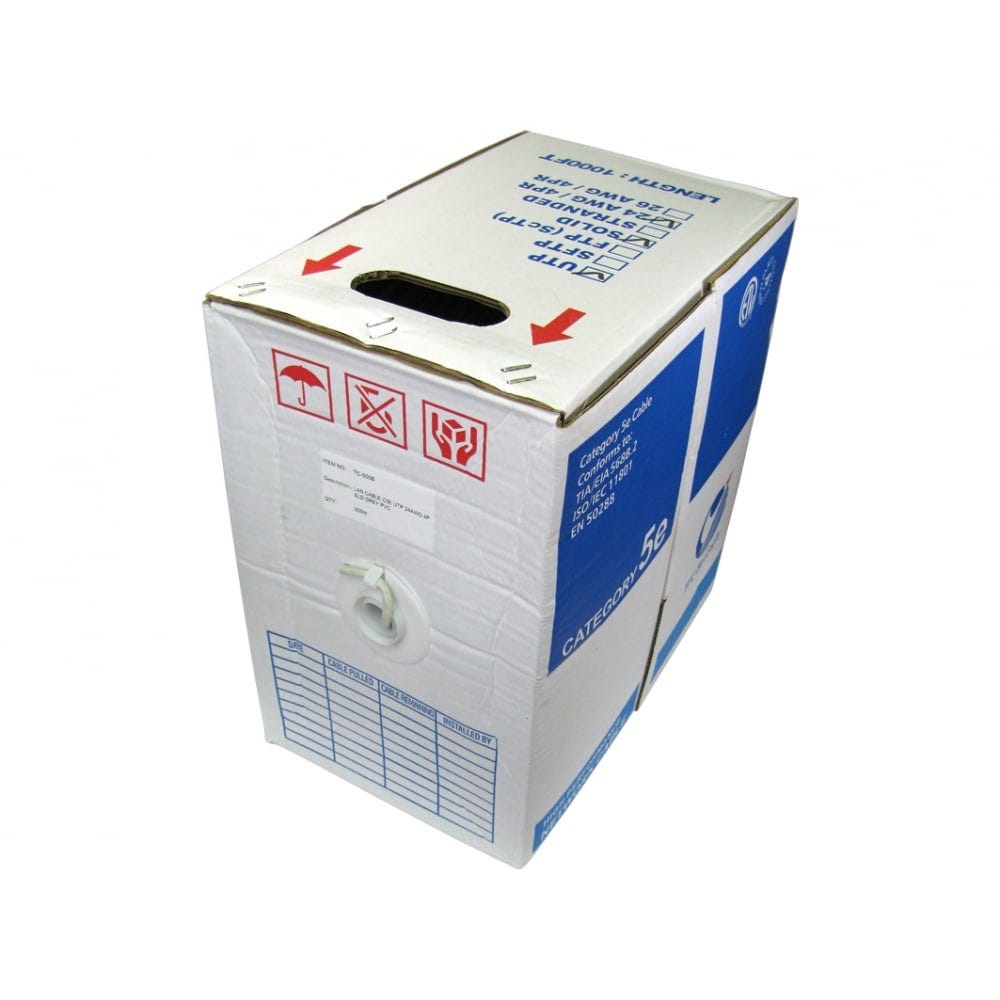
| Cable run through walls, lofts or ceilings | A 305m reel of solid CAT6 (or CAT5e), with RJ45 plugs or faceplates on the ends |
| Cable on the outside of a building, or between buildings | Outdoor (PE jacket) cable: a ready made outdoor lead or an outdoor reel |
| High power PoE (PTZ cameras, cameras with heaters or IR floodlights) or long runs near 100m | CAT6 or CAT6A with 23 or 24 AWG solid copper conductors |
| Older analogue or HD over coax (TVI, CVI, AHD) cameras | RG59 coax with BNC plugs, not network cable (see below) |
Whatever you choose, use pure copper cable. Cheap copper clad aluminium (CCA) cable has more resistance, so it loses more power over a PoE run and runs warmer. Our 305m cable reels and our Full Copper patch leads are pure copper throughout.
Cat5e, Cat6 or Cat6A?
A security camera does not need much bandwidth. Even a 4K camera usually streams at well under 20 Mbps, so any of the three categories can carry the video. The choice mostly comes down to power, distance and how future proof you want the installation to be.
- Cat5e handles Gigabit Ethernet and standard PoE, and is fine for most home and small business camera systems.
- Cat6 is the best all round choice. It usually has slightly thicker conductors (23 or 24 AWG), which lose less power over a long PoE run, and it costs little more than Cat5e.
- Cat6A supports 10 Gigabit over the full 100m. It is worth it for the link between switches and the NVR or server, for big bundles of high power PoE cables, and for installations meant to last many years. It is thicker and stiffer, so it is harder to pull through tight spaces.
PoE and how far the cable can go
PoE sends power and data down the same cable from a PoE switch, a PoE injector or an NVR with PoE ports, so the camera needs no mains socket of its own. Check which PoE standard your camera needs, and make sure the switch or NVR can supply it to every port you use:
| Standard | Also called | Power from the switch | Typical use |
|---|---|---|---|
| IEEE 802.3af | PoE | Up to 15.4W | Fixed dome and bullet cameras, video doorbells |
| IEEE 802.3at | PoE+ | Up to 30W | Cameras with heaters or strong IR, small PTZ cameras, Wi-Fi access points |
| IEEE 802.3bt | PoE++ (Type 3 and 4) | Up to 60W or 90W | Large PTZ cameras, multi sensor cameras |
Some power is lost as heat in the cable, so the camera receives a little less than the switch sends out. That is normal and allowed for in the standards.
The 100m limit: an Ethernet link, PoE or not, can be up to 100m from the switch to the camera. That 100m includes any patch leads at each end. If a camera is further away, put a PoE switch or PoE extender part way along, or use fibre to a switch near the cameras. For longer runs, thicker conductors and pure copper keep the power loss down; see our long Ethernet cables for ready made leads up to 50m.
Solid or stranded cable?
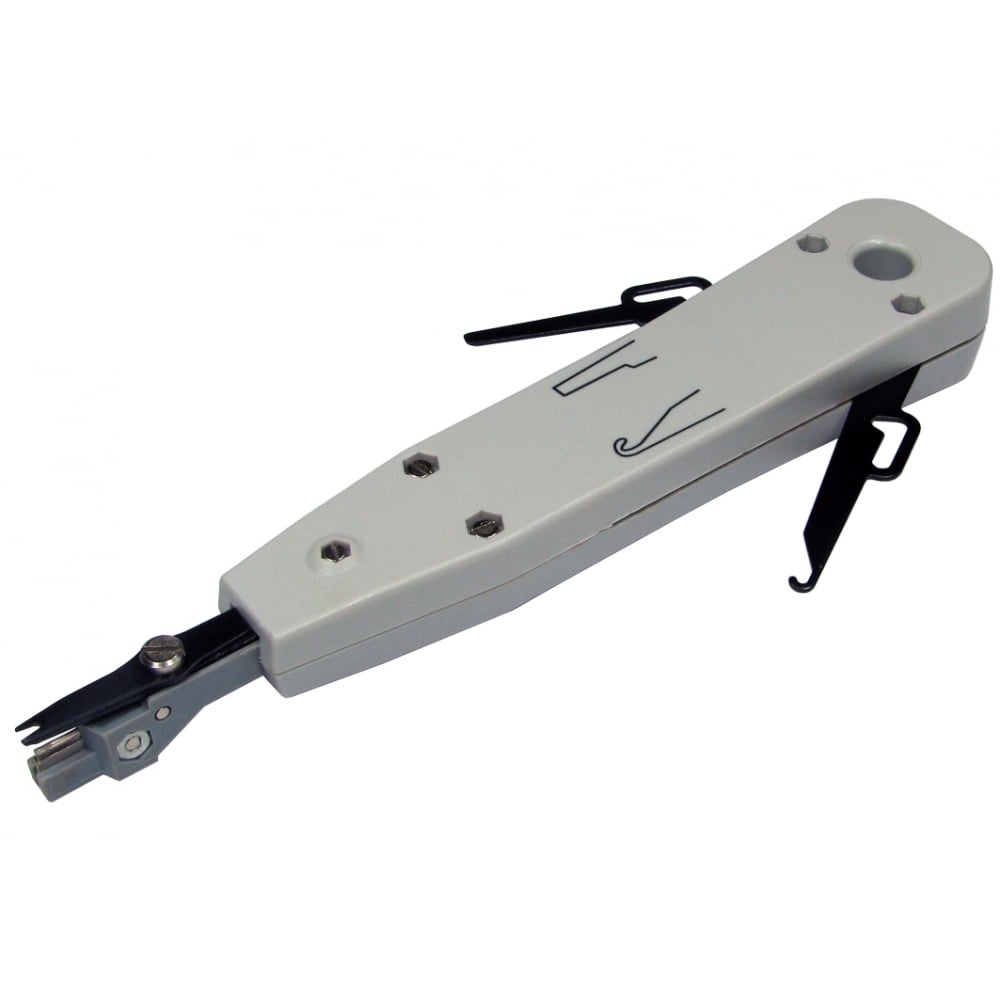
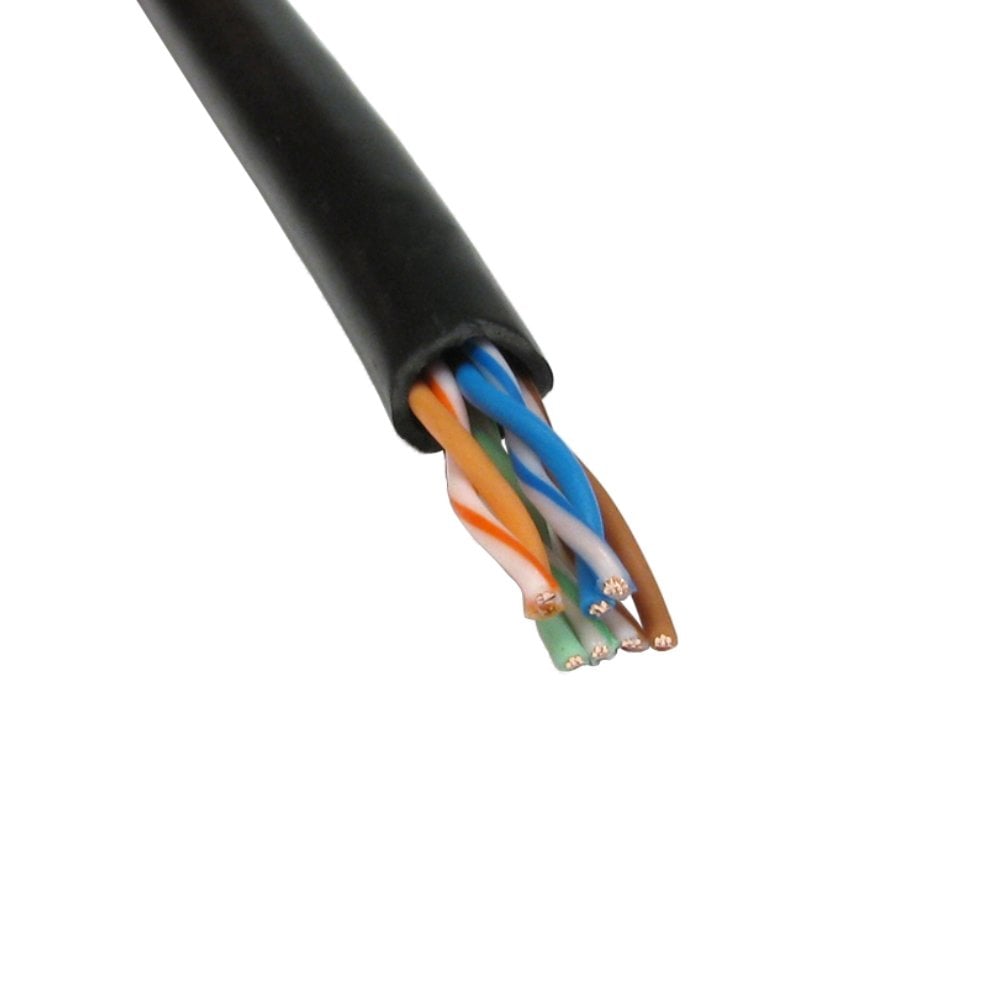
Solid core cable has one thick copper wire in each conductor. It is the cable for fixed runs through walls, ceilings and outside, because it carries power and data further and is the type that punches down into faceplates and patch panels. It is sold on 305m reels.
Stranded cable is made of many fine wires twisted together, so it is more flexible and survives being bent and moved. Ready made patch leads use it, for example between a wall socket and the NVR or PoE switch.
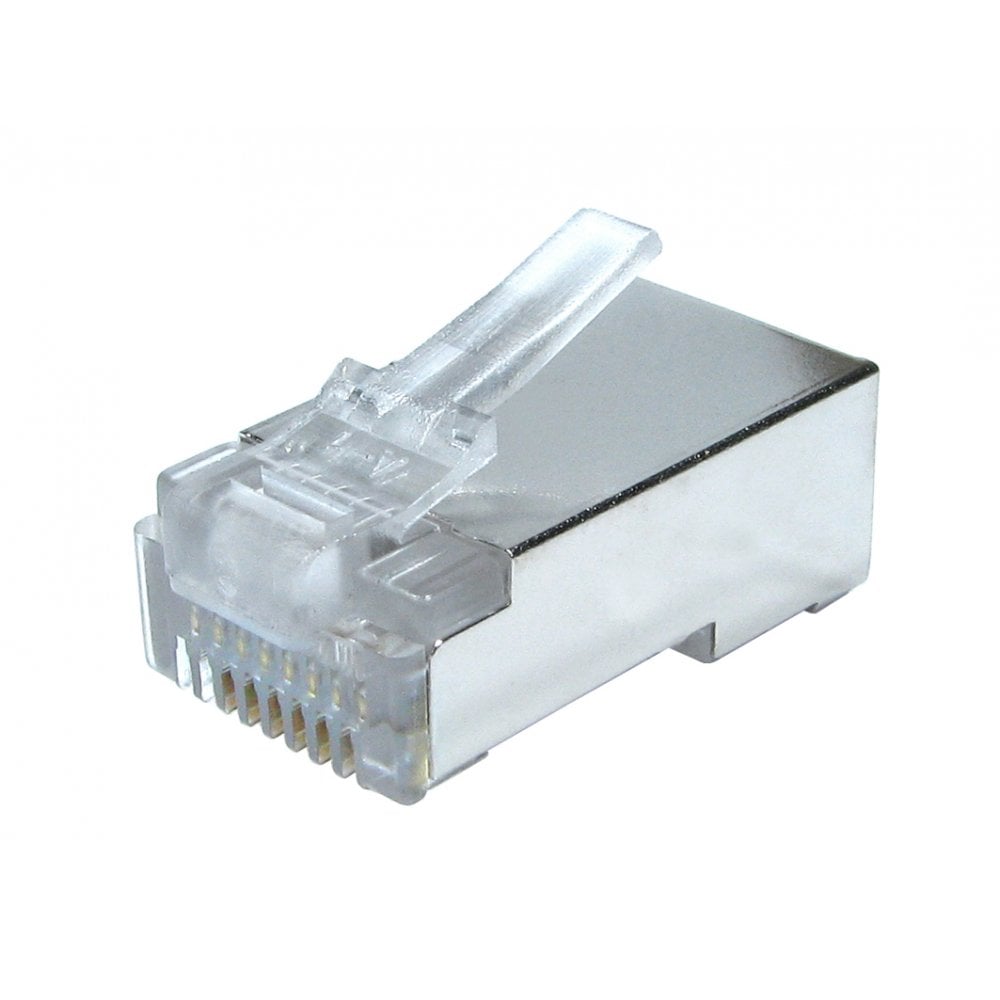
If you fit your own RJ45 plugs, the plug must match the cable: some plugs are made for solid cable, some for stranded, and some for both. Check the plug description before you buy.
Outdoor cable
Ordinary indoor cable has a PVC or LSZH jacket that cracks and lets water in after a while in sunlight and rain. For any cable outside, use outdoor cable with a black polyethylene (PE) jacket, which resists UV and moisture. We sell it as ready made leads, such as the 25m Cat6 outdoor cable and 20m Cat6A outdoor cable, and on 305m reels including Cat6 U/UTP outdoor, Cat6 LDPE outdoor and Cat5e U/UTP outdoor.
- Outdoor PE cable is not fire rated for running inside a building. Where the run comes indoors, change to indoor cable, ideally LSZH in offices and public buildings.
- If the cable goes underground, run it inside a duct so it can be pulled through and replaced later.
- Keep the plug and socket at the camera dry: use the camera's weatherproof cover or mount the joint inside a junction box.
- Leave a drip loop so rain runs off the cable before it reaches the camera.
Do I need shielded cable?
For most camera systems, unshielded (U/UTP) cable is the right choice. It is cheaper, thinner and easier to terminate, and the twisted pairs already reject most interference.
Shielded cable (F/UTP, U/FTP or S/FTP) is worth it where the cable runs alongside mains cables, motors, lift equipment or fluorescent lighting for long distances, or in very electrically noisy industrial sites. To work properly a shielded system needs shielded cable, shielded plugs or jacks and an earth connection all the way through. A shielded cable with unshielded plugs gives little benefit. Wherever you can, keep network cable away from mains cable and cross it at right angles.
Plugs, sockets and tools
When you run cable from a reel, you will need to finish both ends:
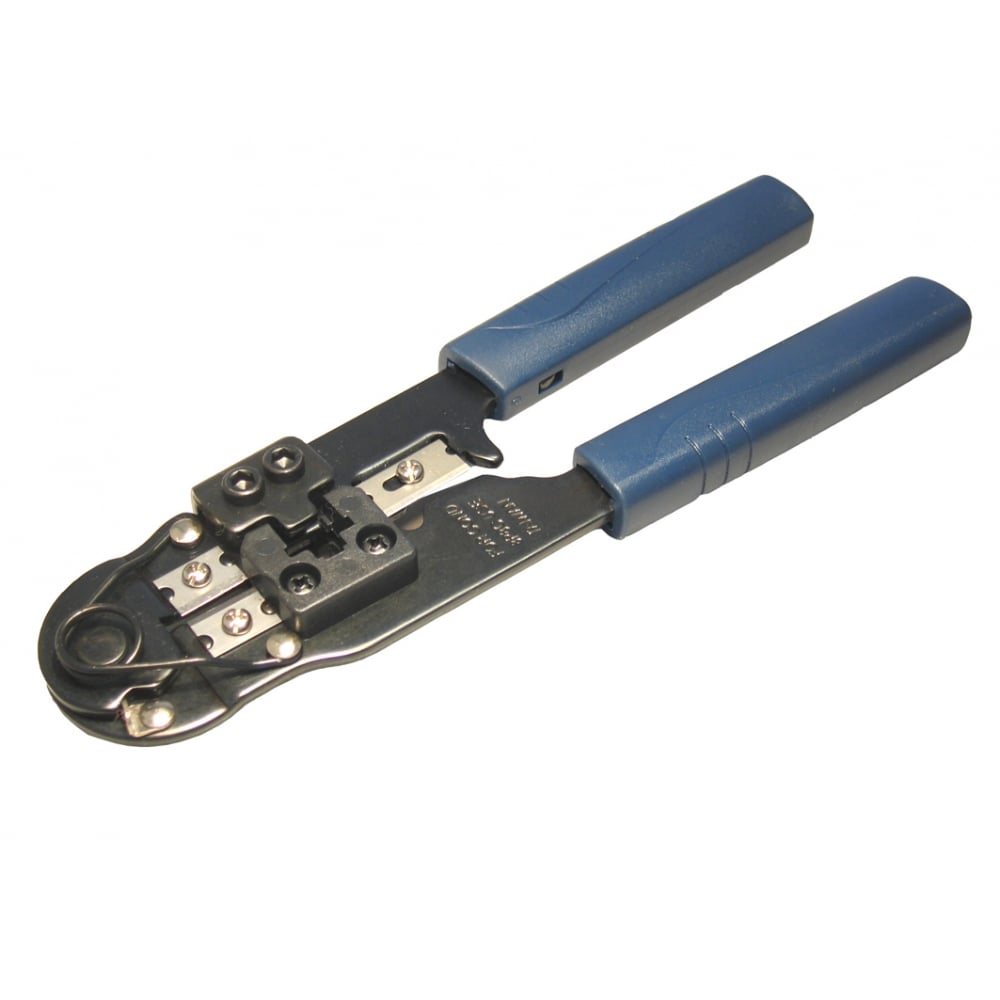
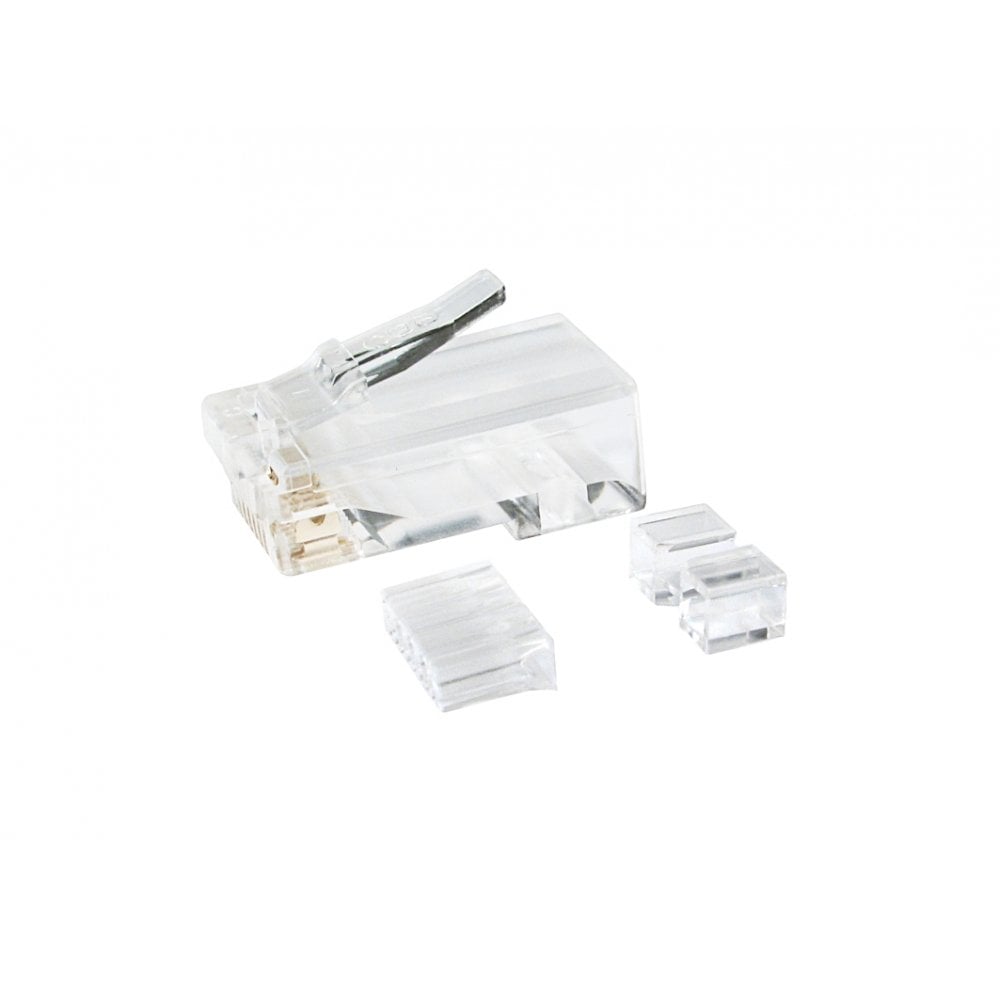
- RJ45 plugs go straight onto the cable to plug into the camera and the switch. Pass-through plugs, where the wires push right through the plug before crimping, are the easiest to get right, and need a pass-through crimp tool.
- Tool-less field plugs close by hand or with a closing tool, which is handy at the top of a ladder.
- MPTL leads (such as the 0.5m Cat6A MPTL lead) have a plug on one end and a socket on the other. They let a solid installation cable that ends in a socket connect straight to a camera.
- Faceplates and patch panels give a neat, fixed socket at the recorder end, and you connect the NVR or switch with a short patch lead.
Always test each run before fixing the camera in place. A simple continuity tester shows a wire that is crossed or not seated in seconds and saves a second trip up the ladder.
Coax for analogue and HD over coax cameras
Older analogue cameras, and HD over coax systems (TVI, CVI and AHD), send their video down 75 ohm coaxial cable, not network cable. The usual cable is RG59 with BNC plugs on each end. Fit BNC plugs with a ratchet crimp tool for RG58 and RG59 for a secure connection. These cameras need power from a separate supply, unlike PoE cameras.
Before you order
- Check what each camera needs: the PoE standard (PoE, PoE+ or PoE++) and whether it uses network cable or coax.
- Measure each route from the switch or NVR to the camera, allowing for going round corners and up and down walls, and add a little spare. Keep every run under 100m.
- Choose indoor or outdoor cable for each run, and solid cable on a reel or ready made leads.
- Order the plugs, faceplates and tools to suit the cable, and a tester.
Still not sure? Call us on 0207 100 6326 and we will help you choose.
Popular for CCTV installs