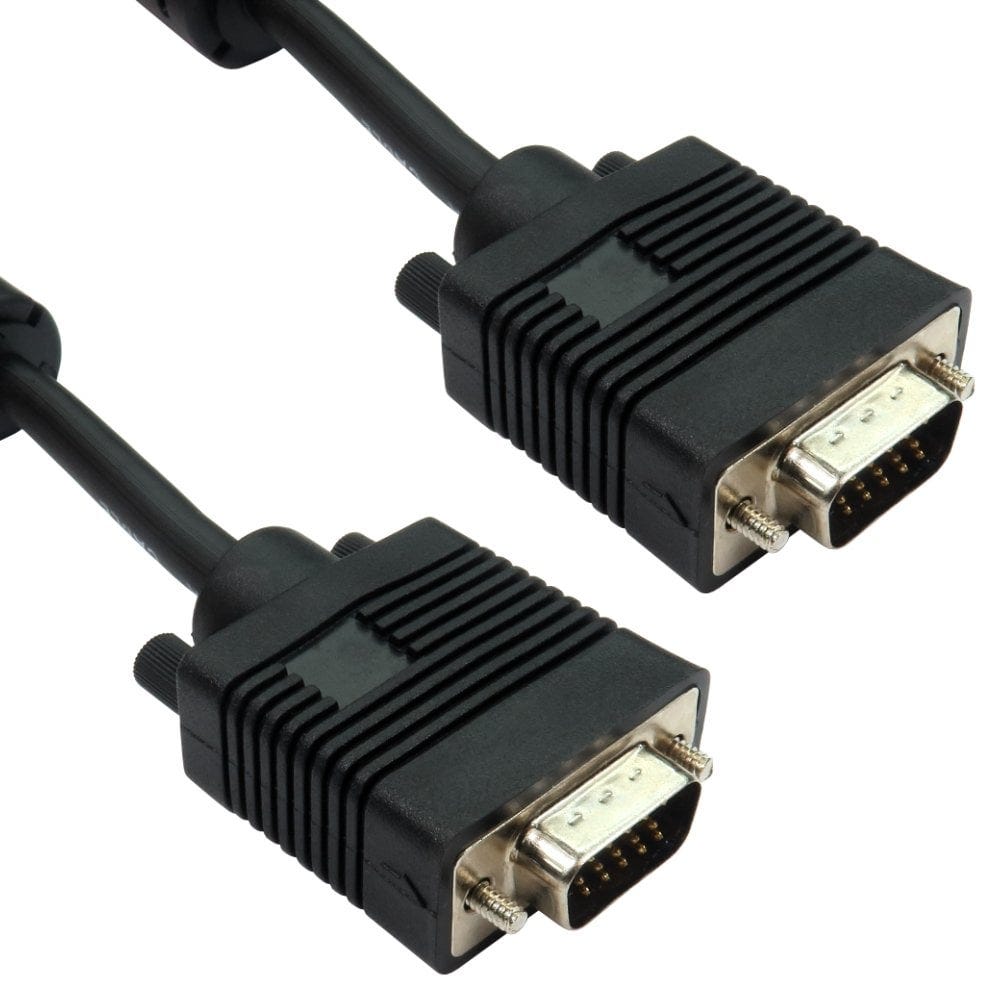
VGA Cable Guide
VGA is the blue 15 pin socket with two screws, found on projectors, older monitors and PCs, and much classroom and meeting room equipment. It still gives a good picture up to Full HD with the right cable. This guide explains which VGA cable to choose, how far it can run, and how to connect VGA to newer HDMI, DisplayPort and USB C equipment.
About VGA
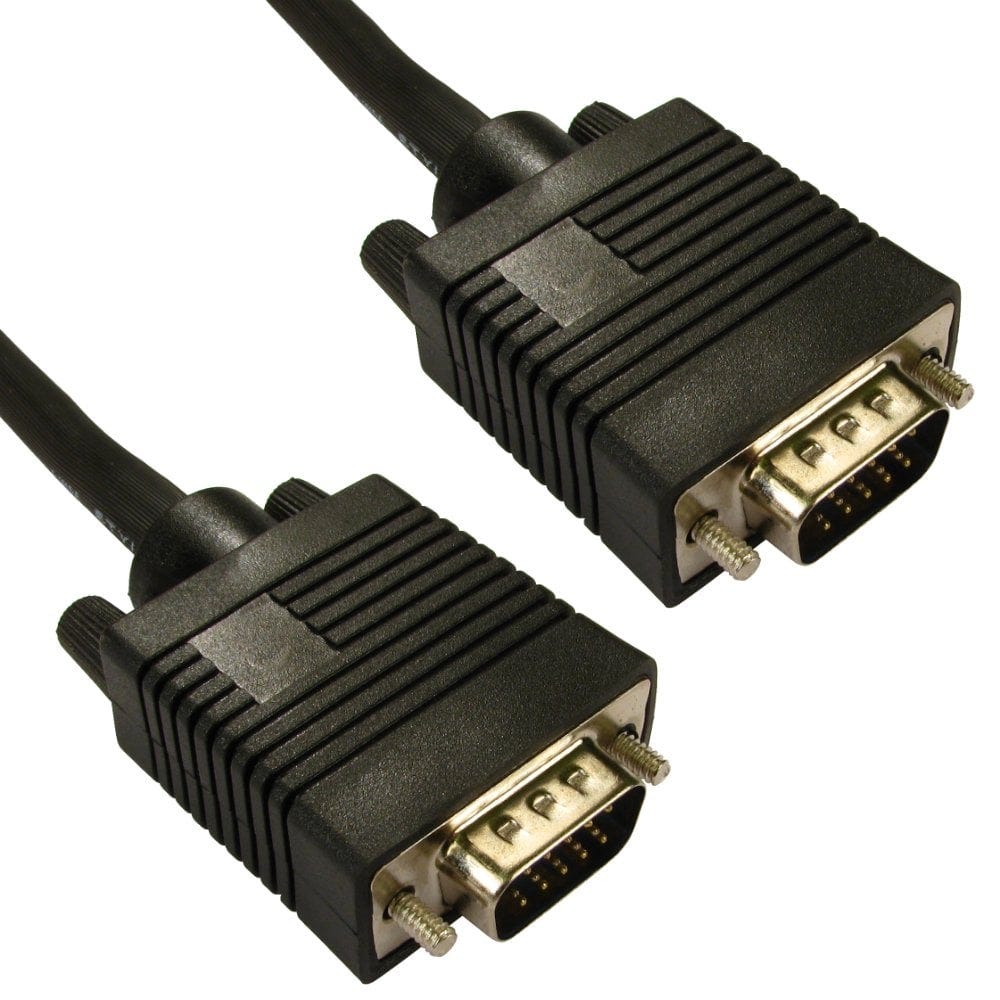
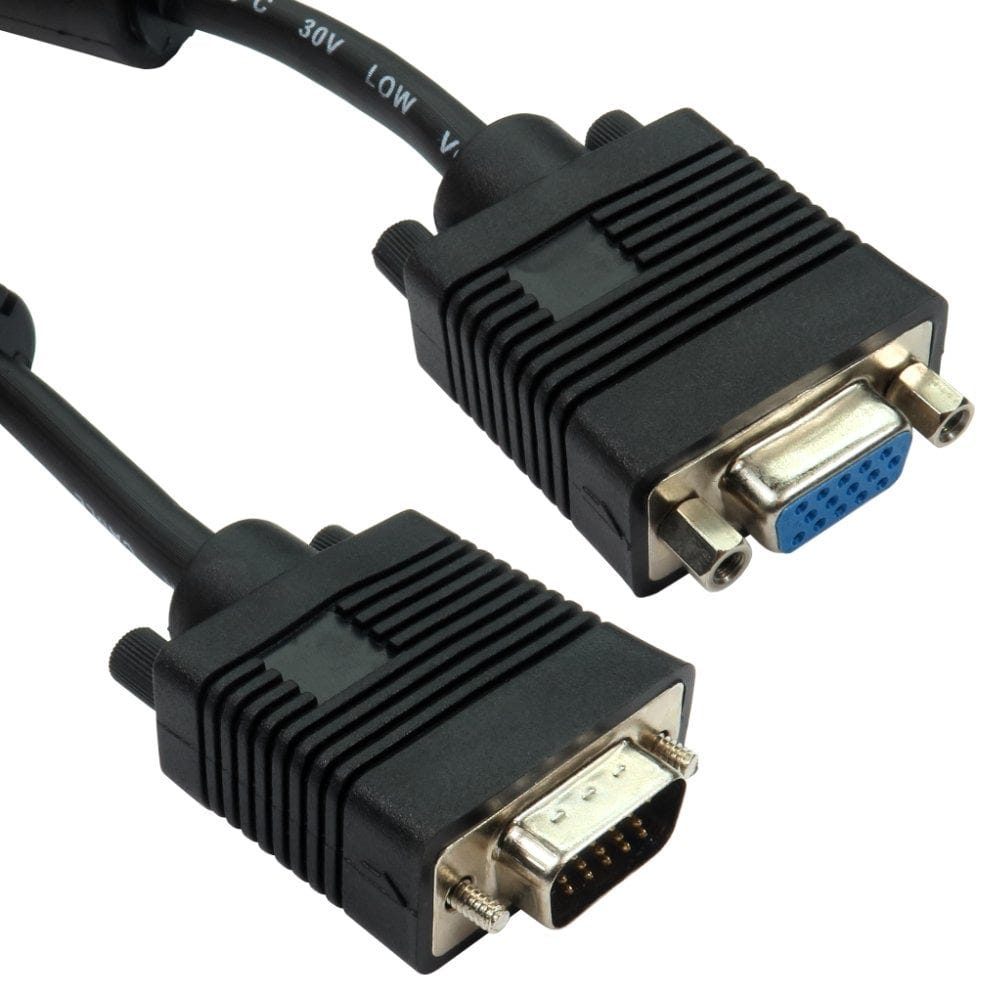
- The plug: 15 pins in three rows in a D shaped shell, held in with two thumbscrews. VGA, SVGA, HD15 and D-sub 15 all mean the same connector.
- The signal: analogue. A VGA cable carries the picture only, no sound, so use a VGA plus audio cable or a separate 3.5mm lead for speakers.
- The picture: VGA handles 1920 x 1080 and above, but being analogue it can look slightly softer than HDMI or DisplayPort, especially on long or poor quality cables.
Drawing is a simplified view of the plug face.
Fully wired (DDC) or standard?
| Cable | Pins | Choose it for |
|---|---|---|
| Fully wired (DDC) | All 15 connected | Widescreen and flat panel monitors, TVs and projectors. The screen can tell the computer its best resolution, so the picture is set up correctly |
| Standard | 14, with pin 9 missing | Older monitors and equipment that do not need every pin connected |
To tell them apart, look at the middle row of pins on the plug: a standard lead has a gap where pin 9 would be. If you are not sure, choose fully wired, such as our 2m fully wired VGA cable: it works in every case. If a monitor shows the wrong resolution, a blurry picture or "not optimum mode" on a standard lead, a fully wired cable usually fixes it.
Length and long runs
- Most of our VGA cables use triple shielded mini coax, which keeps the picture sharp. Fully wired cables go up to 50m; the longer the cable, the more a high resolution picture can soften, so keep runs as short as you can.
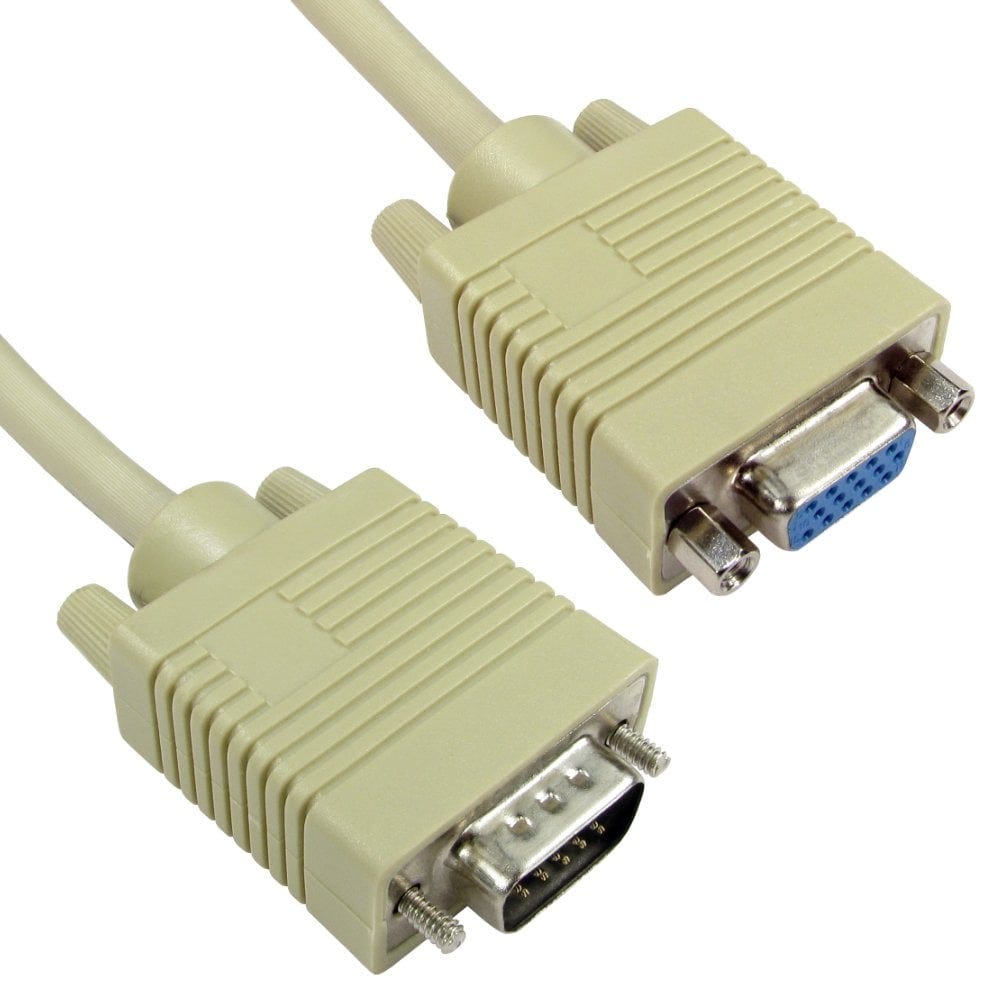
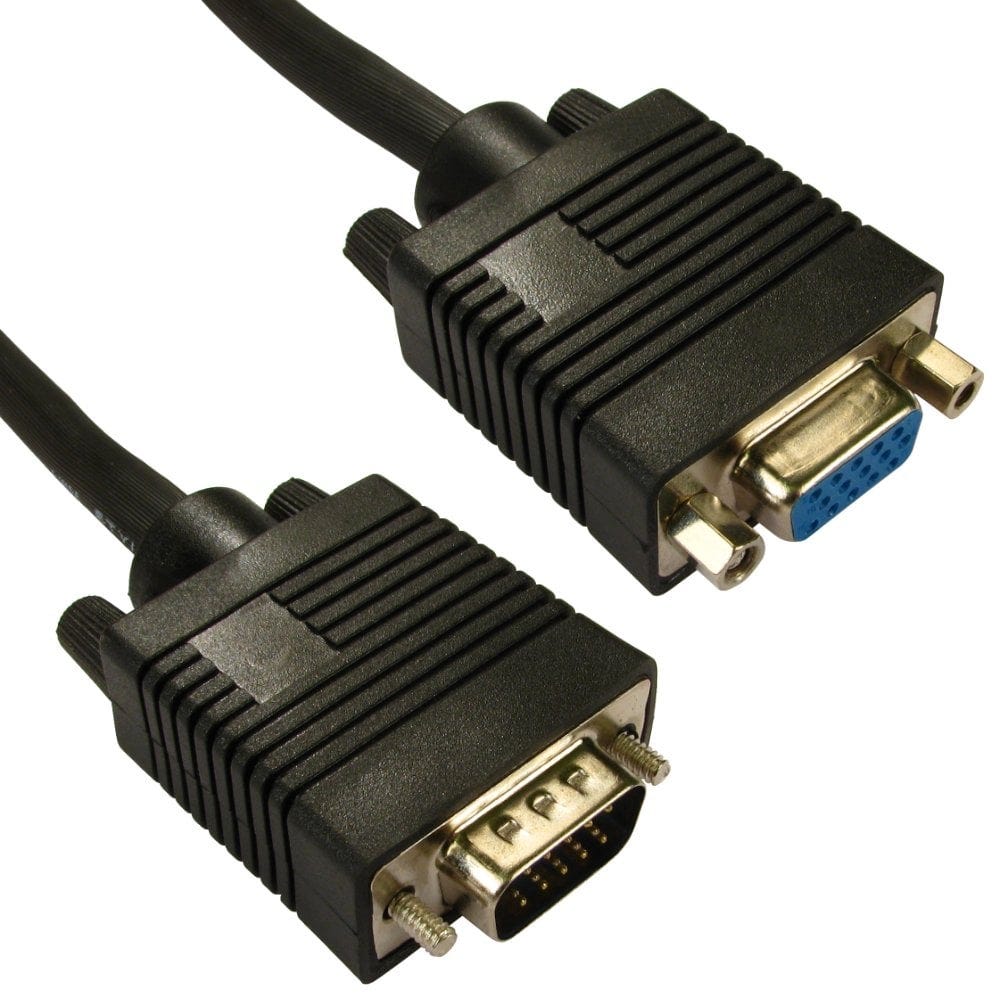
- Extension cables (plug to socket), such as the 2m fully wired extension, add reach to an existing cable.
- Flat cables, such as our 10m flat VGA cable, are only 2.5mm thick, to run under carpets and along skirting boards.
- Beyond 50m, or through walls, a VGA over CAT5 extender sends the picture up to 80m over network cable.
Connecting VGA to newer equipment
Newer computers send a digital signal and VGA is analogue, so every cable or adapter below has a small converter built in. Each one works in one direction only, from the computer to the screen.
| Computer | To a VGA monitor or projector |
|---|---|
| HDMI | An HDMI to VGA cable, or an adapter with a 3.5mm sound socket such as our HDMI to VGA adapter with audio. Tablets and streaming sticks may need one with a power socket, such as this adapter |
| DisplayPort | A DisplayPort to VGA cable or adapter; see our DisplayPort guide |
| USB C | A USB C to VGA cable or adapter, if the USB C port supports video (DisplayPort Alt Mode) |
| DVI | From a DVI-I port, a simple DVI-A to VGA adapter; from a digital only DVI-D port, a powered DVI-D to VGA converter. See our DVI guide |
| USB A, no video port free | A USB display adapter, such as our USB 3.0 or USB 2.0 VGA adapters, which add an extra screen using a driver |
The other way round, an old computer with VGA to a modern HDMI TV or monitor, needs a powered VGA to HDMI converter. An HDMI to VGA cable will not work backwards.
For every other combination, see our guide how to connect a laptop to a TV or monitor.
Splitters, extenders and other VGA cables
- VGA splitters show the same picture on several screens from one computer, such as our 4 way splitter, with versions for 2, 4 or 8 screens and with audio. A powered splitter keeps the picture bright on every screen, where a simple Y cable can make it dim.
- VGA to BNC cables, such as our 5 x BNC cable, connect to projectors and broadcast monitors with BNC inputs.
- 9 pin cables are not VGA: they were made for older EGA monitors and graphics cards, and the straight through ones also work as 9 pin serial extensions.
- VGA splitters12 products, from £11.30
- VGA extenders4 products, from £187.13
- VGA to BNC cables2 products, from £16.20
- 9 pin EGA cables7 products, from £4.22
Not sure which VGA cable you need? Call us on 0207 100 6326 and we will help.
Popular VGA cables and adapters