USB4 and Thunderbolt Cables Explained
USB4 and Thunderbolt use the same USB C plug as an ordinary charging cable, but carry far more: 40Gbps or more of data, video for one or two big monitors, and up to 240W of power, all through one cable. Not every USB C cable can do this, and the names and logos can be confusing. This guide explains the differences so you can choose a cable that runs your dock, drive or monitor at full speed.
USB4 and Thunderbolt compared
| Standard | Speed | Notes |
|---|---|---|
| USB 3.2 | 5, 10 or 20Gbps | The older, slower USB C standard; still fine for most phones, hubs and drives |
| USB4 | 20 or 40Gbps | Data, video and power together; devices can run at either speed |
| USB4 Version 2.0 | 80Gbps | The newest USB4, also sold as USB 80Gbps |
| Thunderbolt 3 | 40Gbps | Older Macs and PCs, Thunderbolt docks and drives |
| Thunderbolt 4 | 40Gbps | Based on USB4, with guaranteed minimums: full 40Gbps, two 4K screens or one 8K, laptop charging |
| Thunderbolt 5 | 80Gbps, up to 120Gbps for displays | The newest Thunderbolt, for the latest laptops, docks and monitors |
USB4 and Thunderbolt 4 are built on the same technology, so a USB4 40Gbps cable and a Thunderbolt 4 cable do the same job for most people. A Thunderbolt 4 laptop is guaranteed to support everything on the list; a USB4 laptop may support all, some or only the 20Gbps version of it, so check its specification. Most USB4 laptops also work with Thunderbolt 3 docks and drives, but that is optional, so check too.
Everything is backwards compatible: a USB4 or Thunderbolt cable works with any USB C device, at that device's speed.
Reading the logos
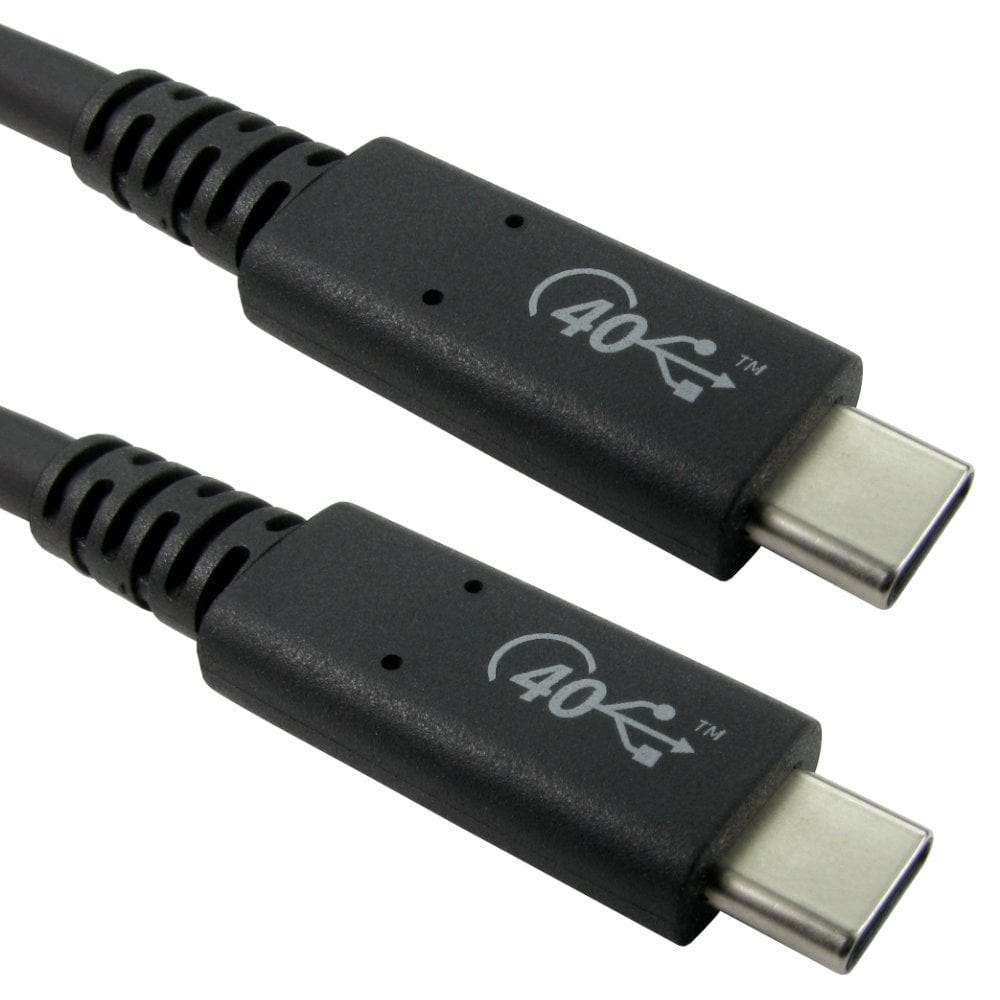
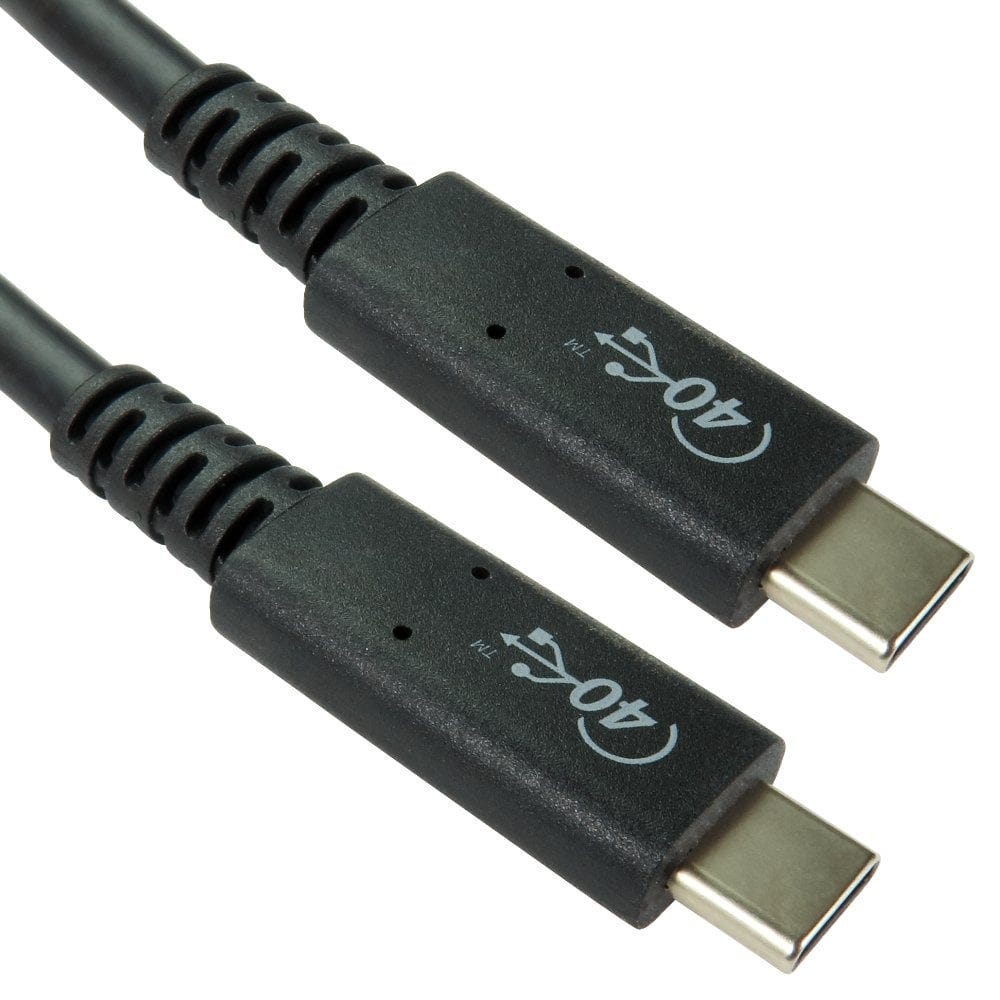
- On a laptop port: a lightning bolt means Thunderbolt (sometimes with a 3, 4 or 5 beside it). A USB logo with "40" or "20", or the words USB4, means USB4. A plain USB C port with no symbol may be USB 3.2 only.
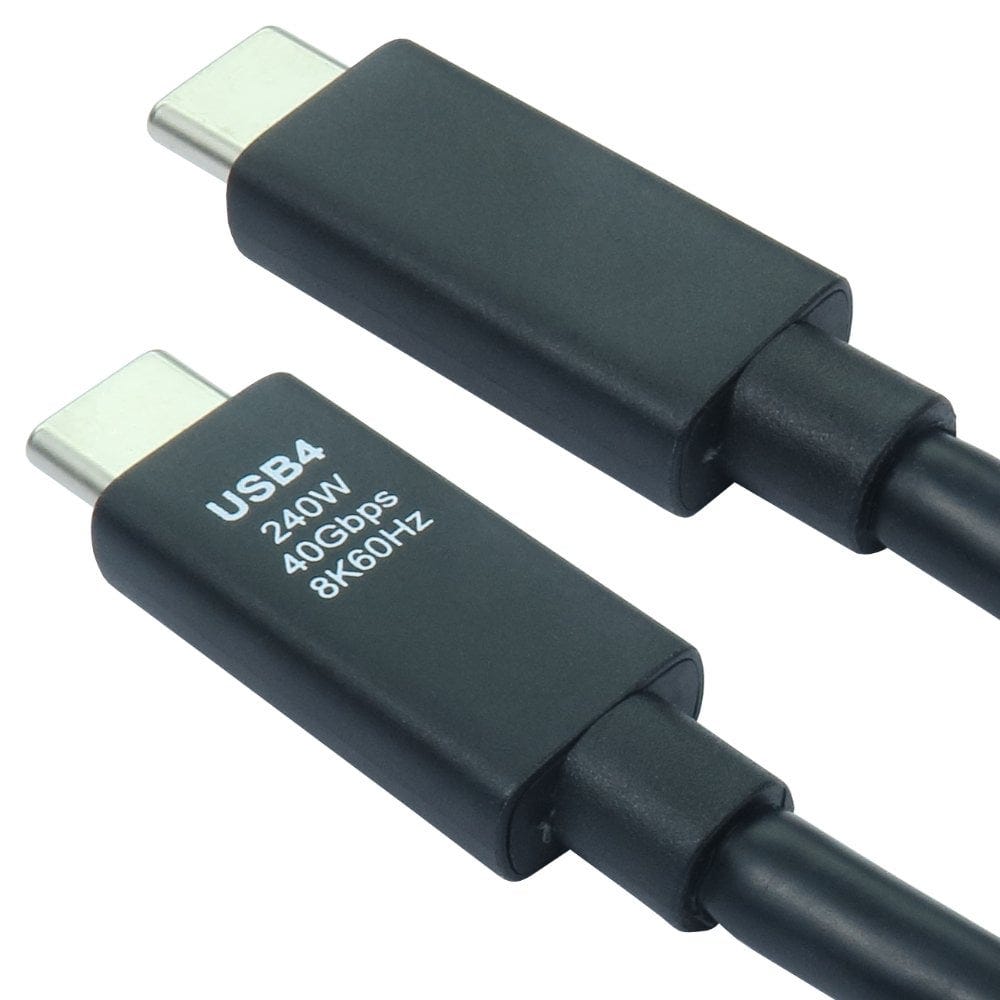
- On a certified USB cable: the USB logo shows the speed (USB 20Gbps, 40Gbps or 80Gbps) and the power (60W or 240W) the cable has been tested for.
- On a Thunderbolt cable: a lightning bolt with the version number on the plug.
Certified cables have been tested to work at the rated speed and power. Most of the passive cables in our USB4 range are certified, and the product description says so.
Why 40Gbps cables are short, and active cables
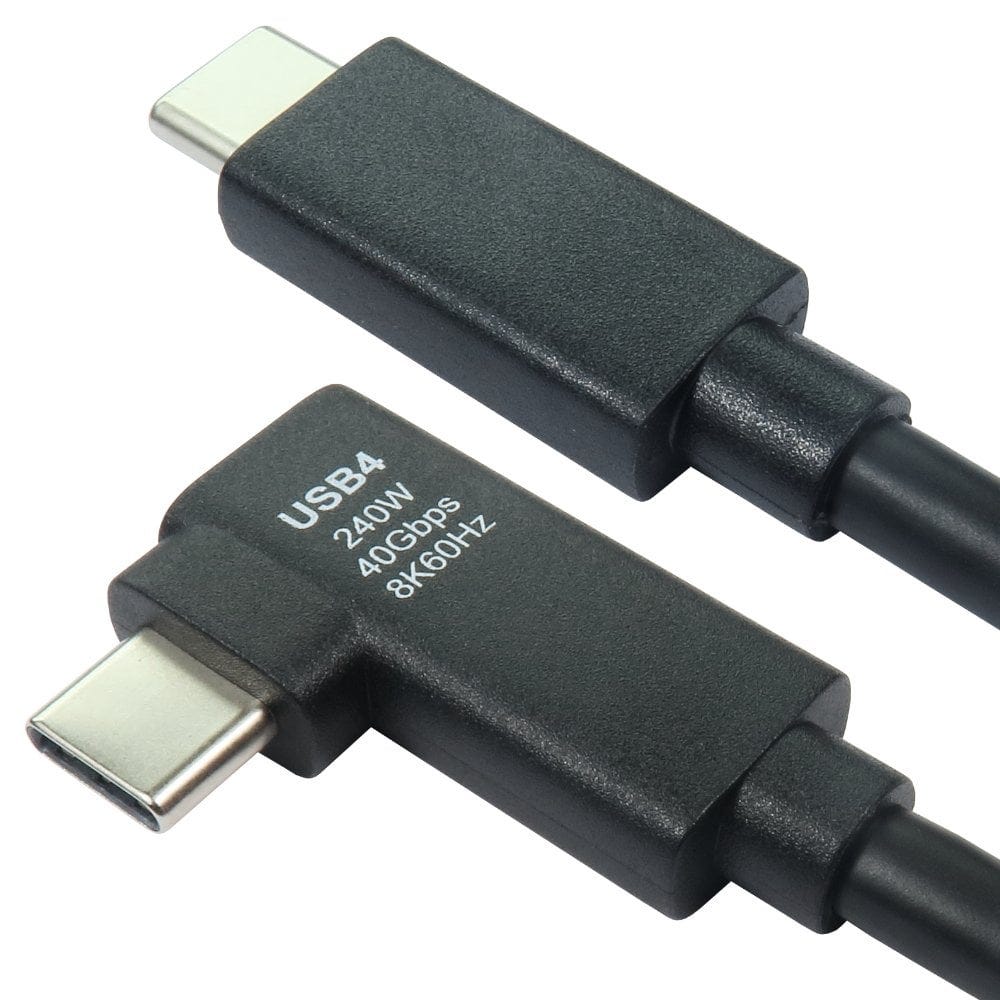
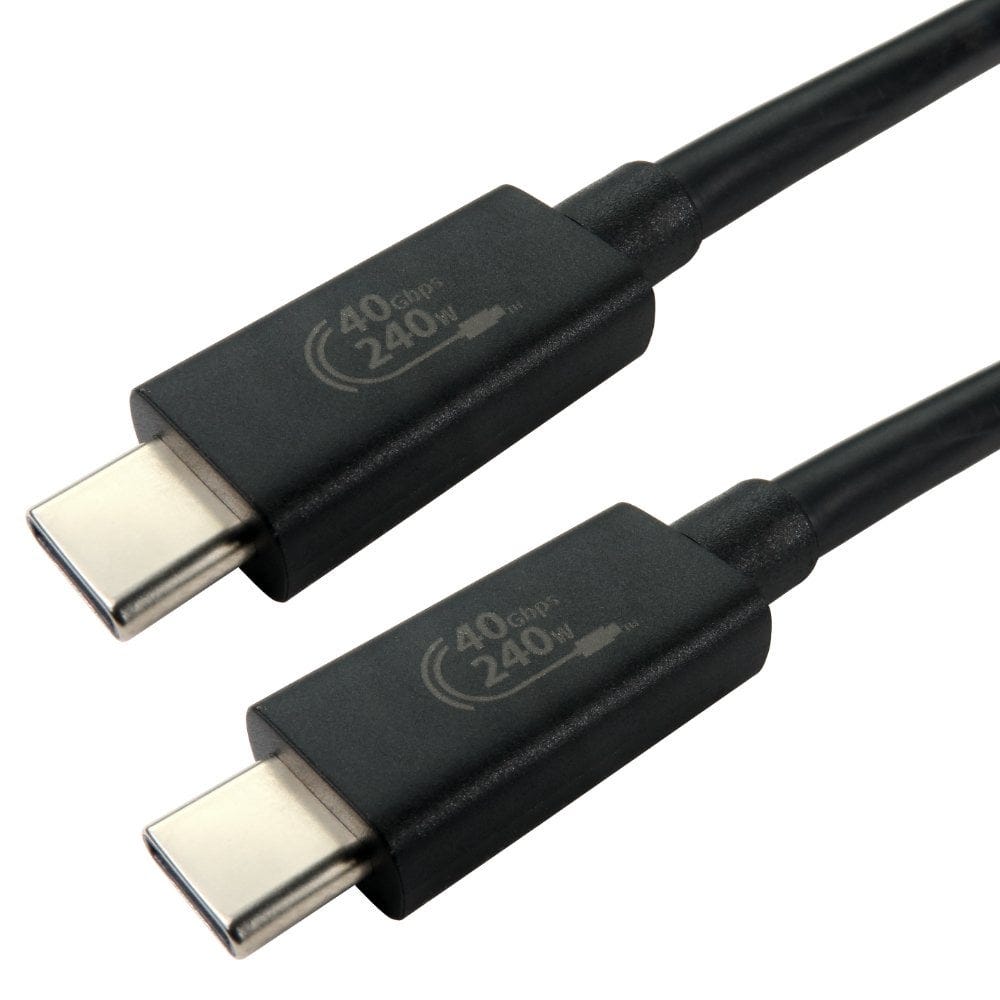
At 40Gbps the signal fades quickly in copper, so full speed passive cables are kept short, usually 1m or less: for example our 0.7m, 0.8m and 1m certified USB4 cables, and the 0.7m Thunderbolt 4 cable. Many longer, cheaper USB C cables drop to 20Gbps, 10Gbps or even USB 2.0 speed, so always check the speed printed on the cable.
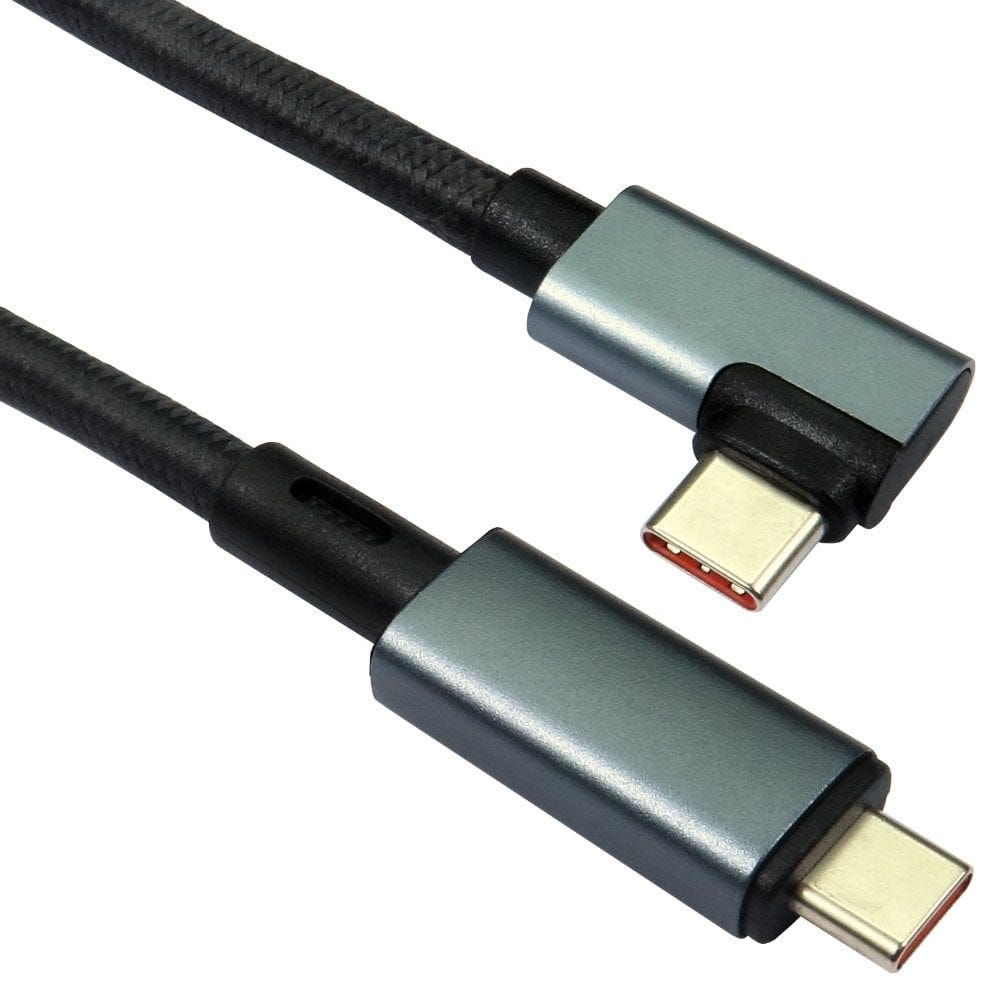
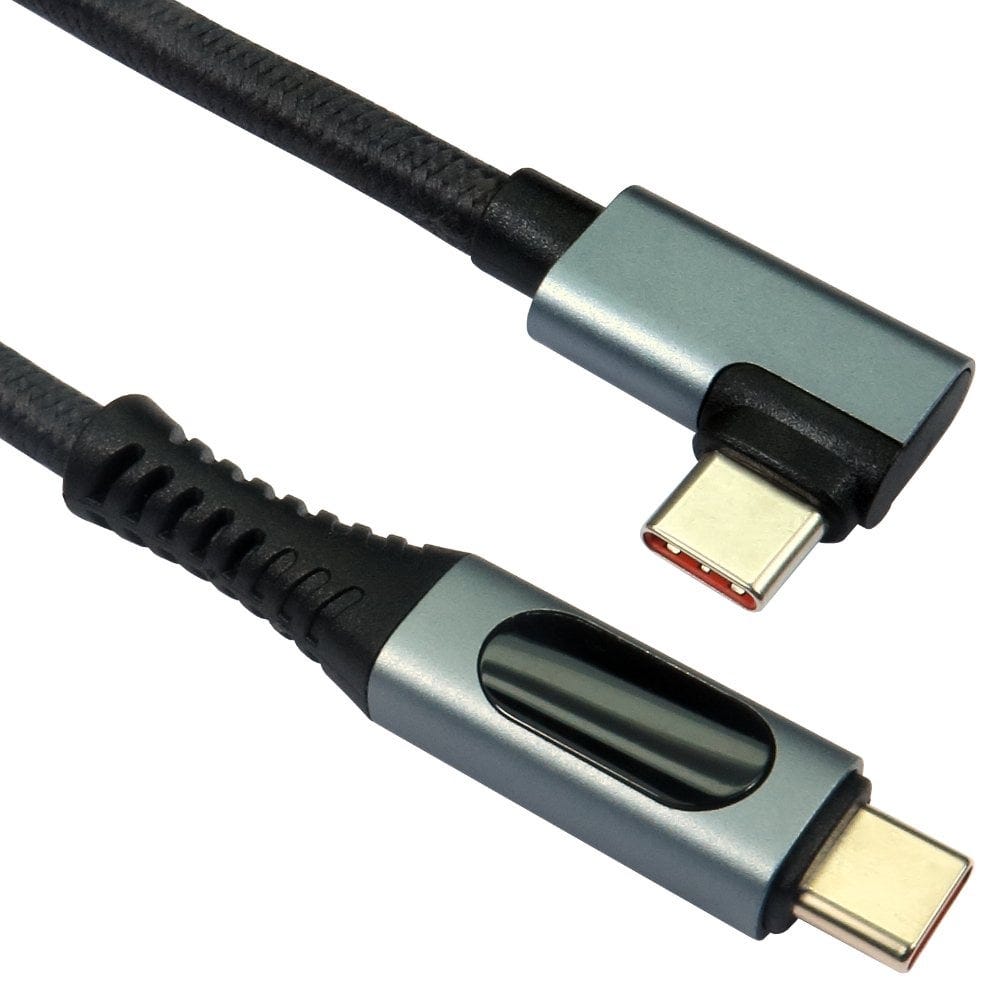
For a longer reach at full speed, use an active cable, which has a chip in each plug to boost the signal, such as our 2m and 3m active USB4 40Gbps cables, or the 2m right angle active cable. If you only need 20Gbps, a passive 2m USB4 20Gbps cable is a lower cost option.
Right angle versions, such as the 1m right angle USB4 cable, keep the cable tight against the side of a laptop or monitor.
Charging power: 60W, 100W and 240W
| Cable rating | Charges |
|---|---|
| 60W (3A) | Phones, tablets and small laptops |
| 100W (5A) | Most laptops, such as our 1m 100W USB4 cable |
| 240W (EPR) | The most powerful laptops and gaming laptops, with a USB PD 3.1 charger that supports Extended Power Range |
The charger, the cable and the laptop all have to support a power level for it to be used. A 240W cable is safe with any charger and simply ready for the most powerful ones. For more on charging, see our USB C charging cables guide.
Which cable for which job?
| Job | Cable |
|---|---|
| Thunderbolt or USB4 docking station on a desk | The cable supplied with the dock, or a 40Gbps cable up to 1m (active for longer), 100W or 240W to charge the laptop |
| Fast external NVMe SSD | A short 40Gbps cable; USB4 drives can be several times faster than USB 3.2 drives |
| One 8K or two 4K monitors from one port | A 40Gbps USB4 or Thunderbolt 4 cable to a dock or USB C monitor |
| Charging only | Any USB C cable with the right power rating; 40Gbps is not needed. See our charging guide |
| USB C laptop to an HDMI TV or DisplayPort monitor | A USB C to HDMI or DisplayPort cable or adapter; see our laptop to TV guide |
| Thunderbolt 5 equipment at 80 or 120Gbps | A certified Thunderbolt 5 cable (we do not currently stock these); a 40Gbps cable works but limits it to 40Gbps |
- USB C to HDMI27 products, from £13.82
- USB C to DisplayPort17 products, from £8.42
- USB hubs and docks18 products, from £6.02
Not sure which cable you need? Call us on 0207 100 6326 and we will help.
Popular USB4 cables