USB C Adapters, Micro USB and OTG
Phones, tablets and laptops have moved from Micro USB and USB A to USB C, which leaves plenty of older cables, chargers and USB sticks that no longer fit. Small adapters and the right cable bridge the gap, but each one only works in a particular direction and some limit charging speed. This guide explains which to choose. For pictures of each plug, see our USB connector types guide.
The quick answer
| You have | You want to connect it to | Use |
|---|---|---|
| A USB C phone, tablet or laptop | A Micro USB device (older speaker, power bank, controller) | A USB C to Micro USB cable |
| A Micro USB cable | A USB C phone or tablet | A Micro USB to USB C adapter (USB C plug, Micro USB socket) |
| A USB stick, keyboard or card reader (USB A) | A USB C laptop, tablet or phone | A USB C to USB A OTG adapter |
| A USB stick or other USB A device | A Micro USB phone or tablet | A Micro USB OTG adapter |
| A USB C cable | A computer or charger with only USB A ports | A USB A to USB C adapter (USB A plug, USB C socket), or a USB C to USB A cable |
| A USB C device | A computer with only USB A ports | A USB C to USB A cable |
| A portable hard drive with a wide USB 3.0 Micro B socket | A USB C laptop | A USB C to Micro USB 3.0 B cable |
Micro USB and USB C
Micro USB to USB C adapters have a USB C plug and a Micro USB socket. Plug one onto the end of a Micro USB cable and it will charge and sync a USB C phone, tablet or other device, so your older cables and chargers stay useful. A right angle version keeps the cable flat against the device. These adapters only work in that direction; they do not let a USB C cable plug into a Micro USB device.
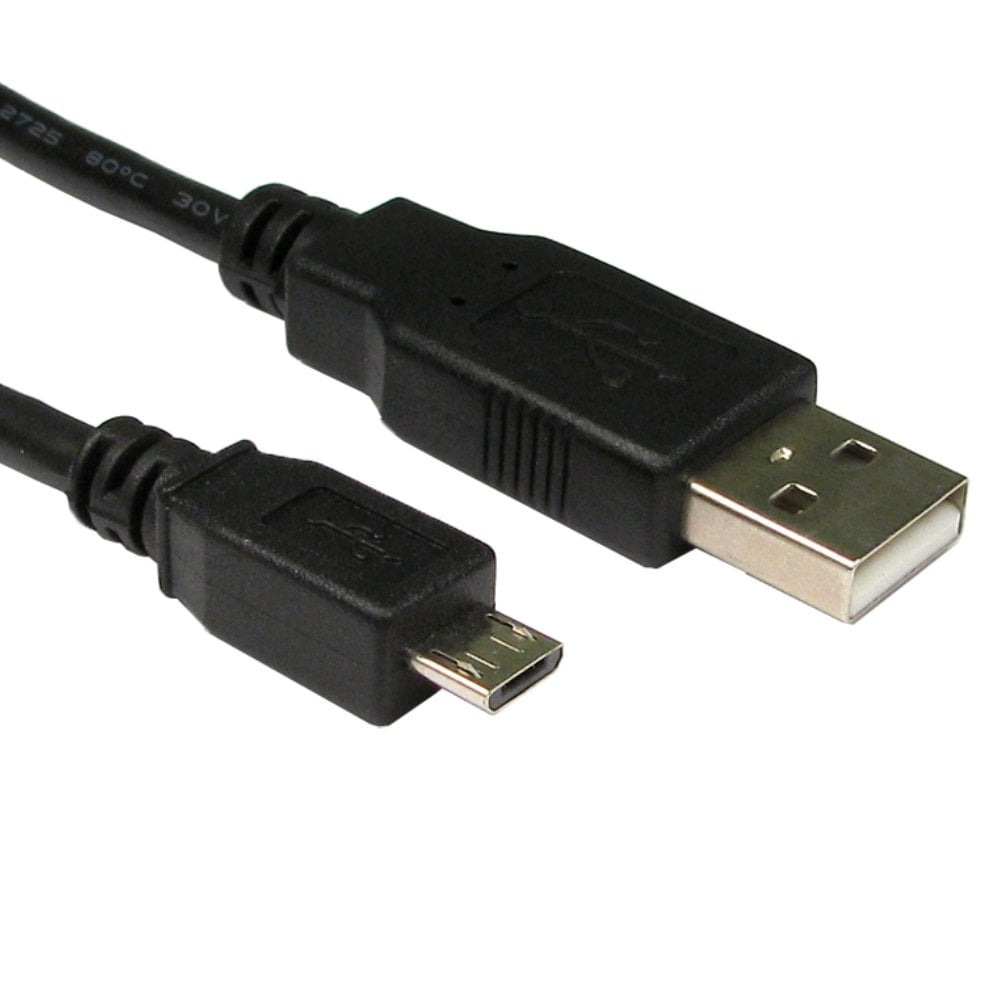
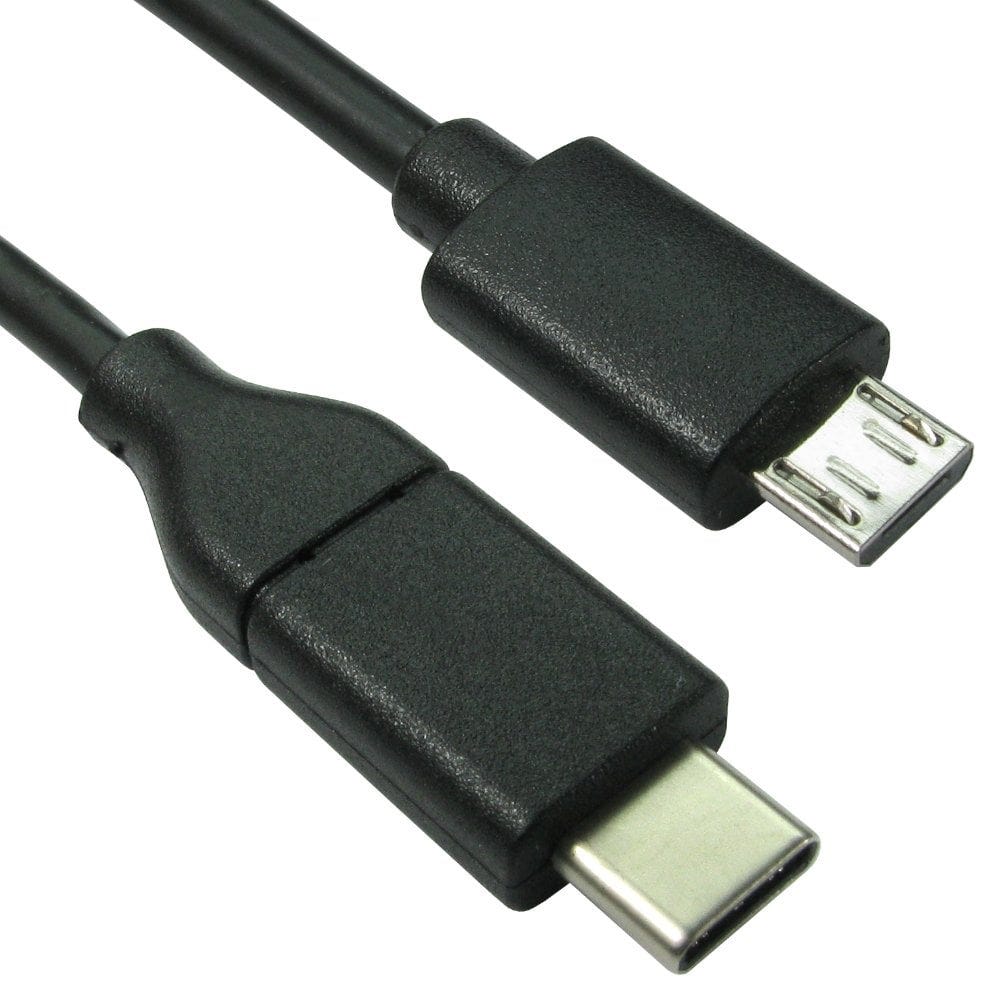
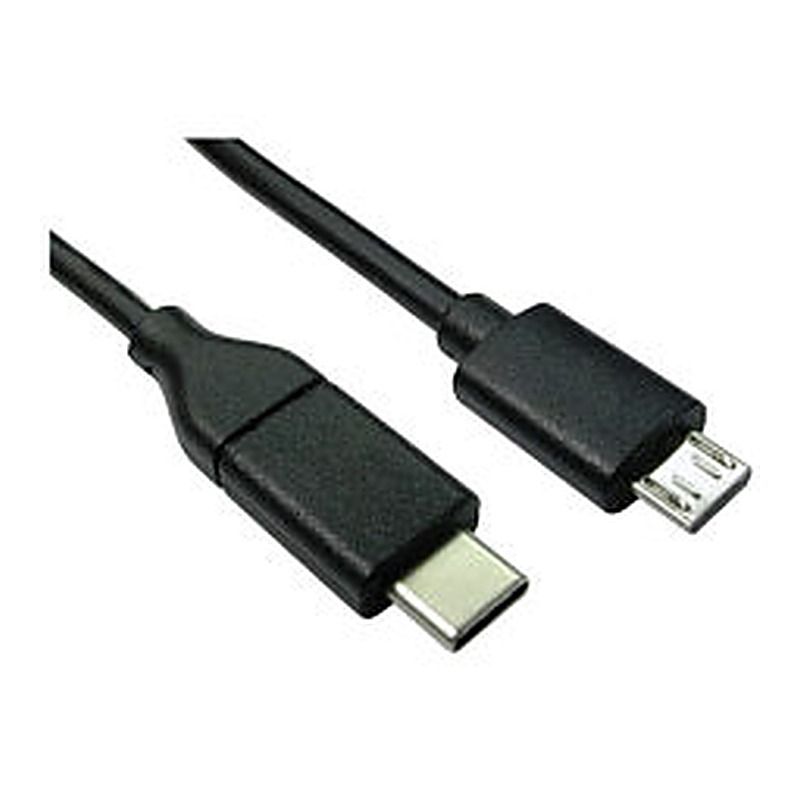
USB C to Micro USB cables have a USB C plug at one end and a Micro USB plug at the other, for connecting an older Micro USB device to a USB C laptop or charger. For external hard drives with the wider USB 3.0 Micro B socket, use a USB C to Micro USB 3.0 cable to keep the full speed.
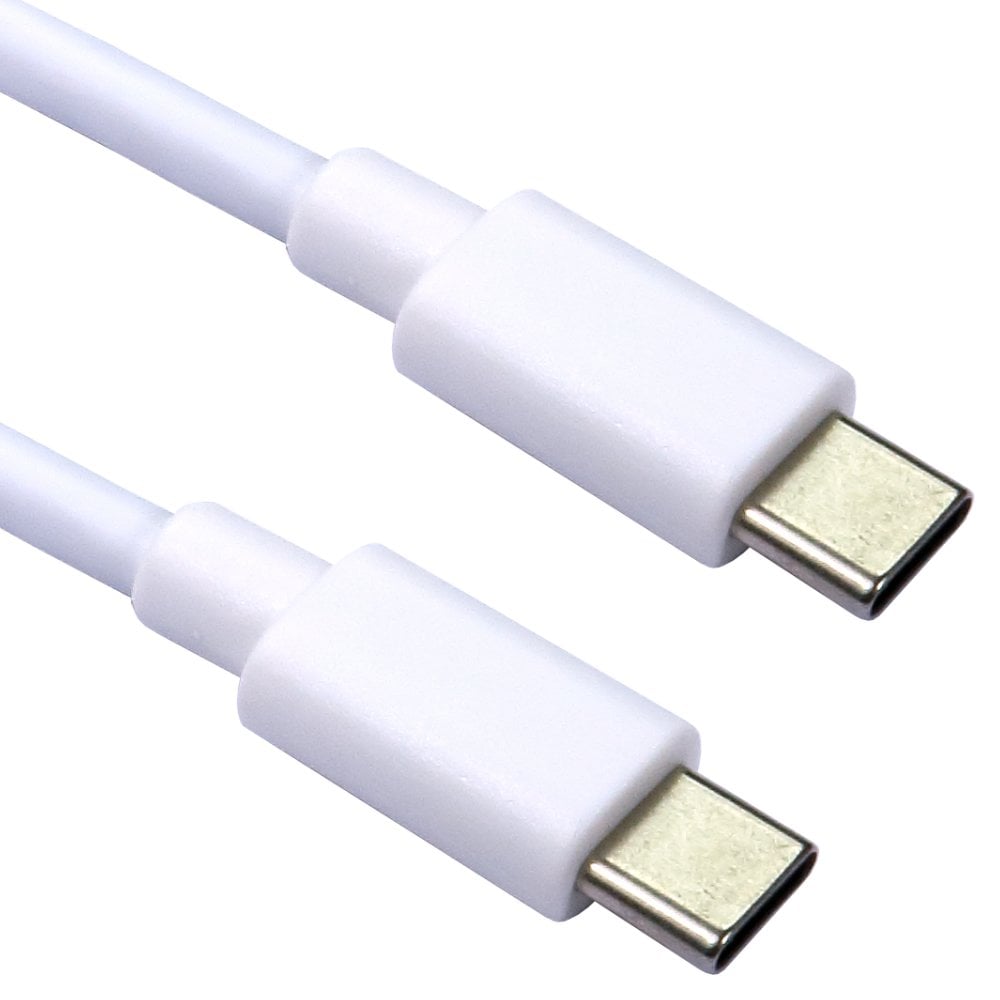
If you have both types of device, a USB C to USB C cable with a Micro USB tip, such as our braided cable with Micro USB adapter, covers both.
USB C and USB A
- USB C to USB A female adapters and short cables, such as the 15cm USB C to USB A adapter, let you plug USB A devices (memory sticks, keyboards, mice, card readers) into a USB C port. Most carry USB 3.0 data at up to 5Gbps.
- USB A male to USB C female adapters let a USB C cable plug into an older USB A port on a computer or charger. The connection can only do what the USB A port can: charging is limited to the USB A port's power, so expect slower charging than from a USB C charger.
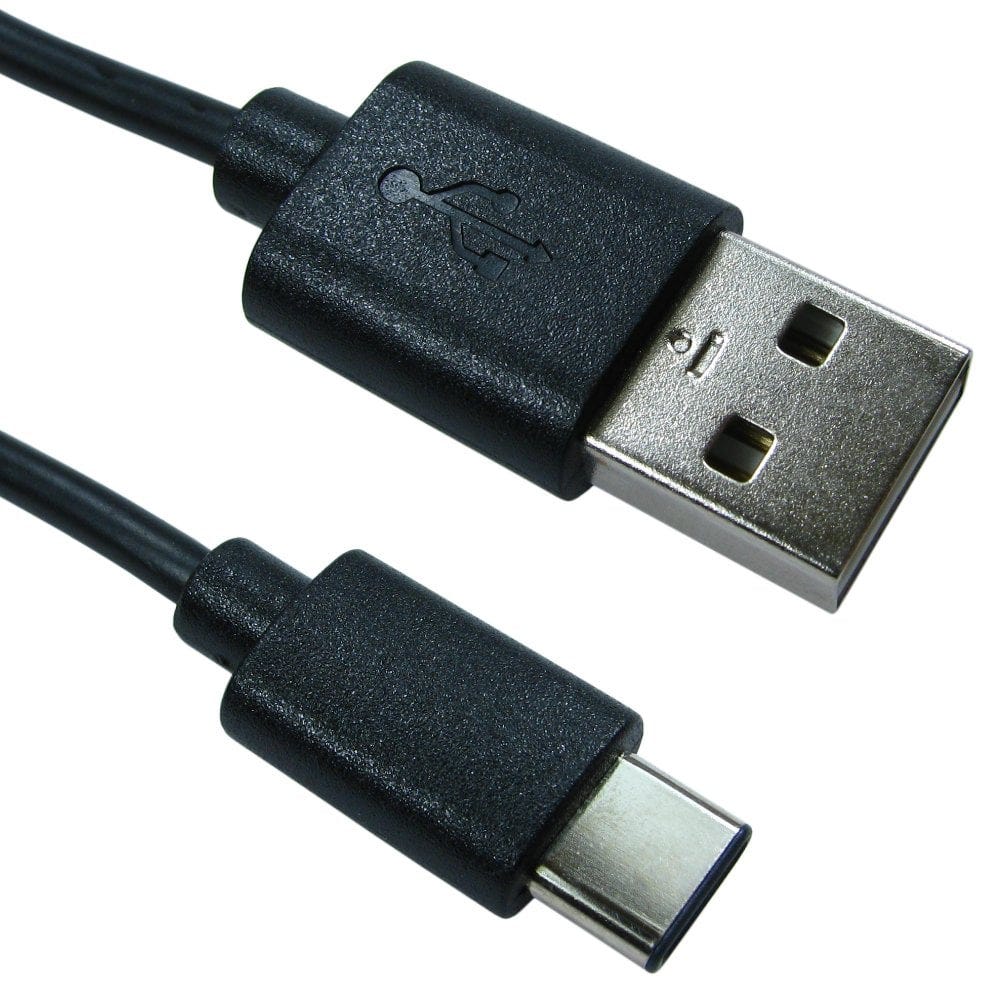
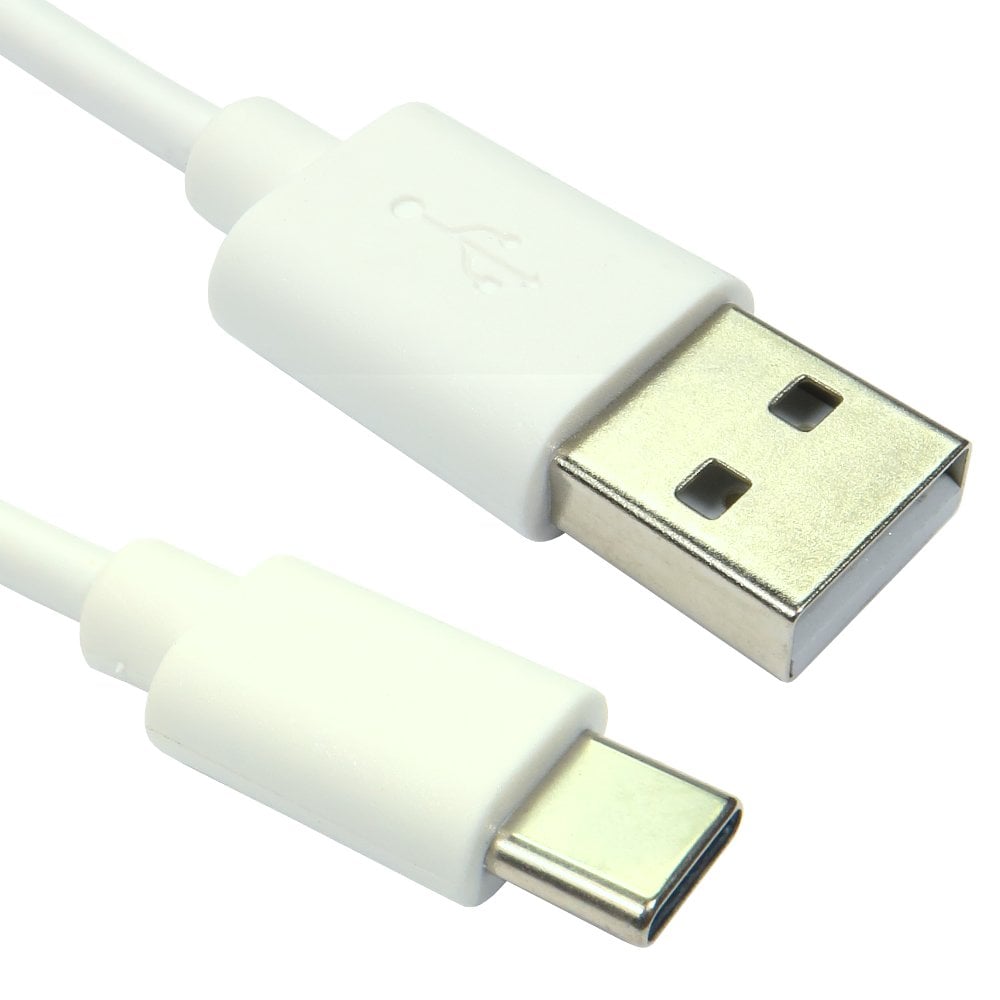
- USB C to USB A cables are the simplest way to connect a USB C phone or device to a computer or charger with USB A ports.
What is OTG?
OTG (USB On-The-Go) lets a phone or tablet act like a computer and run USB devices plugged into it, such as a memory stick, card reader, keyboard, mouse or game controller. An OTG adapter has a USB A socket on one end and a Micro USB or USB C plug on the other.
- Most Android phones and tablets support OTG. iPads with USB C, and iPhones from the iPhone 15 onwards, also work with USB accessories through a USB C adapter.
- The phone or tablet powers the device. Small items such as memory sticks are fine; a portable hard drive may need more power than a phone can give, so use a powered hub for those.
- Some devices, such as printers and some keyboards, need an app on the phone or tablet to work.
- Memory sticks and drives normally need to be formatted as exFAT or FAT32 to be read by a phone.
For a Micro USB phone or tablet, use a Micro USB OTG adapter; for USB C, a USB C OTG adapter or a 1m USB C OTG cable.
Charging and speed through adapters
An adapter can only pass on what the cable and port behind it can do. A Micro USB cable on a USB C adapter charges at Micro USB speeds and runs data at USB 2.0 speed (480Mbps), not the fast charging a USB C charger and cable can give. For the fastest charging, use a USB C to USB C cable with a USB C charger; see our guide to USB C charging cables.
Headphones, Ethernet and screens
- Headphones: a USB C to 3.5mm adapter connects wired headphones to a phone without a headphone socket. An active adapter has its own digital to analogue converter and works with all USB C devices; a passive one only works with phones that support analogue audio over USB C. Some, such as this adapter with charging, let you charge at the same time.
- Wired network: a USB C to Gigabit Ethernet adapter adds a network socket to a laptop or tablet.
- Screens: to connect a USB C laptop to a TV or monitor, see our guide how to connect a laptop to a TV or monitor.
- USB audio adapters2 products, from £4.13
- USB C to Ethernet7 products, from £20.26
- USB C to HDMI27 products, from £13.82
- USB hubs and multiport adapters18 products, from £6.02
Still not sure which adapter you need? Call us on 0207 100 6326 and we will help.
Popular USB adapters and cables