USB C Charging Cables
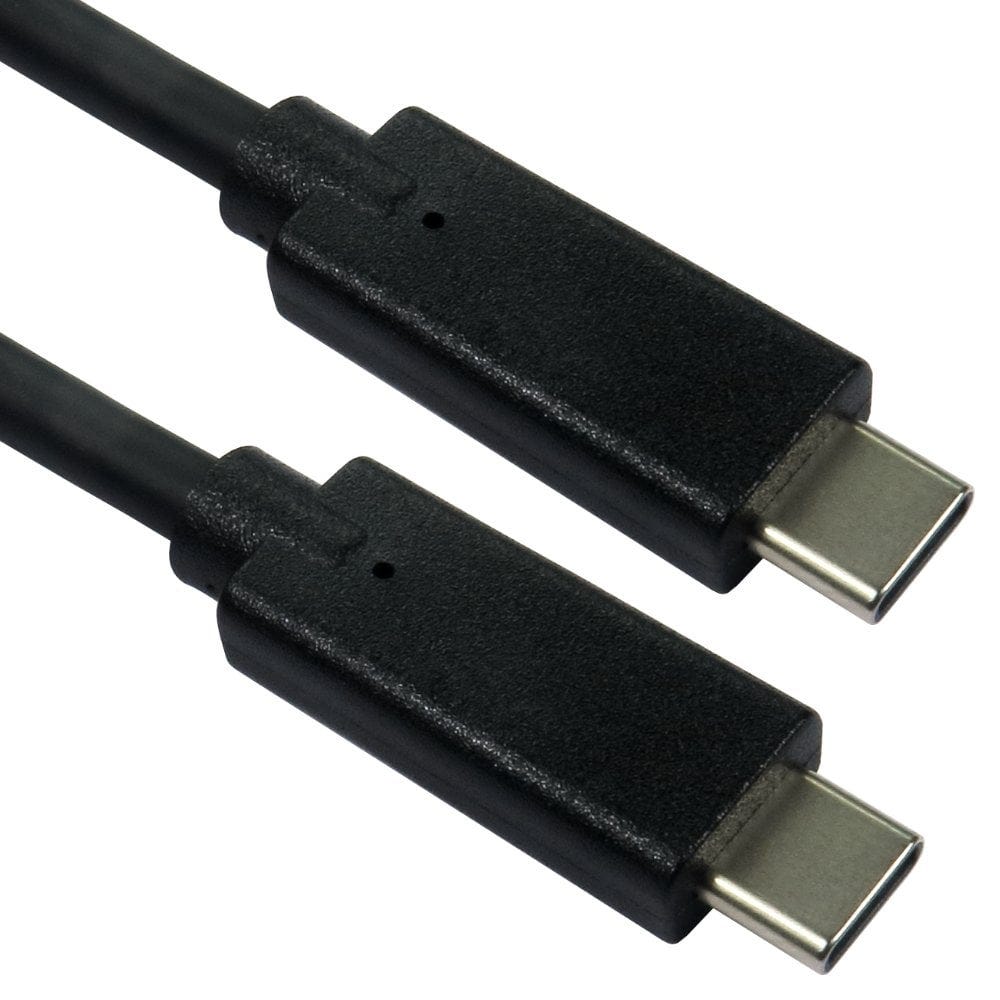
USB C to USB C cables rated for 60W, 100W and 240W USB Power Delivery charging, for phones, tablets and laptops. Choose from 39 cables, 35 in stock now for next working day delivery, and use the guide below to find the wattage you need.
Shop by charging power
Popular USB C charging cables
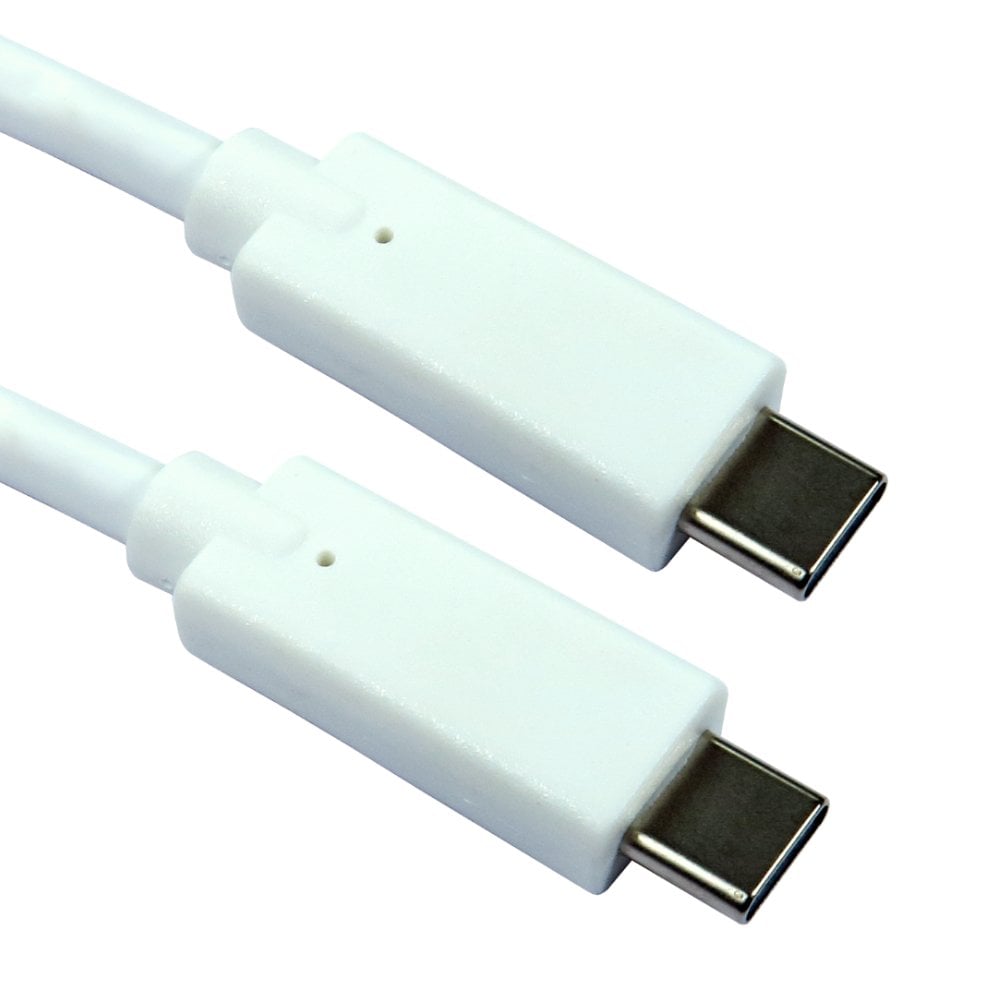
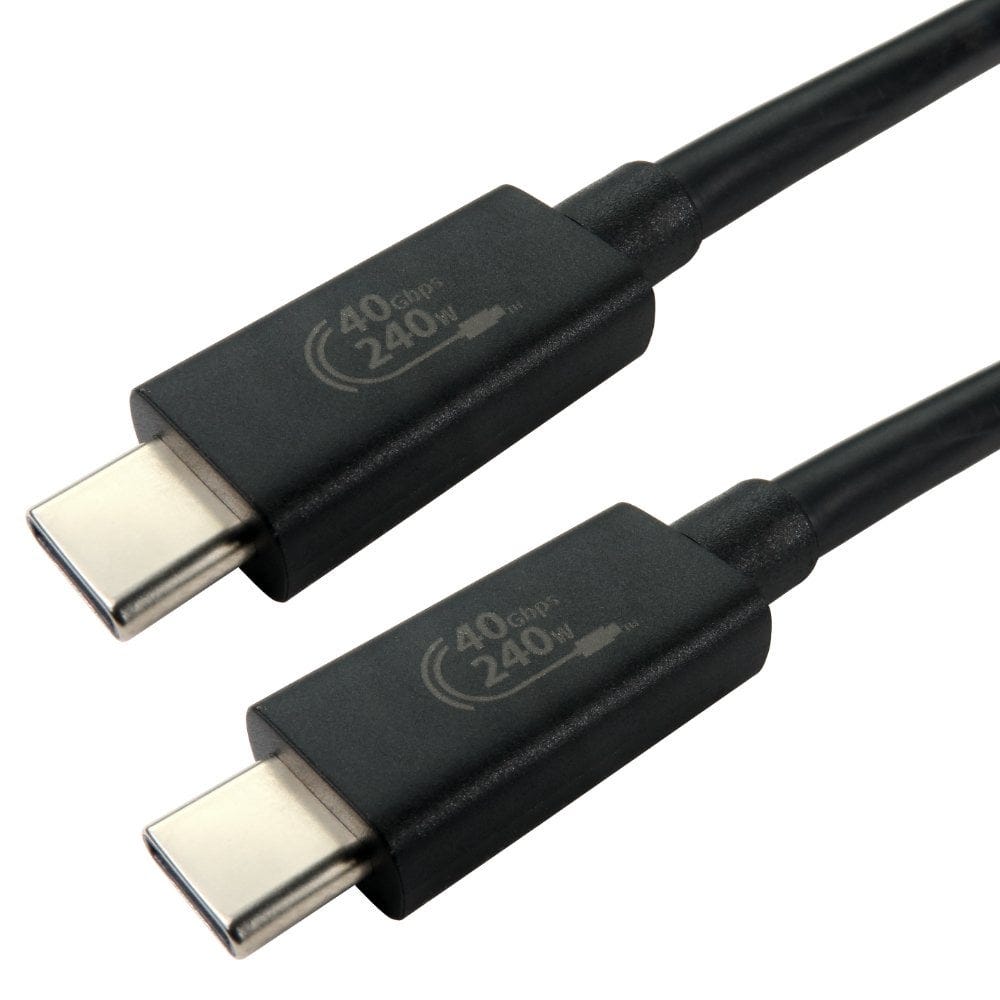
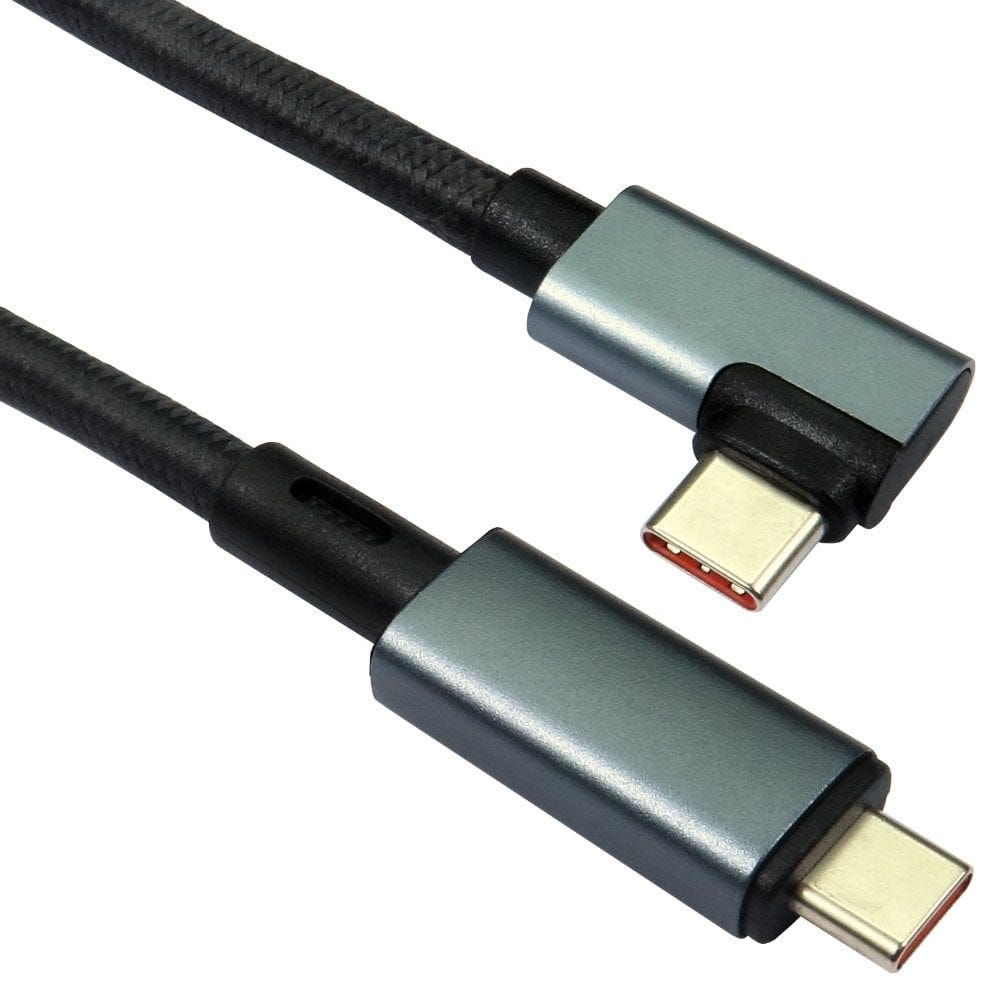
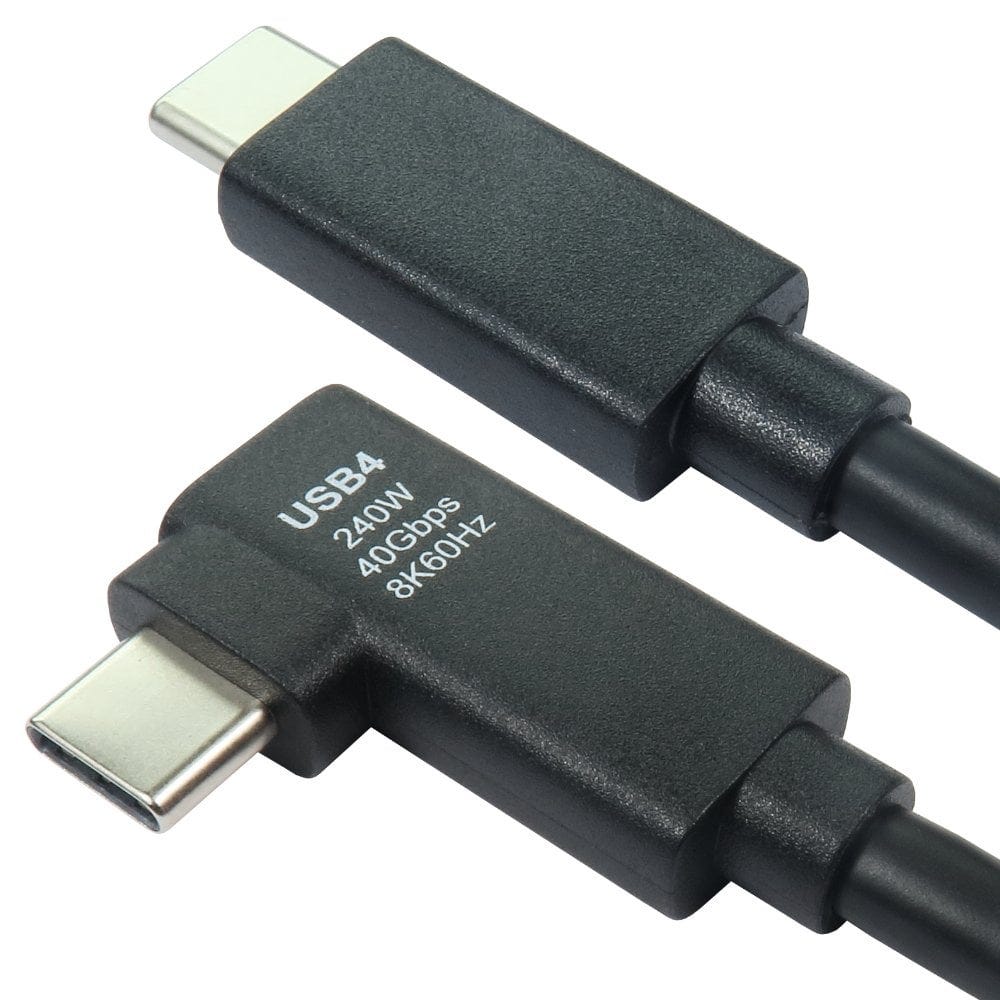
Our USB C charging cables at a glance
| Rating | Best for | Cables | Lengths | Data speeds |
|---|---|---|---|---|
| 60W | Phones, tablets and smaller laptops | 6 | 2m, 3m, 7m, 10m and 15m | 5Gbps and 10Gbps |
| 100W | Most laptops, MacBooks and fast charging phones | 18 | 0.3m, 0.5m, 0.8m, 1m, 1.5m and 1.8m | 10Gbps and 40Gbps |
| 240W | The most powerful laptops, and future proofing | 15 | 0.7m, 1m, 1.5m, 2m and 3m | 10Gbps, 20Gbps and 40Gbps |
What wattage do I need?
Check the wattage of the charger that came with your device, or the largest charger it supports, and choose a cable rated for at least that much. As a guide:
- Phones: most charge at 20W to 45W, so any of our cables is enough.
- Tablets and iPads: usually 20W to 45W.
- Thin and light laptops: often 30W to 65W, for example a MacBook Air or a Chromebook.
- Most other laptops: 65W to 100W, so choose a 100W cable.
- Larger laptops: some need more than 100W, such as the 140W charger for the 16-inch MacBook Pro and some gaming and workstation laptops. These need a 240W cable to charge at full speed.
If you are not sure, a 100W or 240W cable will charge everything, because a cable only carries the power the charger and the device agree on.
How USB C Power Delivery works
When you plug in, the charger, the cable and the device agree a voltage and current between them. Up to 60W (20 volts at 3 amps) works over any USB C cable. Above that, the cable must have a small electronic marker chip (an e-marker) that tells the charger it can safely carry 5 amps: that gives 100W at 20 volts, and up to 240W at 48 volts with the newer Extended Power Range. If the cable cannot prove it is rated for more, the charger keeps the power at 60W, so a laptop may charge slowly or not keep up while it is busy.
Is a higher wattage cable safe for my phone?
Yes. The cable does not push extra power into a device. A 240W cable used with a 20W phone charger simply charges at 20W, so one high power cable can be used for everything you own.
Charging and data speed are separate
A cable's charging rating says nothing about how fast it copies files or whether it carries video. Many charging cables only carry USB 2.0 data, which is fine for charging and syncing a phone. For fast external drives, docks and monitors, choose a cable rated 10Gbps or 40Gbps. Our 11 240W cables with 40Gbps USB4 data do everything in one cable: full power charging, fast data and video, where the devices support it.
What about USB C to USB A?
USB A sockets do not support USB Power Delivery, so a USB C to USB A cable charges at the lower speeds a USB A charger or computer port can give. For fast charging, use a USB C charger with a USB C to USB C cable.
Getting the fastest charge
- Use a charger with enough wattage: the cable cannot add power the charger does not have.
- On a charger with several ports, the power is shared when more than one device is plugged in.
- Choose a cable rated for the full wattage of your charger, and replace cables with damaged plugs or kinks.
USB C chargers