SATA Cable Guide
Most hard drives, 2.5 inch SSDs and DVD drives in a desktop PC connect with two SATA cables: a thin data cable to the motherboard and a wider power cable from the power supply. This guide explains the plugs, which cables and adapters you need when fitting or adding a drive, and how eSATA, M.2 and older IDE drives fit in.
SATA, eSATA and Molex plugs
| Plug | What it looks like | What it does |
|---|---|---|
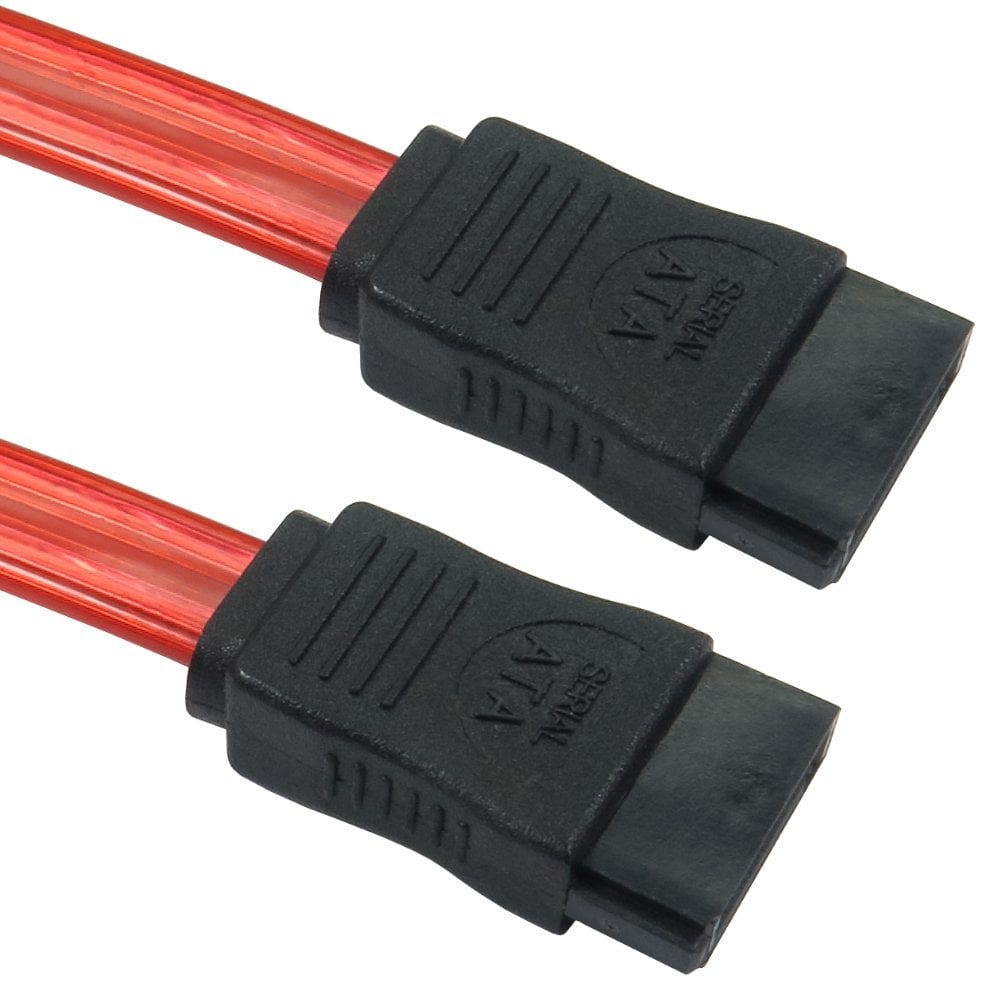
| SATA data | Small, flat, L shaped, 7 pins | Connects the drive to a SATA port on the motherboard or a controller card |
| SATA power | Like the data plug but wider, 15 pins | Power from the power supply to the drive |
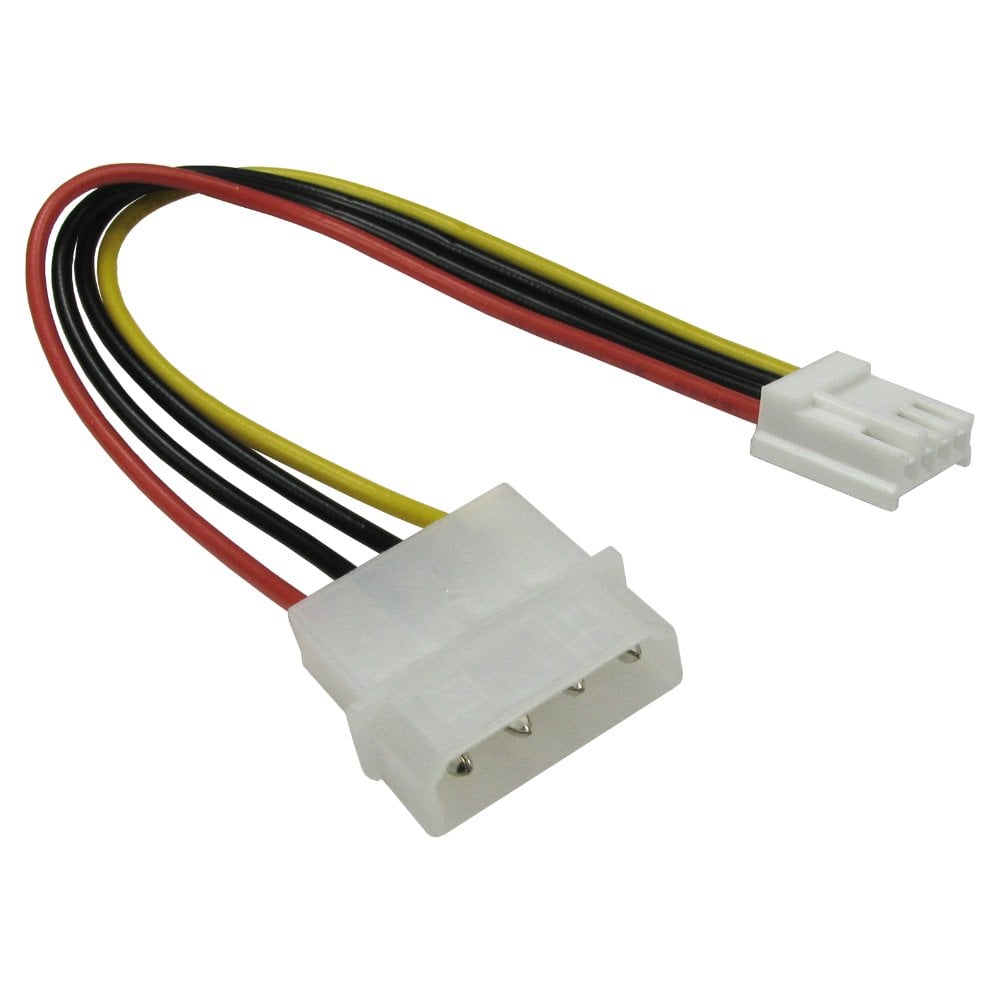
| Molex | Large 4 pin plug with round pins | Power on older power supplies, fans and IDE drives |
| eSATA | Like SATA data but with no L shape, and shielded | External drives and docks |
The L shape means SATA plugs only fit one way round. 2.5 inch and 3.5 inch drives use the same two plugs.
SATA data cables
- Length: choose the shortest cable that reaches without strain. 45cm suits most cases; 1m is the longest allowed for internal SATA, for large tower cases, such as our 1m cable.
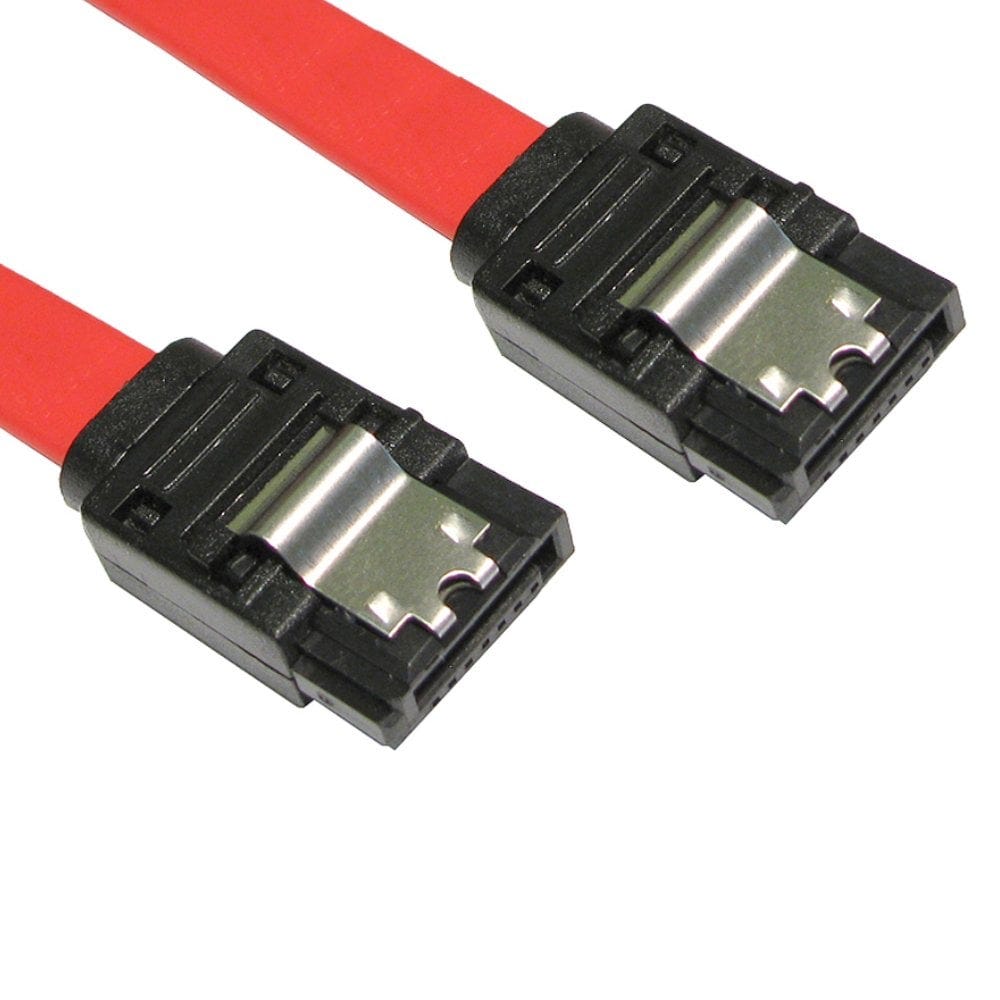
- Locking clips stop the plug working loose, which can cause a drive to disappear or errors. Choose locking cables such as our 45cm and 90cm ones.
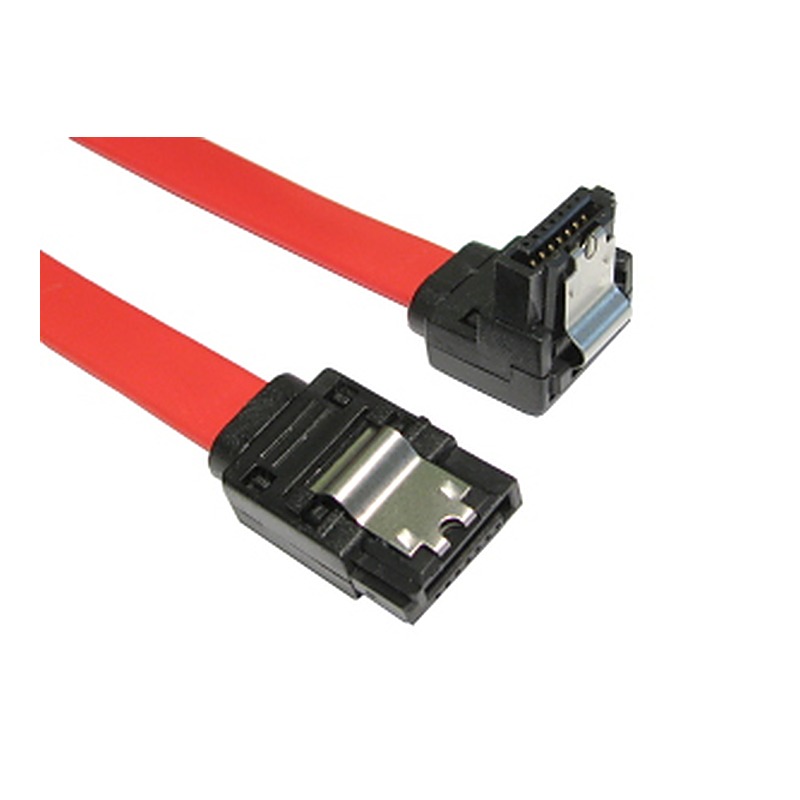
- Right angle plugs help where space is tight, such as behind a drive bay or under a graphics card, such as our straight to right angle and right angle cables. Check which way the angle points against the space you have.
- Speed: SATA runs at 1.5, 3 or 6Gbps (SATA I, II and III). Our internal data cables are rated SATA II (3Gbps) or SATA I and also work with faster 6Gbps drives, SSDs and ports. The drive and motherboard port decide the speed.
Each drive needs its own data cable and SATA port: SATA data cables cannot be split or daisy chained.
Powering SATA drives
| Problem | What you need |
|---|---|
| Power supply has only Molex plugs | A Molex to SATA power cable or adapter |
| Not enough SATA power plugs | A Molex to two SATA power cable, or the Molex to 2 x SATA splitter |
| SATA power plug is just too short | A short 20cm SATA power cable |
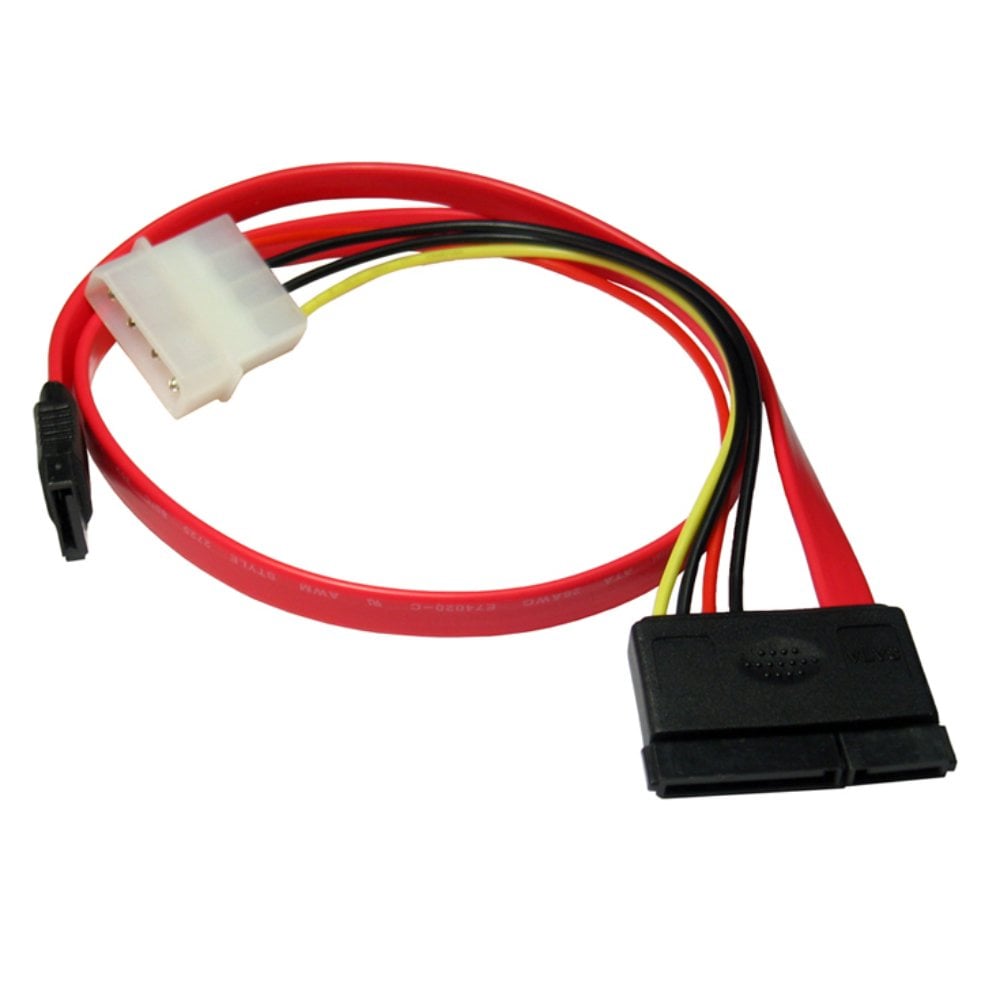
| Older PC, data and power in one | A SATA combo cable: SATA data, plus SATA power from a Molex plug |
Splitters share one power supply connector, so do not run lots of drives from one plug. Hard drives use the most power as they spin up; SSDs use very little.
eSATA for external drives
eSATA is SATA for drives outside the case, with tougher, shielded plugs. It runs at full SATA speed, but carries no power, so the drive or dock needs its own power supply.
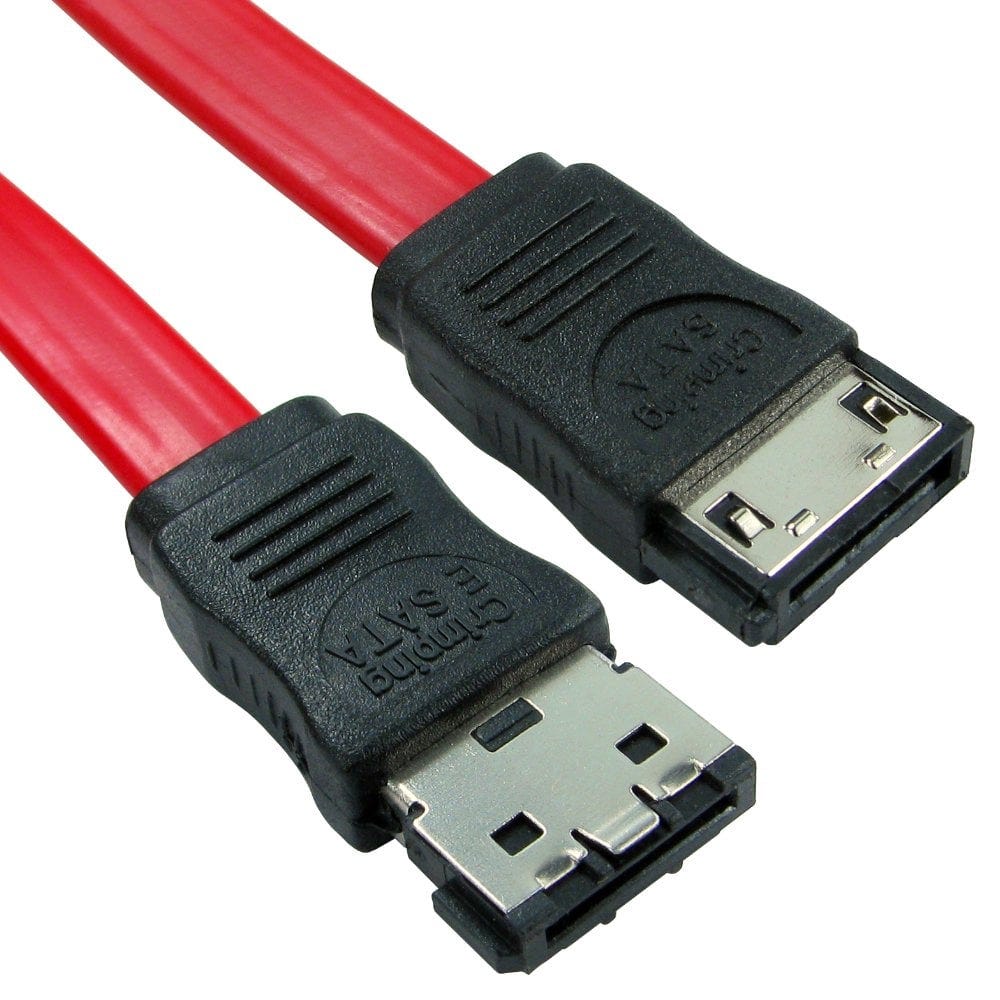
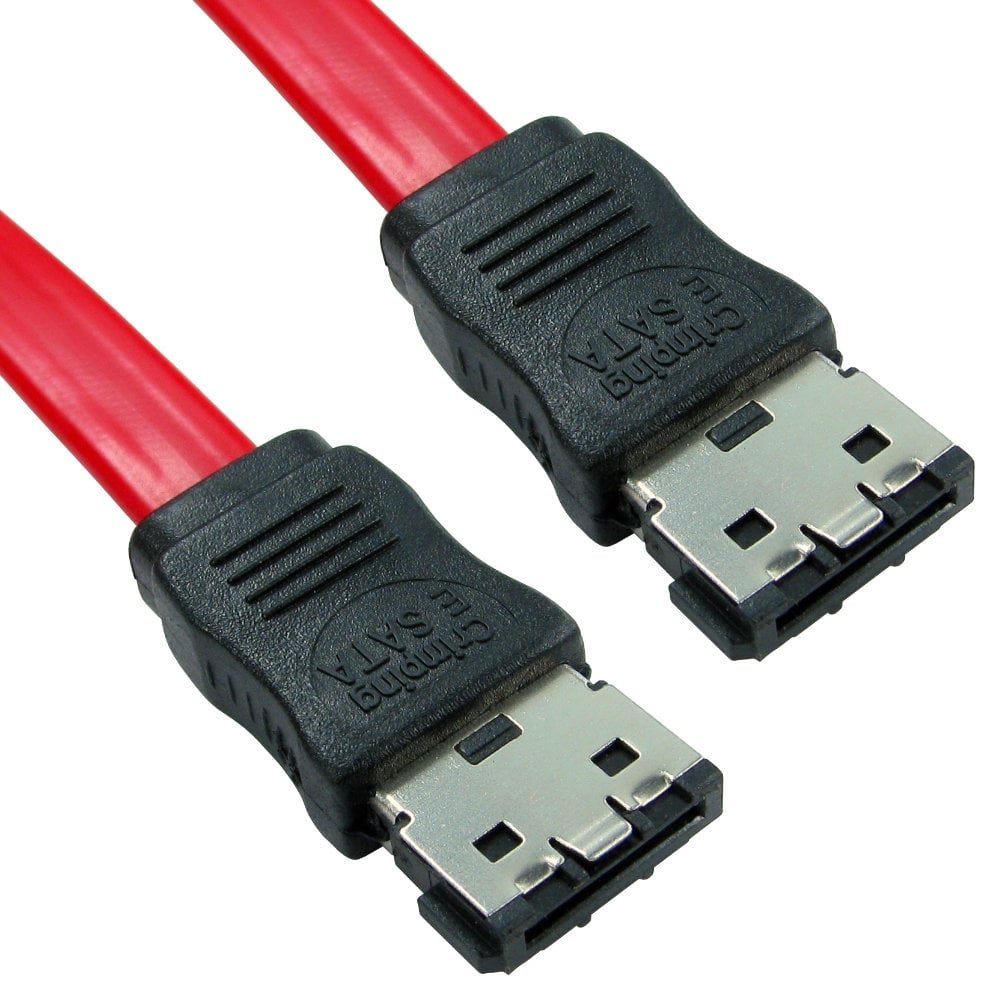
- eSATA to eSATA cables, such as our 1.5m and 3m cables, connect an eSATA drive or dock to a computer's eSATA port.
- No eSATA port? An eSATA backplate turns a spare motherboard SATA port into an eSATA socket on the back of a desktop PC, or a SATA to eSATA cable connects one directly.
Most new external drives use USB 3 or USB C instead of eSATA.
M.2 drives
M.2 SSDs are small cards that plug straight into a slot on the motherboard, with no data or power cable. They come in two kinds: NVMe, which is much faster, and SATA M.2; check which your motherboard slot supports. To use an M.2 NVMe SSD as a portable drive, fit it in a USB C to M.2 NVMe enclosure (NVMe drives only).
Older PCs: IDE, floppy and other power cables
- IDE (PATA) drives use a wide 40 pin ribbon cable, such as our ATA-66 IDE cable for two drives, and a Molex power plug.
- Floppy drives use a 34 pin ribbon, such as our dual floppy drive cable.
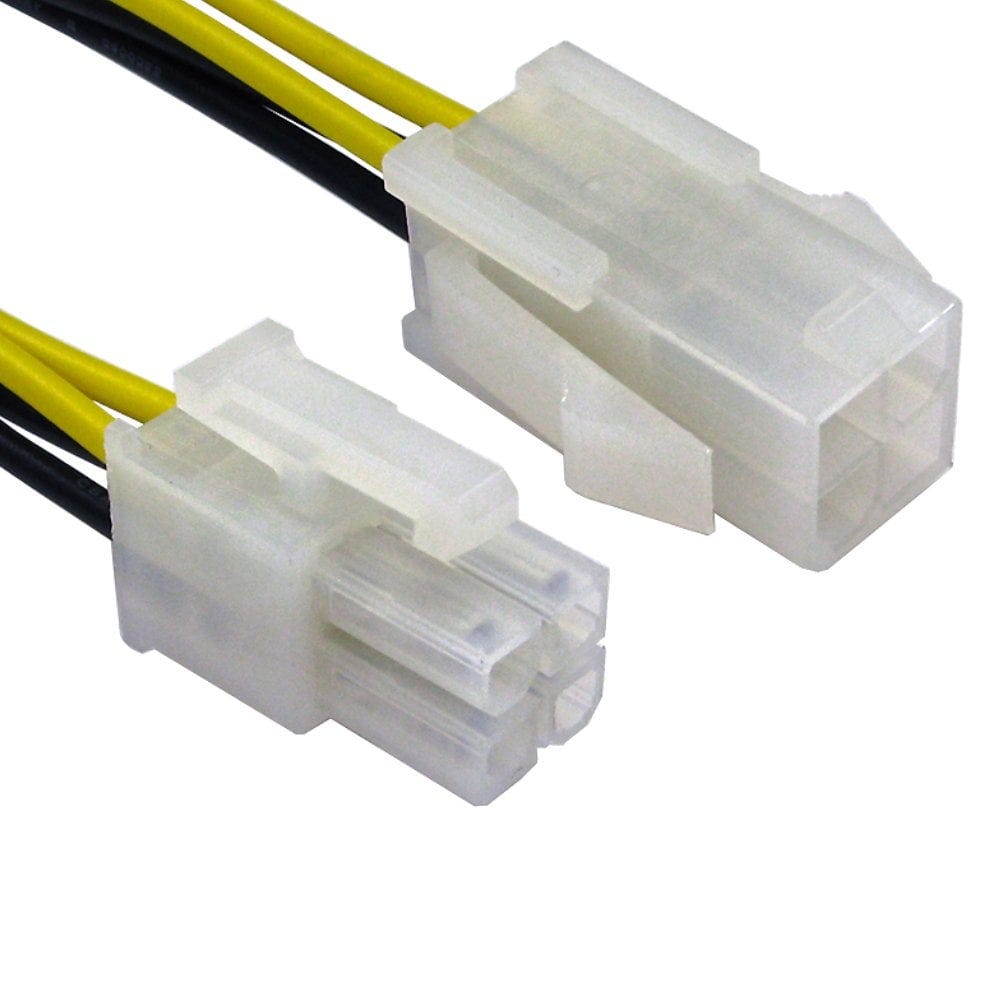
- Motherboard and graphics card power: a 20 to 24 pin ATX adapter fits an older power supply to a newer motherboard, a Molex to P4 adapter adds the 4 pin 12V plug, and a Molex to 6 pin PCIe cable powers a graphics card, within what the Molex plugs can supply.
- Molex splitters, such as the 1 to 3 splitter, power extra fans and older drives.
Not sure which SATA cable you need? Call us on 0207 100 6326 and we will help.
Popular SATA and internal cables