Phone, RJ11 and BT Adapters Explained
UK phone sockets take a BT plug, but most routers, and many phones and phone systems, use the smaller RJ11 plug. This guide explains which cable or adapter connects your router or phone, when you need a microfilter, and what changes when your landline moves to a digital phone service.
BT, RJ11 and the other phone plugs
| Plug | What it looks like | Found on |
|---|---|---|
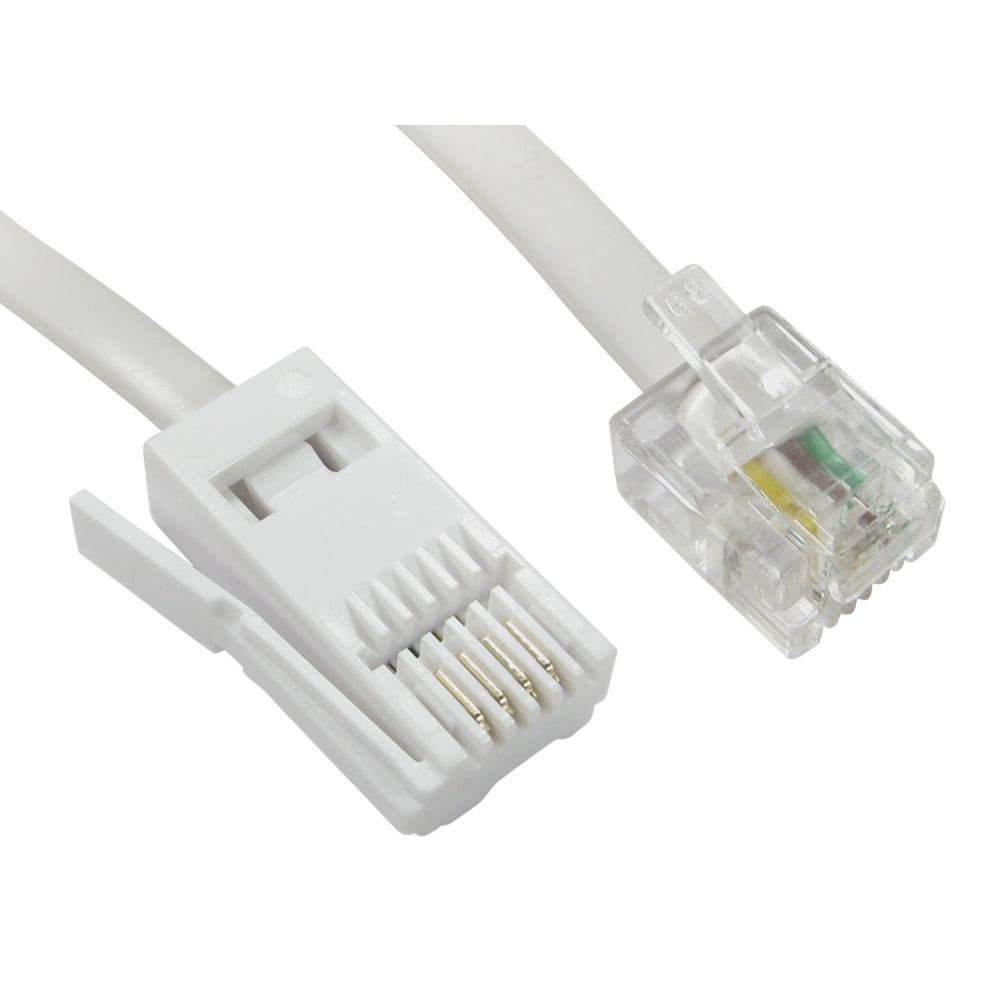
| BT | Flat and wide, with the clip on one side | UK phone wall sockets and the leads of most UK phones |
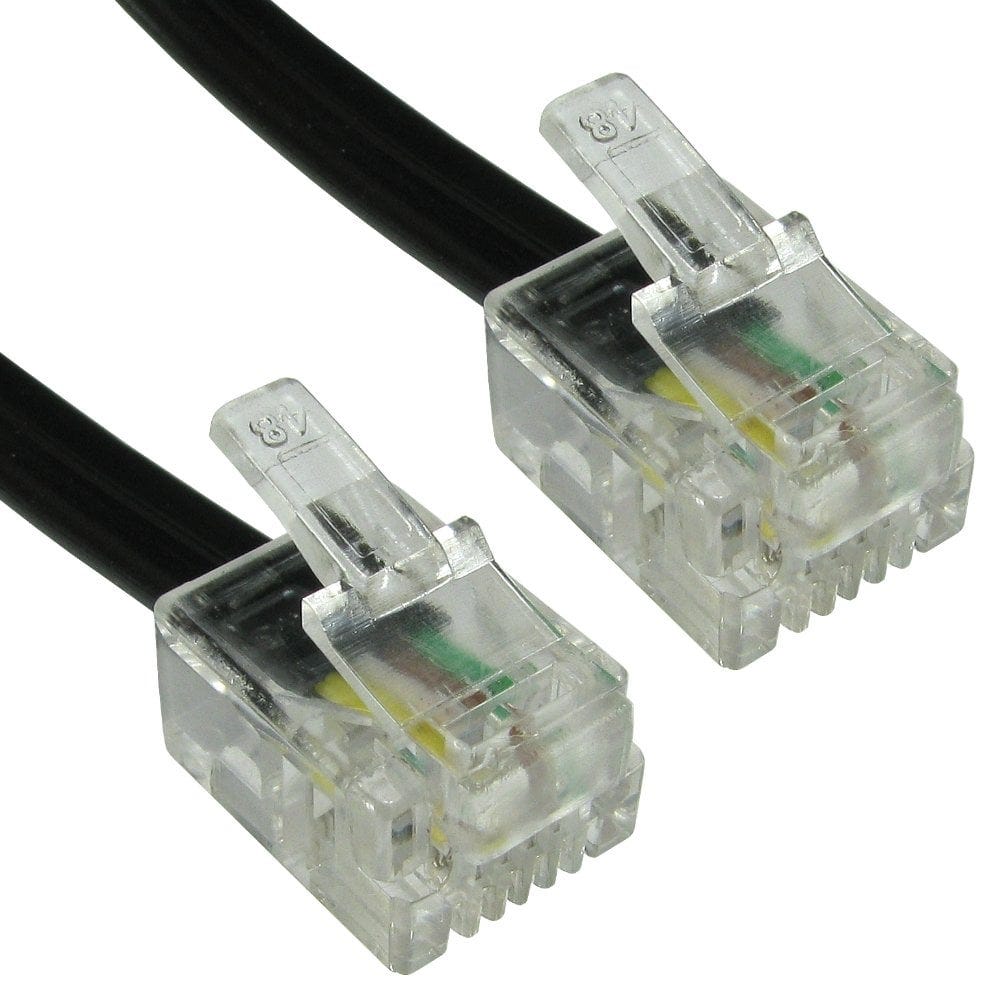
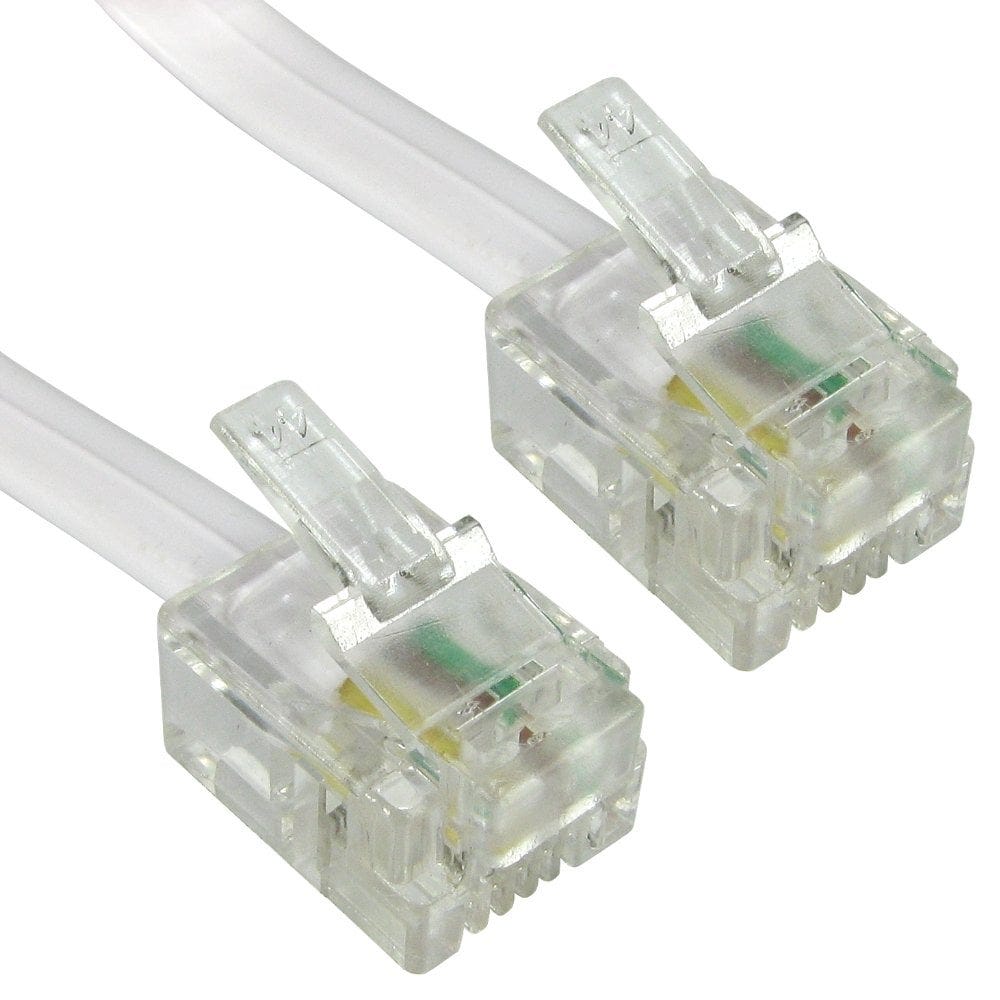
| RJ11 | Small clear plug with the clip on top, 6 positions | The broadband port on routers, phones, faxes, microfilters, filtered wall sockets |
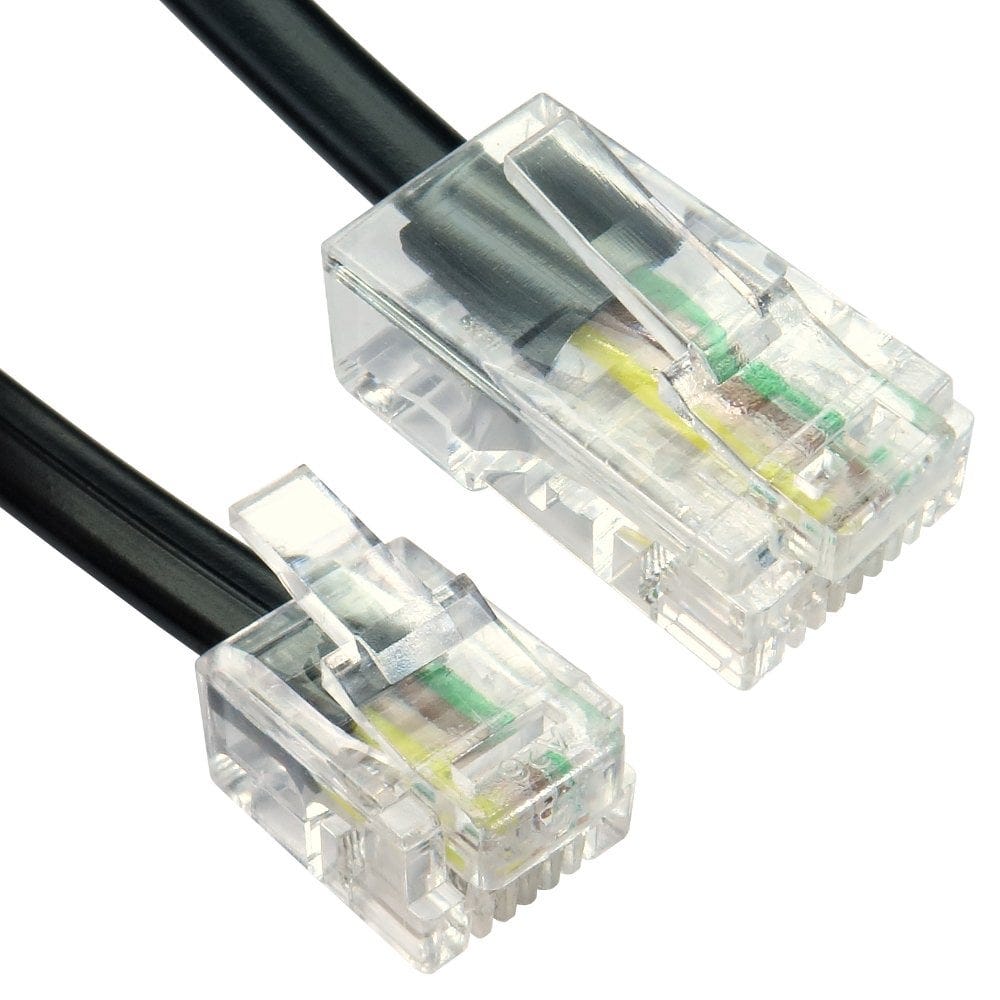
| RJ45 | Like RJ11 but wider, 8 contacts | Network cables, office phone systems and patch panels |
| RJ10 | Smaller still, 4 contacts | The coiled cord between a phone and its handset, such as our 2m handset cord |
Connecting a broadband router to the wall
| Your wall socket | What you need |
|---|---|
| Master socket with a separate small broadband (RJ11) socket | The filter is built in: an RJ11 to RJ11 modem cable from that socket to the router. No microfilters needed anywhere |
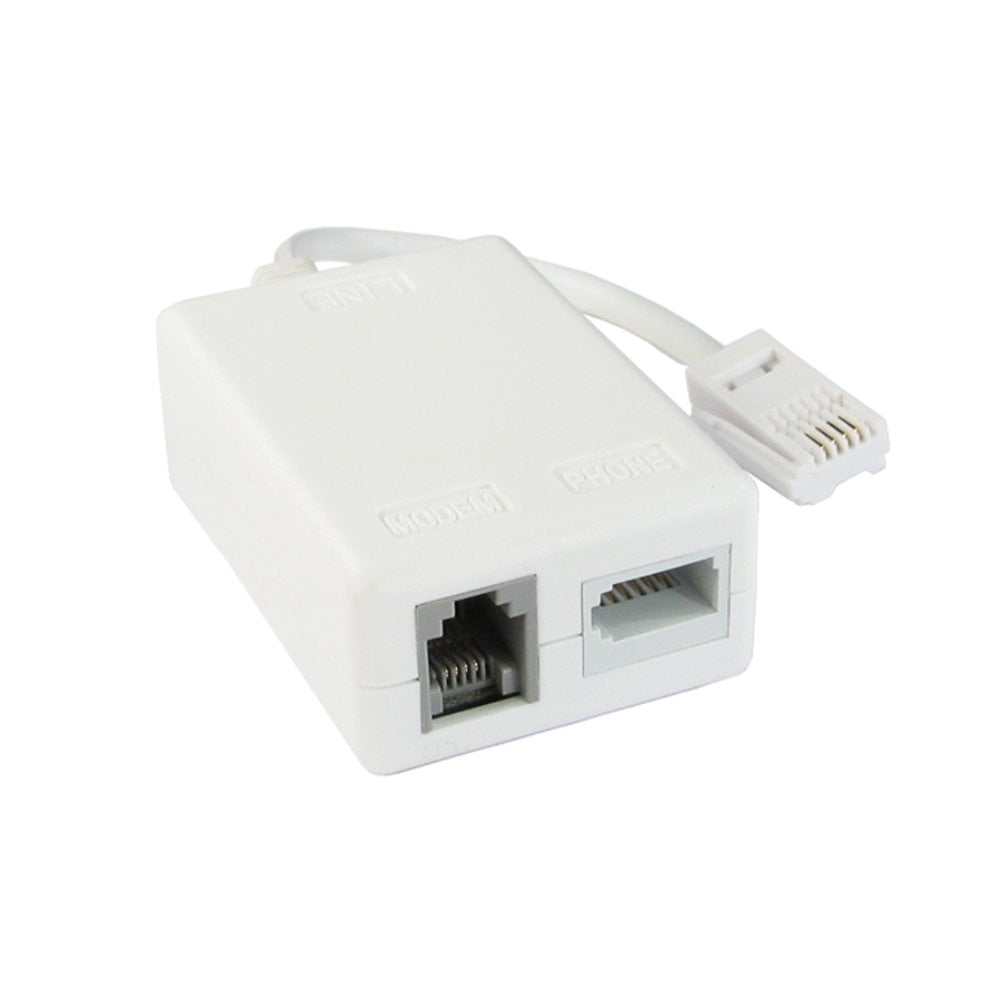
| Plain BT socket | A microfilter in the socket, then an RJ11 cable to the router; the phone plugs into the filter's BT socket |
| RJ45 socket (office or patch panel) | An RJ11 to RJ45 cable |
| Full fibre (FTTP) | No phone cable: the router connects to the fibre box with an Ethernet cable. See which Ethernet cable |
- Microfilters stop phones crackling and broadband dropping on the same line. On a broadband line without a filtered master socket, fit one on every socket where a phone, fax, alarm or TV box is plugged in. We have plug in, leaded and tail types, and an ADSL surge protector.
- Moving the router for better Wi-Fi: use a longer RJ11 modem cable, up to 30m, or a BT extension lead. For the best broadband speed, keep the router connected to the master socket and the run as short as you can.
- A router with an RJ11 port and a plain BT socket, with no phones on the line or the phones filtered elsewhere: a BT to RJ11 cable plugs straight in.
Digital phone lines: plugging your phone into the router
The UK's old analogue phone network is being switched off, and landlines are moving to digital phone services that run over broadband. Your phone then plugs into a phone port on the router instead of the wall socket.
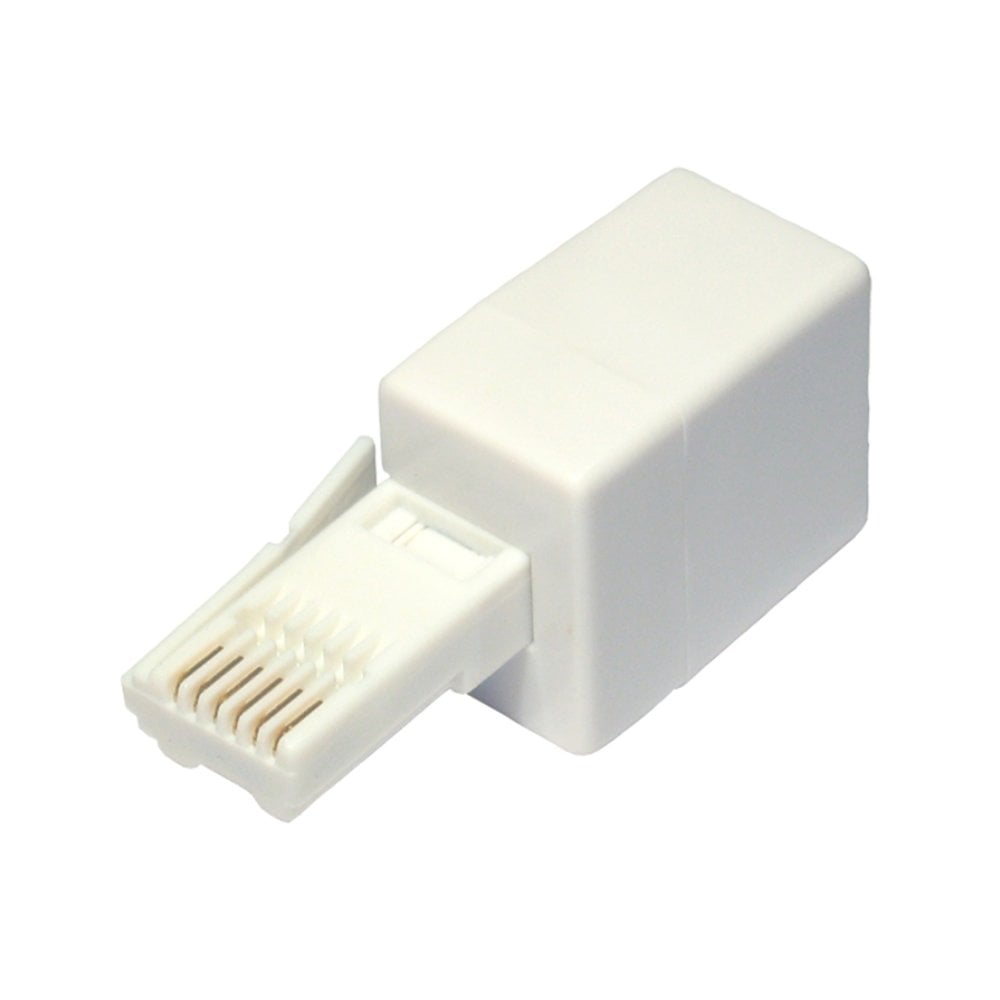
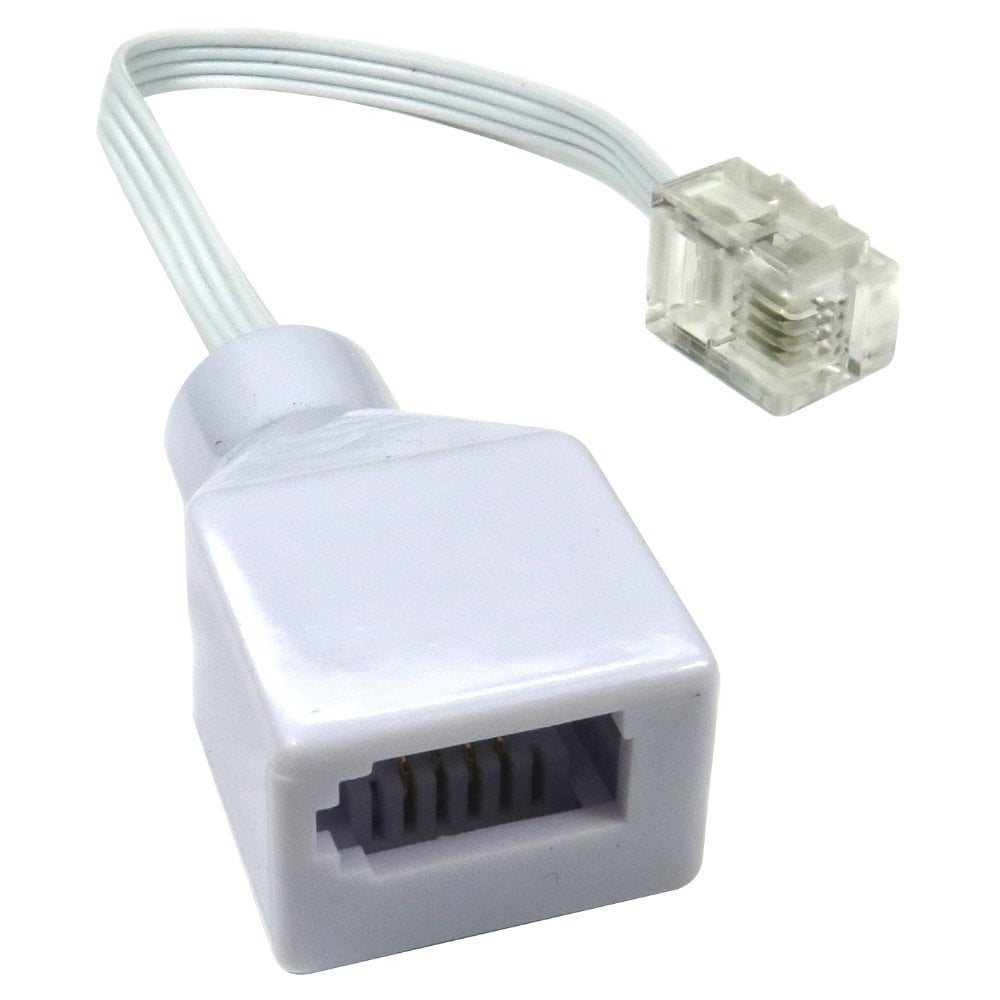
- If the router's phone port is RJ11 shaped and your phone has a BT plug, use an RJ11 plug to BT socket adapter. It is wired so the line reaches the centre pins of the RJ11, where the router expects it.
- To use more than one phone on the port, or a phone and an answering machine, add a BT double adapter.
- Microfilters are not needed once the line is digital or full fibre.
- If the phone is in another room, a BT extension lead from the adapter reaches it.
Some alarms, care alarms and card machines rely on the old phone line, so check with your provider before the switch.
Crossover or straight BT to RJ11 cables?
A BT plug carries the phone line on pins 2 and 5. Most routers, phones and modems with an RJ11 socket expect it on the two centre pins. A crossover cable connects those, so it is the usual choice, such as our 2m or 10m crossover cables.
A straight cable, such as our 2m straight cable, is wired pin for pin, for equipment that specifically needs it. If you are not sure, choose crossover. If a cable gives no dial tone or no broadband, the other wiring is the first thing to try. The same choice applies to BT plug to RJ11 socket adapters, which come in straight and crossover versions.
Splitters, extensions and office adapters
- Double, triple and 4 way adapters turn one BT socket into several, such as our double, triple and 4 way adapters. Everything plugged in shares the same line and number.
- Extension leads (BT plug to BT socket) move a phone or router away from the socket, from 2m to 20m.
- Office RJ45 outlets: a full master PSTN adapter turns an RJ45 data outlet carrying a phone line into a BT socket, and a PABX adapter connects BT plug phones to an RJ45 phone system outlet.
- Making your own cables: RJ11 6P4C and RJ12 6P6C crimp plugs.
- Telephone adapters9 products, from £0.96
- Phone extension cables7 products, from £1.46
- Handset cords7 products, from £1.01
- RJ11 and RJ12 plugs5 products, from £0.24
Not sure which phone cable or adapter you need? Call us on 0207 100 6326 and we will help.
Popular phone cables and adapters