Audio Cable Guide
Headphones, speakers, hi-fis, soundbars, microphones and instruments use a handful of different audio plugs. This guide shows how to tell them apart, which cable to use for the most common jobs, and the adapters that join one type to another.
Audio plugs explained
| Plug | Found on |
|---|---|
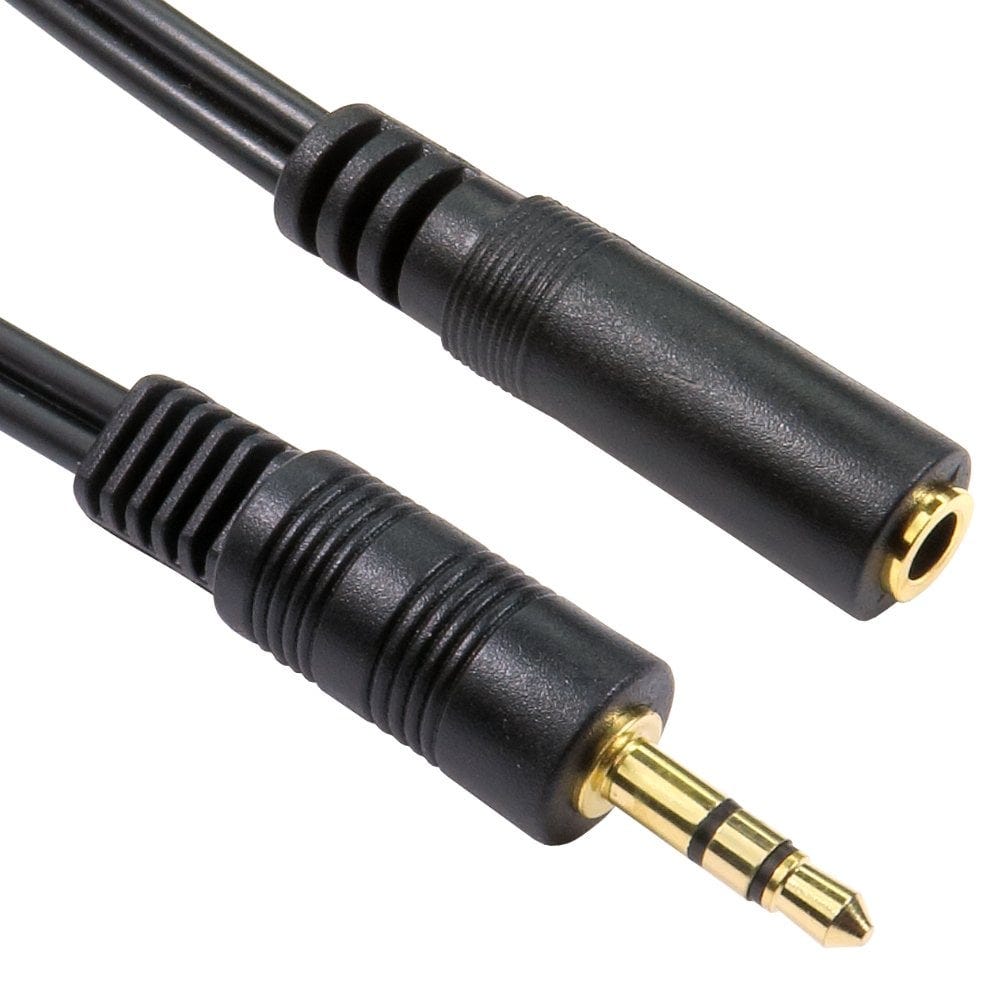
| 3.5mm jack (stereo, 3 pole) | Headphones, phones, laptops, car stereos and speakers with an AUX input |
| 3.5mm jack (4 pole) | Headsets and earphones with a microphone, phones, laptops and games controllers |
| 2.5mm jack | Some older phones, headsets and cameras |
| 6.35mm (1/4 inch) jack | Guitars and keyboards (mono), studio headphones, mixers and amplifiers (stereo or balanced) |
| Phono (RCA) | Hi-fi, amplifiers, subwoofers, DJ equipment. Red is right, white (or black) is left; yellow is video |
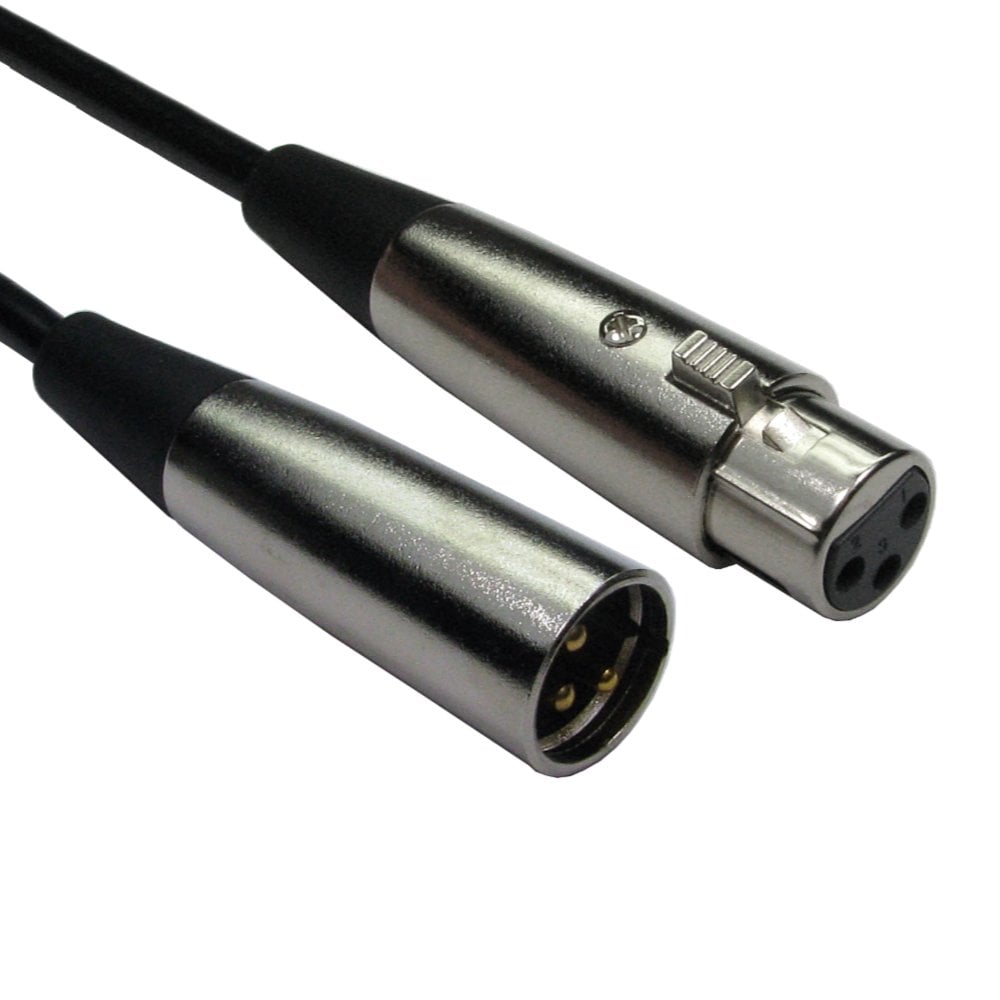
| XLR (3 pin) | Microphones, mixers, powered speakers and live sound |
| Toslink optical | Digital sound from TVs, consoles and set top boxes to soundbars and AV receivers |
You can count the poles on a jack plug by the thin insulating rings: one ring is mono (TS), two is stereo (TRS), three is stereo plus microphone (TRRS).
Which cable for which job?
| Job | Cable |
|---|---|
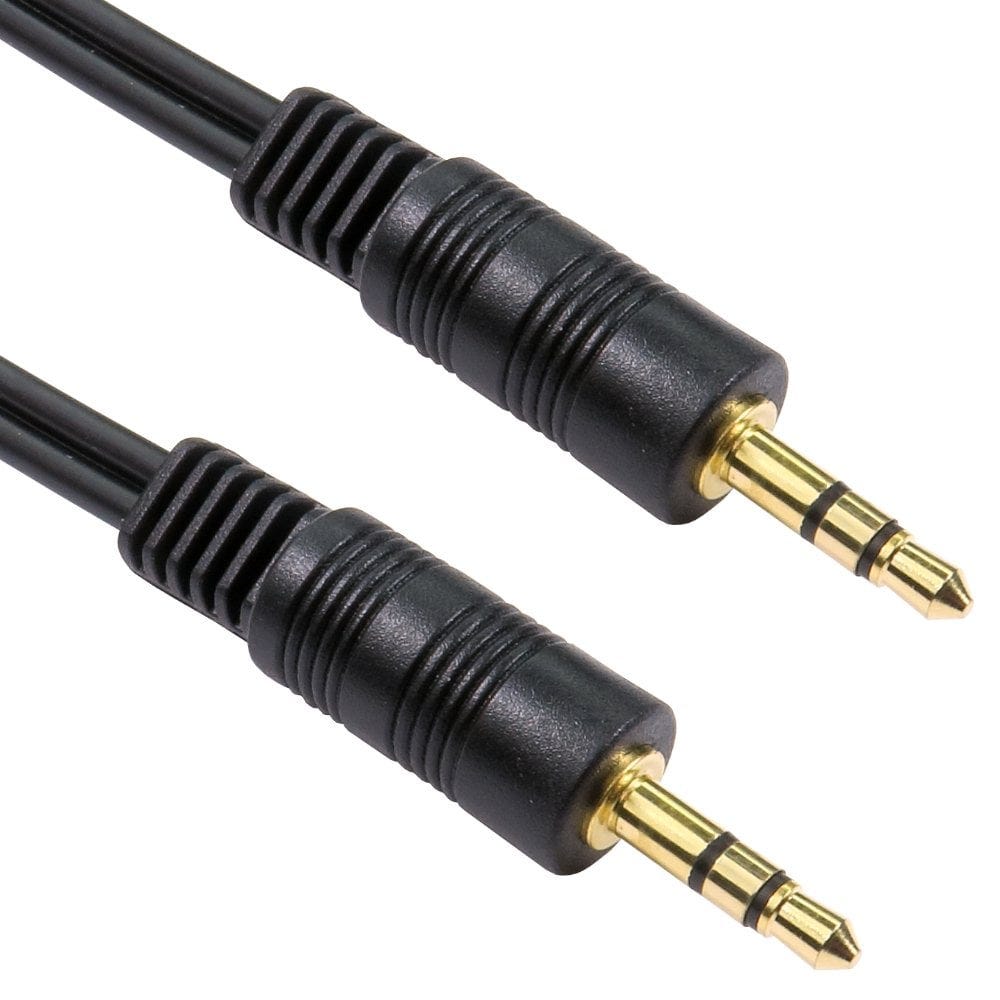
| Phone or laptop to a car stereo, speaker or soundbar AUX socket | A 3.5mm jack to jack cable, such as our 1m or shielded 1.2m cables |
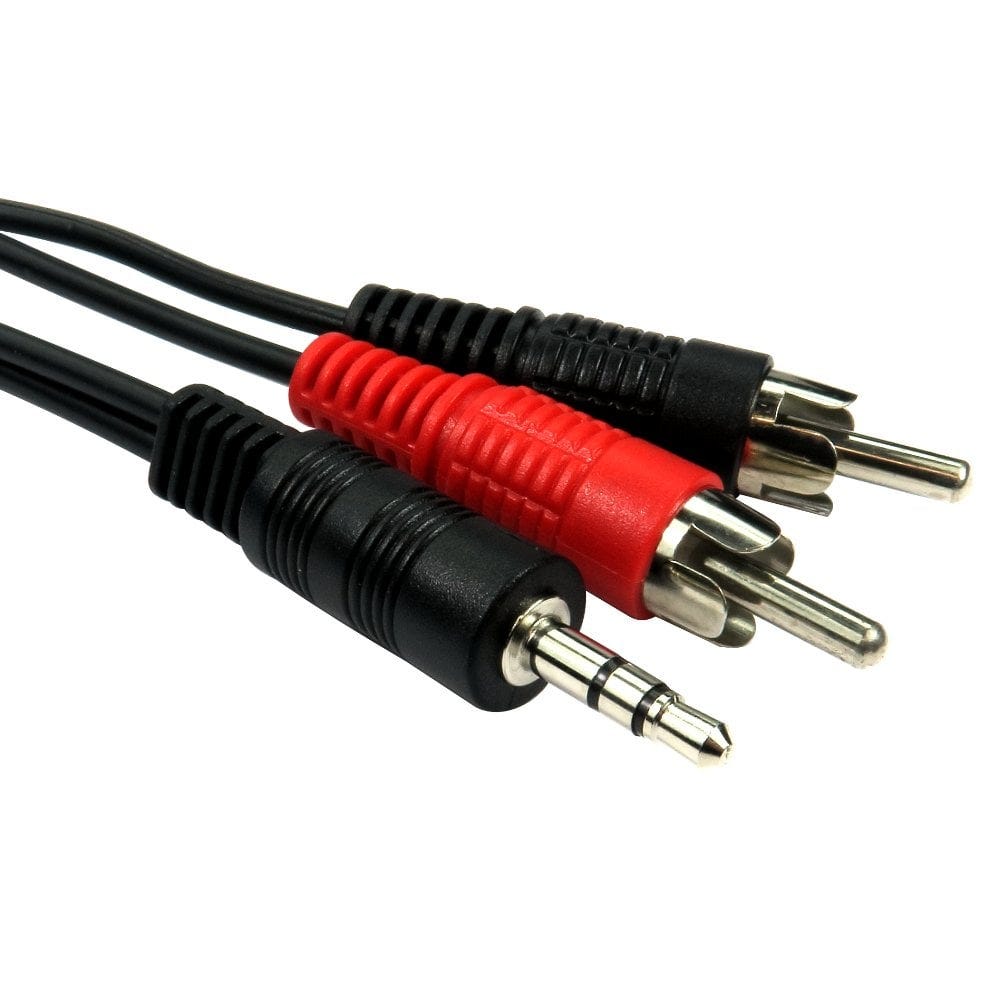
| Phone, laptop or TV headphone socket to a hi-fi or amplifier | A 3.5mm to 2x phono cable |
| Hi-fi to hi-fi, or a CD player or turntable preamp to an amplifier | A stereo phono cable |
| Subwoofer | A single phono cable, or a phono splitter to feed two inputs |
| TV, console or set top box to a soundbar or AV receiver | A Toslink optical cable, or HDMI ARC; see below |
| Microphone to a mixer or audio interface | An XLR cable, such as our 3m XLR lead |
| Mixer, keyboard or studio monitors with 1/4 inch sockets | A 6.35mm stereo (TRS) cable |
| Phone with no headphone socket | A USB C to 3.5mm adapter, which also lets you charge |
| PC with no working sound socket | A USB sound adapter with headphone and microphone sockets |
| Wiring ceiling or wall speakers | 2 core speaker cable |
Headsets with a microphone: 3 pole or 4 pole?
A headset or set of earphones with a built-in microphone has a 4 pole plug. An ordinary 3 pole stereo extension or adapter passes the sound but not the microphone, so for a headset use 4 pole parts, such as our 4 pole extension cable and 4 pole right angle adapter.
Our headphone splitters let two people listen to the same device with their own headphones; they share the sound only, not a microphone.
Optical (Toslink) and soundbars
- A Toslink cable sends digital sound as light, so it picks up no hum or interference. It carries stereo and compressed 5.1 surround (Dolby Digital and DTS).
- Remove the small protective caps from the plugs before use, and do not bend the cable sharply. We stock lengths from 0.5m to 20m, such as our 1m, 3m and 20m cables, and a coupler to join two.
- HDMI ARC or eARC is the alternative when both the TV and soundbar have it: one HDMI cable carries the sound, and the TV remote can control the soundbar's volume. ARC carries compressed surround sound, which on many TVs includes Dolby Atmos from streaming apps; eARC is needed for lossless surround, such as Dolby Atmos from Blu-ray discs. See our HDMI cable guide.
- An older hi-fi with only phono inputs cannot take an optical signal directly; use the TV's headphone or audio out socket with a 3.5mm to phono cable instead, or a digital to analogue converter.
Long runs: balanced and unbalanced
XLR and 6.35mm TRS connections between professional equipment are usually balanced, which cancels out hum and interference, so they can run a long way: our XLR leads go up to 20m. 3.5mm and phono connections are unbalanced, so keep them as short as you can; for longer runs choose a shielded cable, such as our 20m shielded 3.5mm to phono cable.
Adapters between XLR and phono, such as our XLR to phono adapter, change the plug but make the connection unbalanced, so they suit short runs.
Adapters
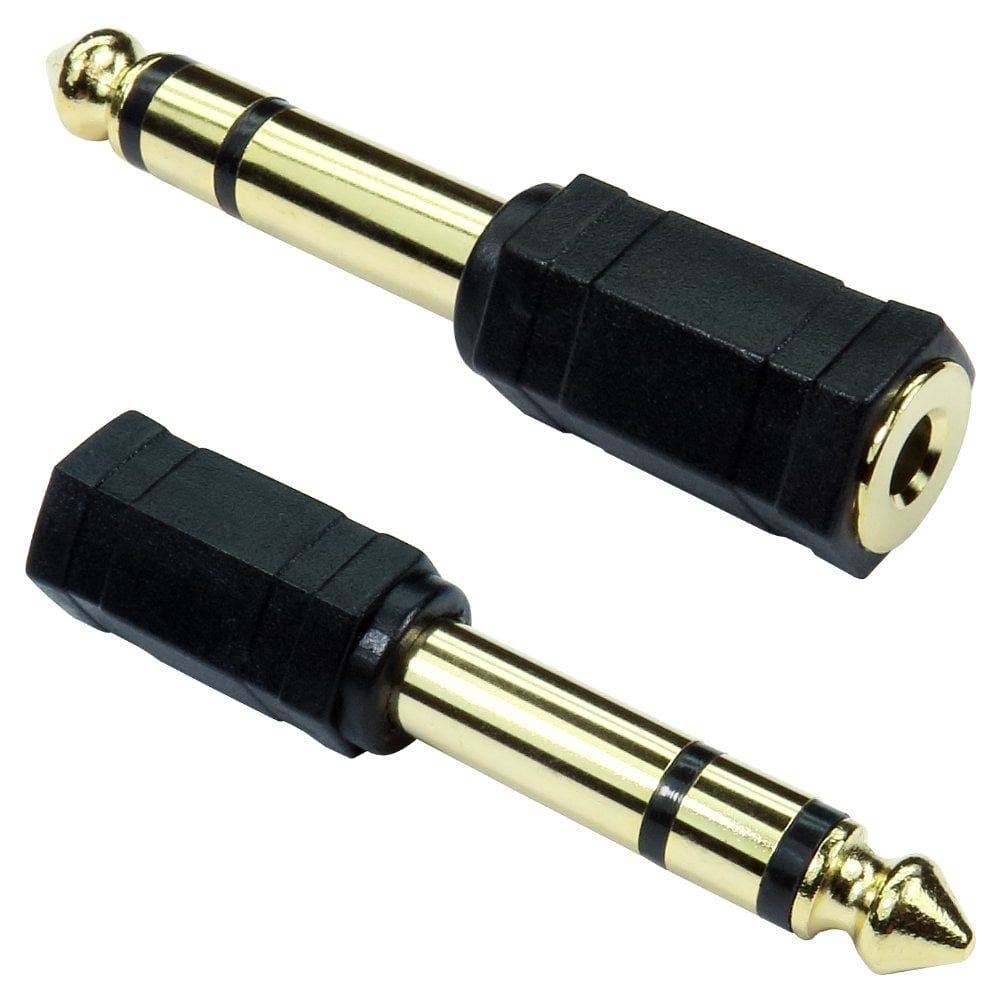
- Studio headphones (6.35mm plug) on a phone or laptop: a 3.5mm to 6.35mm adapter. The other way round, 3.5mm headphones on an amplifier or keyboard: a 6.35mm to 3.5mm adapter.
- 2.5mm sockets: a 2.5mm to 3.5mm adapter.
- Instrument leads: guitars and most effects use mono (TS) leads, such as our 6.35mm to 3.5mm mono cable; a mono lead will not carry stereo headphones.
- XLR microphone into a 1/4 inch input: a 6.35mm to XLR adapter.
- Camcorders and media players with a 4 pole AV socket: a 3.5mm to 3x phono AV cable. Makers wire these sockets differently, so if the picture appears on an audio input, swap the plugs over.
Not sure which audio cable you need? Call us on 0207 100 6326 and we will help.
Popular audio cables