HDMI Cable Guide
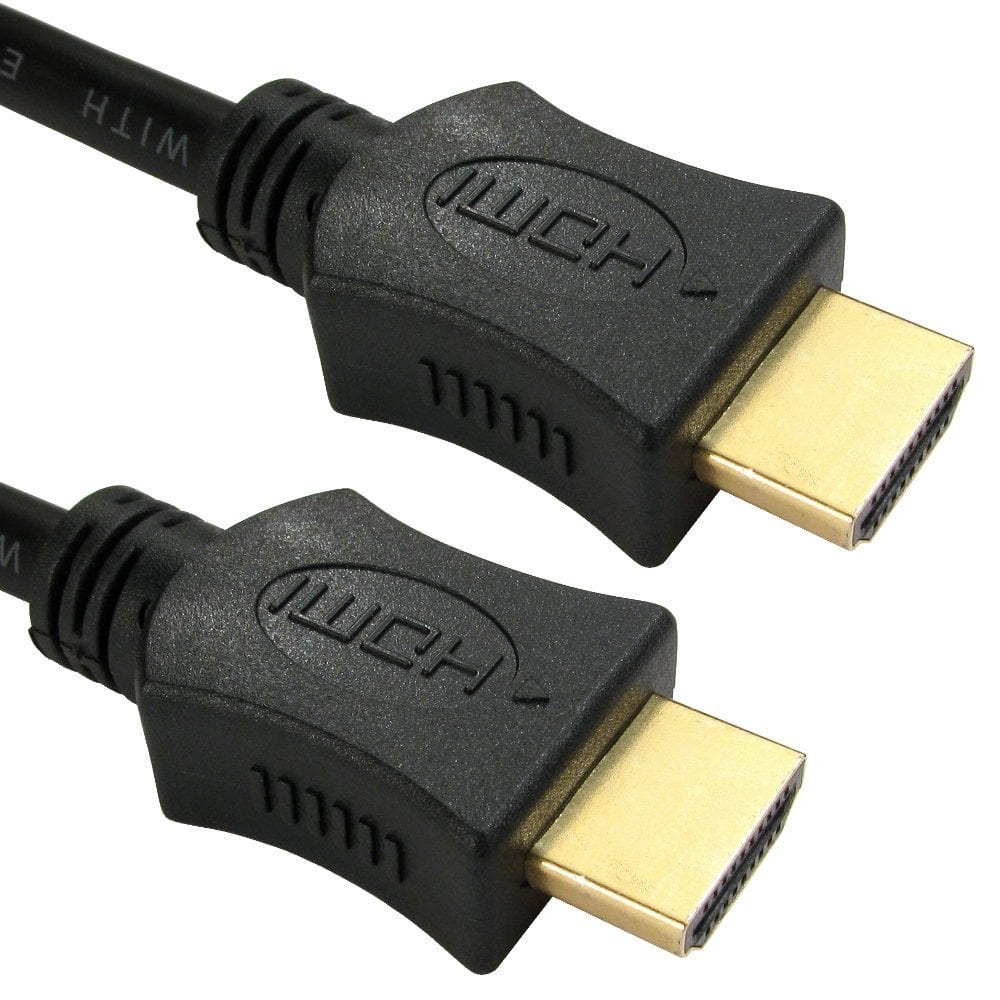
Every HDMI cable looks much the same, but they are made to different speeds, and the speed decides whether you get 4K, 120Hz or 8K on a new TV or console. HDMI cables are labelled by speed rather than by version number, which is where most confusion comes from. This guide explains the labels, which cable suits your equipment, and the different sizes and styles.
HDMI cable speed labels
| Cable label | Bandwidth | Handles | Often called |
|---|---|---|---|
| High Speed | 10.2 Gbps | 1080p, 4K at 30Hz, 3D | HDMI 1.4 cable |
| Premium High Speed | 18 Gbps | 4K at 60Hz with HDR | HDMI 2.0 cable, 4K cable |
| Ultra High Speed | 48 Gbps | 4K at 120Hz, 8K at 60Hz, VRR, eARC | HDMI 2.1 cable, 8K cable |
Version numbers such as HDMI 2.0 and 2.1 describe the ports on TVs, consoles and computers. Cables are certified to a speed instead, so an "HDMI 2.1 cable" is properly an Ultra High Speed HDMI cable. Most cables also say "with Ethernet", meaning they carry the HDMI Ethernet channel and the connection used for ARC (see below).
Premium High Speed and Ultra High Speed cables that have passed official testing carry a certification label on the packaging, which can be checked with the HDMI Cable Certification app. Every cable in our HDMI 2.1 certified range is a certified Ultra High Speed cable.
Which HDMI cable do I need?
| Equipment | Cable |
|---|---|
| HD TV, set-top box, older games console, laptop at 1080p | High Speed with Ethernet |
| 4K TV with Sky, a streaming stick or box, 4K Blu-ray | Premium High Speed (or Ultra High Speed) |
| PS5, Xbox Series X or gaming PC at 4K 120Hz | Ultra High Speed, into an HDMI 2.1 input on the TV |
| 8K TV | Ultra High Speed |
| Soundbar or AV receiver using eARC | Ultra High Speed is the safest choice |
| Monitor or projector from a laptop | Match the laptop's highest resolution; see our laptop to TV guide for other ports |
A faster cable works with all older equipment, so an Ultra High Speed cable is a sensible choice if you are not sure or plan to upgrade. It will not improve the picture beyond what the TV and source can do. On many TVs only some HDMI inputs run at full HDMI 2.1 speed, so check the TV's manual and use that input for a console.
ARC and eARC for soundbars
ARC (Audio Return Channel) sends sound from the TV back down the HDMI cable to a soundbar or AV receiver, so TV apps and the built in tuner play through your speakers with one cable. Connect to the HDMI socket marked ARC or eARC on both the TV and the soundbar.
eARC is the newer version, with enough bandwidth for lossless Dolby Atmos and DTS:X sound. It needs eARC on both the TV and the soundbar or receiver, and an HDMI cable with Ethernet; an Ultra High Speed cable supports it fully. If ARC or eARC does not work, check that HDMI-CEC (often given a brand name such as Anynet+, Simplink or Bravia Sync) is switched on in the TV's settings.
Active and fibre optic HDMI cables
Ordinary copper HDMI cables are passive: the signal gets weaker the further it travels, and at 4K and 8K it runs out sooner. For a projector across a room, a TV on another wall, or a screen in a meeting room or venue, there are two answers.
Active HDMI cables
An active HDMI cable is a copper cable with a small booster chip built into the plug, which strengthens the signal so it holds up over a longer run. The booster takes its power from the HDMI port, so no separate supply is normally needed; some include a USB lead for extra power if a device does not supply enough. Like fibre cables, active cables are directional: the end marked for the source goes to the player, set-top box or computer, and the display end to the TV or projector. Most of our active cables are High Speed with Ethernet, for 1080p and 4K at 30Hz with ARC and 3D, and we also have a 10m 4K active cable. They are a good value choice for HD and standard 4K.
Fibre optic HDMI cables
A fibre optic HDMI cable, also called an active optical cable (AOC), carries the picture and sound as light over fibre cores, with a small converter built into each plug. Copper HDMI cables lose signal as they get longer, especially at 4K and 8K; a fibre optic cable keeps the full quality over much greater distances, is thinner and lighter, and is not affected by interference from mains cables or lighting. That makes it the choice for a projector across a room, a TV on another wall, or a screen in a meeting room or venue.
- Directional: fibre HDMI cables only work one way round. Connect the end marked source to the player, console or computer, and the end marked display to the TV, monitor or projector.
- Speed: we have 48Gbps Ultra High Speed (HDMI 2.1) fibre cables for 4K at 120Hz and 8K at 60Hz, and HDMI 2.0 versions for 4K at 60Hz.
- Installation: versions with removable plug hoods leave a much smaller plug that pulls through conduit, walls and ceiling voids, and armoured versions protect the fibre where the cable could be crushed. LSZH versions suit offices and public buildings.
- Power: most are powered by the HDMI port; some come with a USB power lead for equipment that does not supply enough power, so check the product description.
- Treat fibre cables gently: do not bend them sharply, kink them or pull them by the plug.
Active or fibre? For 1080p and 4K at 30Hz, an active cable is the lower cost option. For 4K HDR at 60Hz, 4K at 120Hz or 8K over a longer distance, choose a fibre optic cable.
HDMI plug sizes
| Plug | Shape | Found on |
|---|---|---|
| Standard (type A) | TVs, monitors, projectors, consoles, set-top boxes, most laptops | |
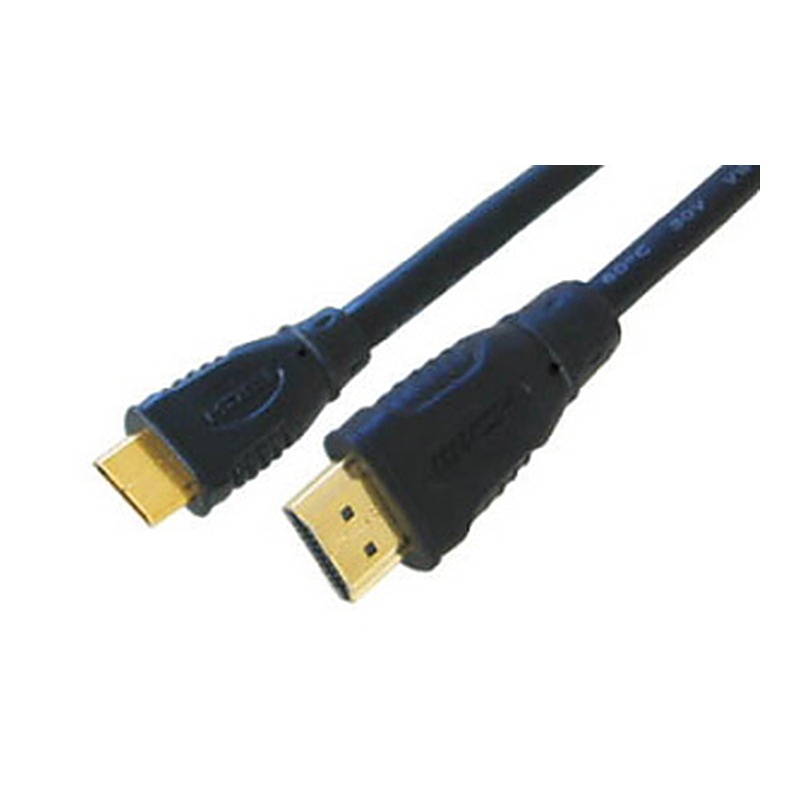
| Mini HDMI (type C) | Cameras, camcorders, some tablets and small laptops | |
| Micro HDMI (type D) | Action cameras, some cameras and tablets, Raspberry Pi 4 and 5 |
All three carry the same signal, so a mini or micro HDMI to HDMI cable, or an adapter such as our mini HDMI adapter or micro HDMI adapter, connects a camera or small device to a full size HDMI TV. Drawings are roughly to scale with each other.
Cable styles and adapters
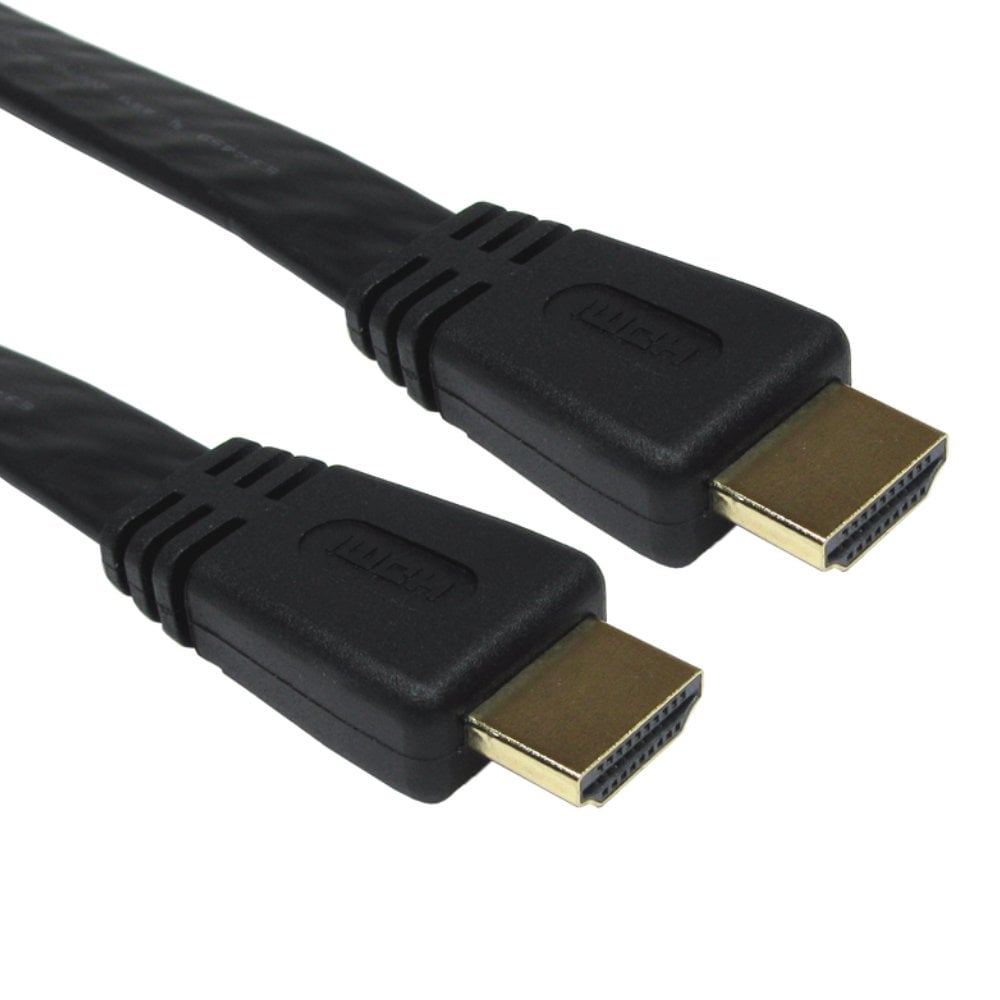
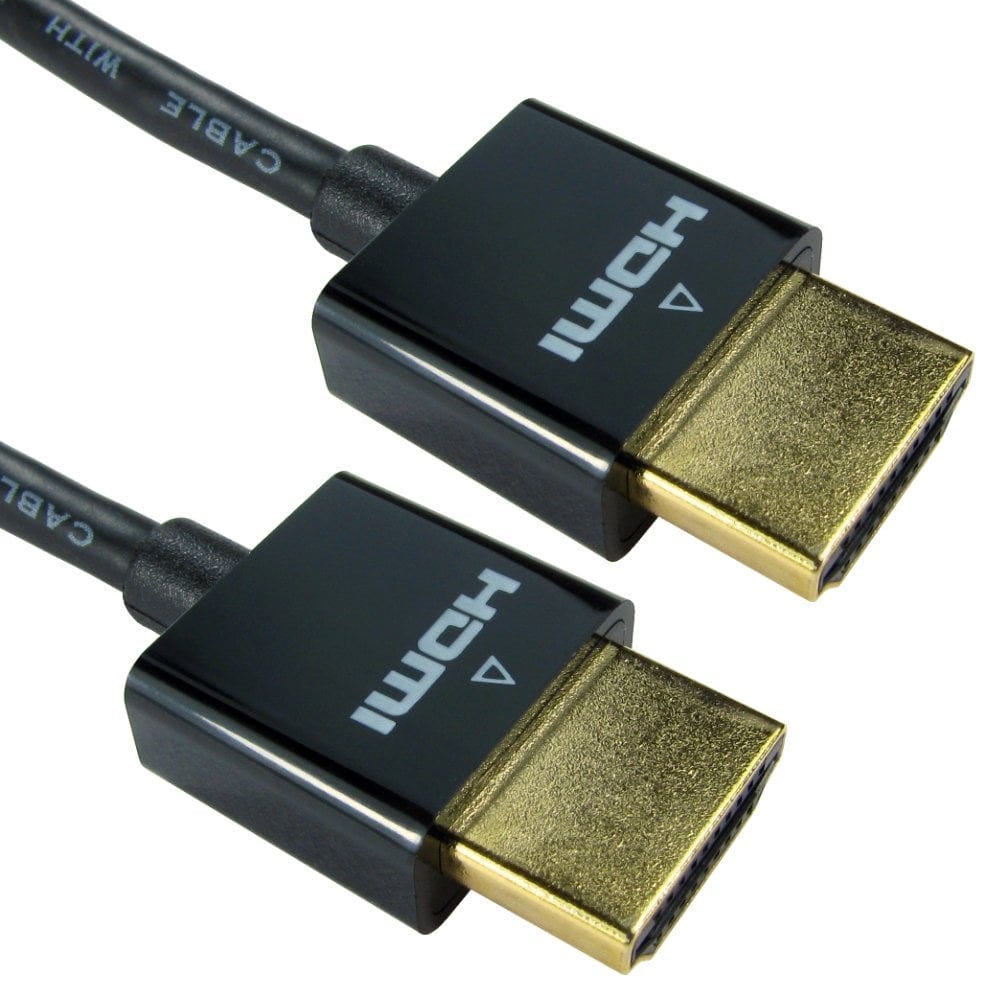
- Flat and ultra slim cables are thinner and more flexible, so they tuck behind a wall mounted TV or route neatly around a desk.
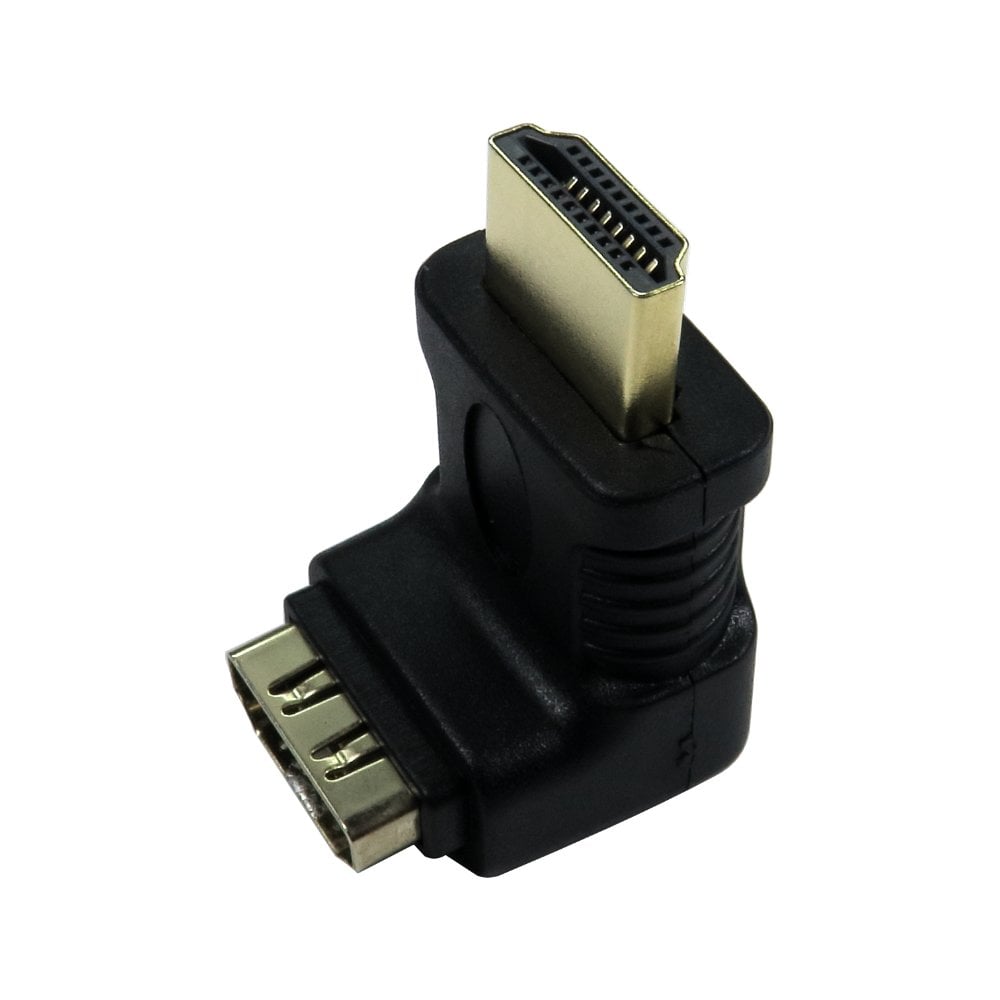
- Right angle and swivel plugs and adapters, such as the 90 degree and 270 degree right angle adapters or a swivel adapter, let the cable leave the socket at an angle, so a TV can sit close to the wall.
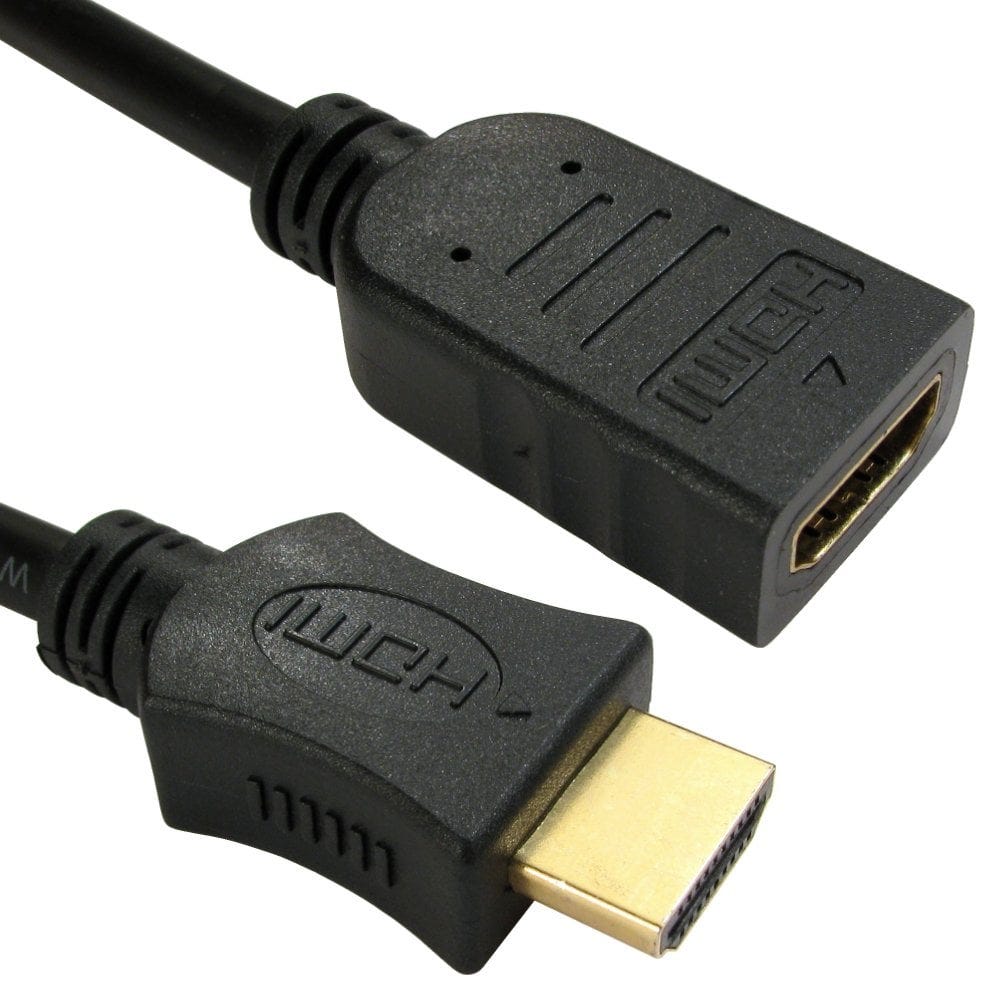
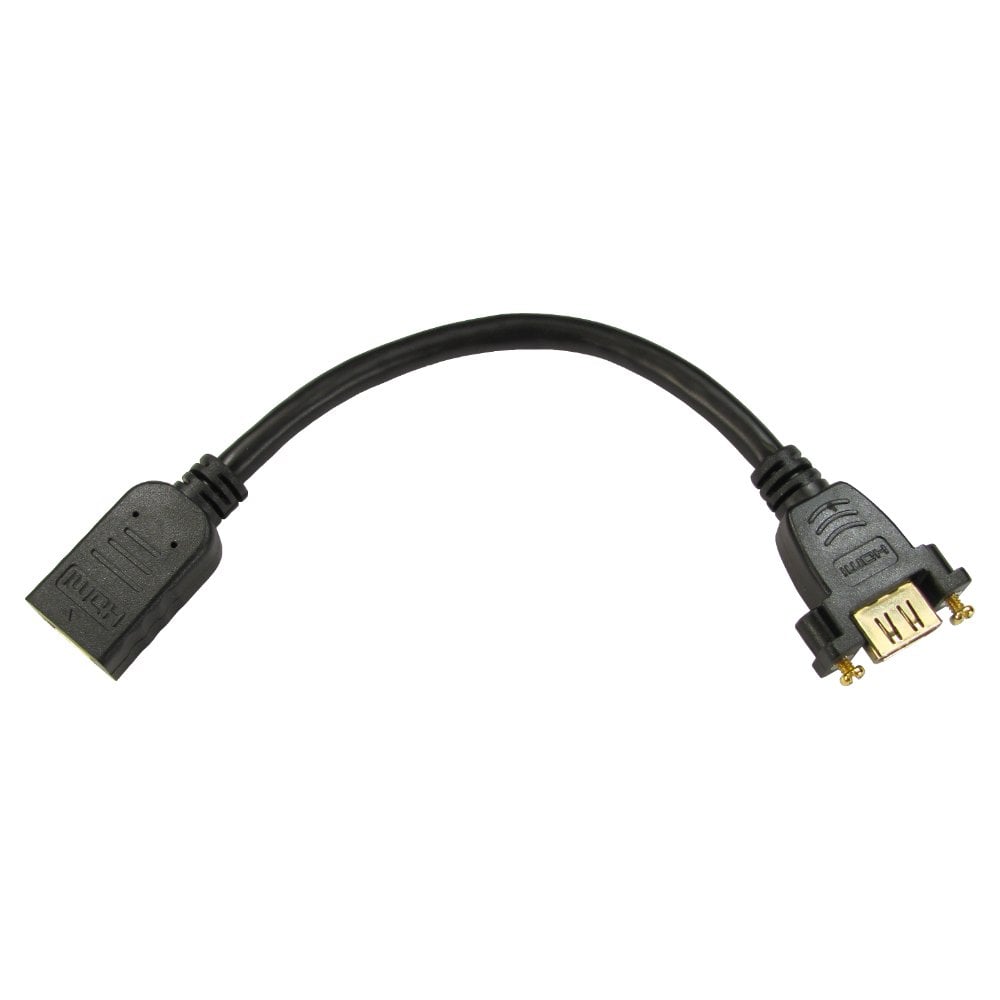
- Extension cables have a plug at one end and a socket at the other, to add length to a cable or bring a hard to reach port somewhere easier to use.
- Couplers, such as the female to female coupler or 90 degree angled coupler, join two HDMI cables end to end. Keep the total length short for 4K and above.
- Braided cables have a woven outer jacket that resists wear where a cable is moved often.
To send one source to two or more screens, use a powered HDMI splitter; to choose between several sources on one screen, use an HDMI switch.
HDMI myths
- "Expensive cables give a better picture." HDMI is digital: a cable that carries the signal gives exactly the same picture as one that costs ten times as much. A cable that cannot keep up shows sparkles, dropouts or a blank screen instead, which is why the speed label matters more than the price.
- "Gold plated plugs improve the picture." Gold plating resists corrosion, which helps a plug that is in and out a lot, but does not change the picture.
- "I need a new cable for HDR." HDR works over Premium High Speed and Ultra High Speed cables, and often over good High Speed ones at lower resolutions; the TV and source must both support it.
Still not sure which cable you need? Call us on 0207 100 6326 and we will help.
Popular HDMI cables